
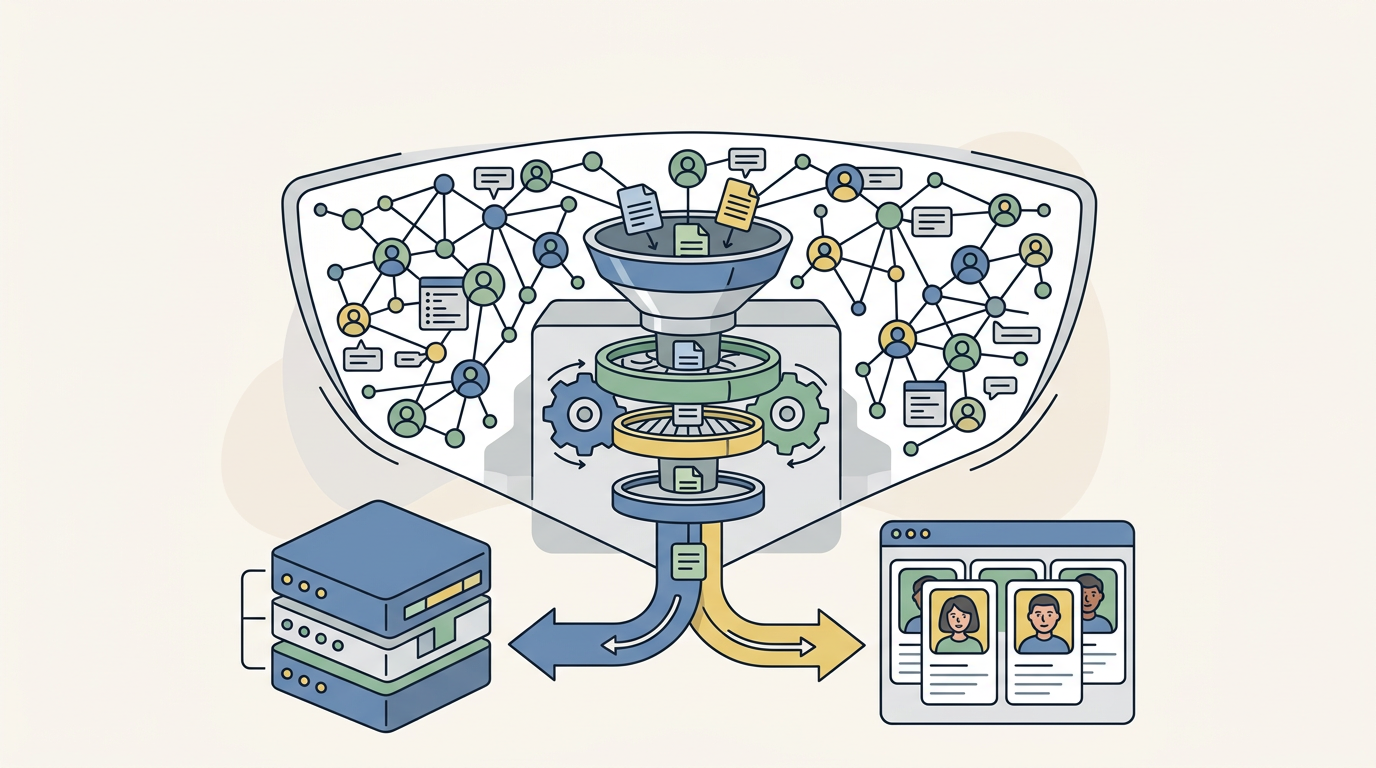
The modern GTM stack runs on data, and LinkedIn is the largest professional dataset on the internet. With over 900 million members, it contains the most complete and up-to-date professional information available anywhere. For GTM Engineers and RevOps leaders, this data is the foundation of effective targeting, enrichment, and account research.
But here’s the problem: LinkedIn does not make this data easy to access at scale. The official API is limited, expensive, and requires partnership approval. That’s why technical GTM teams turn to scraping. When done right, it unlocks TAM analysis, lead enrichment, intent signal detection, and competitive intelligence that would be impossible to gather manually.
This guide covers everything you need to know about how to scrape LinkedIn profiles in 2026: the legal landscape, LinkedIn’s anti-scraping defenses, the best tools for different use cases, and how to integrate scraped data into your revenue stack.
The legal and ethical landscape
Let’s address the elephant in the room first. Is scraping LinkedIn legal?
The short answer is yes, with caveats. The 2017-2022 hiQ Labs v. LinkedIn case established that scraping publicly available data does not violate the Computer Fraud and Abuse Act (CFAA) in the United States. The court ruled that if data is visible without logging in, scraping it is not “unauthorized access.”
But LinkedIn’s Terms of Service still explicitly prohibit automated access. This creates a practical reality: while you are unlikely to face legal action for scraping public profiles, LinkedIn can and will ban accounts and block IPs that they detect scraping.
For GTM teams, the risks are operational, not criminal. A banned LinkedIn account can disrupt your sales team’s entire workflow. IP blocks can affect your entire office. GDPR and CCPA add another layer: even if scraping is legal, how you store and use personal data must comply with privacy regulations.
Best practices for ethical scraping include respecting opt-out requests, implementing reasonable data retention limits (delete data after 12-18 months), and only scraping what you actually need for legitimate business purposes.
Understanding LinkedIn’s anti-scraping defenses
LinkedIn has built one of the most sophisticated anti-scraping systems on the internet. Understanding how it works is essential for anyone planning to scrape at scale.
Authentication walls are the first line of defense. Try viewing more than 3-5 profiles in an incognito window, and LinkedIn will force you to log in. This limits unauthenticated scraping to a tiny fraction of the platform.
Behavioral tracking goes deeper than simple rate limiting. LinkedIn monitors request timing, mouse movements, scroll patterns, and navigation flow. Real users don’t view 100 profiles per minute in perfect sequence. They pause, scroll, click on different elements, and follow organic navigation paths.
Request fingerprinting examines the technical signature of each request. LinkedIn analyzes JA3 TLS signatures (which identify the client making the request), IP reputation (datacenter IPs are flagged immediately), browser headers, and cookie chains. They combine these signals to calculate a fraud score for every visitor.
If your score looks suspicious, LinkedIn forces a login or blocks the request entirely. This is why most DIY scrapers fail: they lack the infrastructure to mimic human behavior at scale.
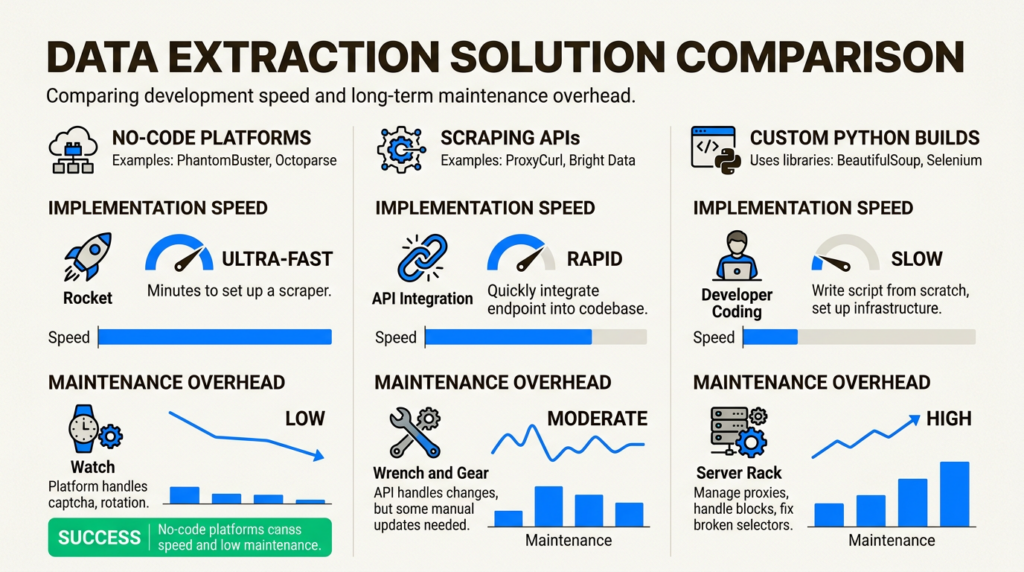
Three approaches to LinkedIn scraping
There’s no single right way to scrape LinkedIn. The best approach depends on your team’s technical resources, volume requirements, and timeline.
Approach 1: No-code automation platforms
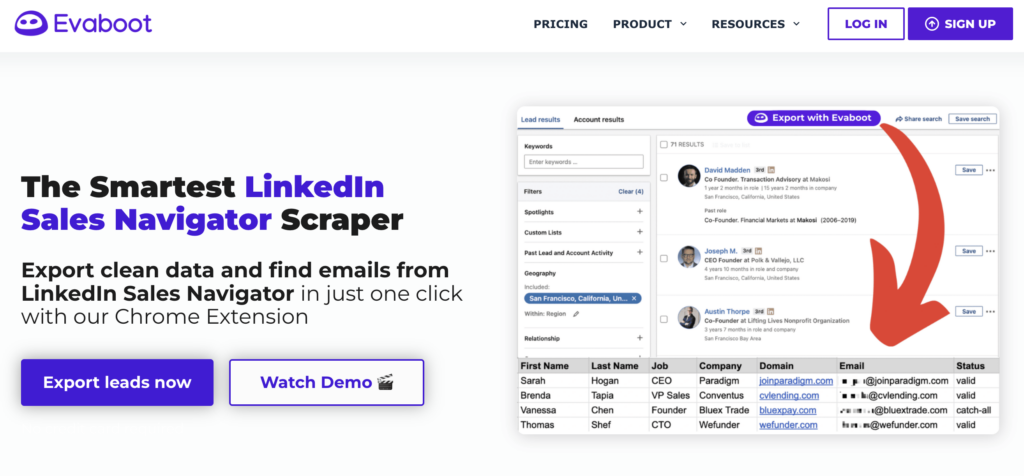
No-code tools like PhantomBuster, Evaboot, and Dux-Soup are best for teams without dedicated engineering resources who need to move fast. These platforms provide pre-built automations that run in the cloud, requiring no code to set up.
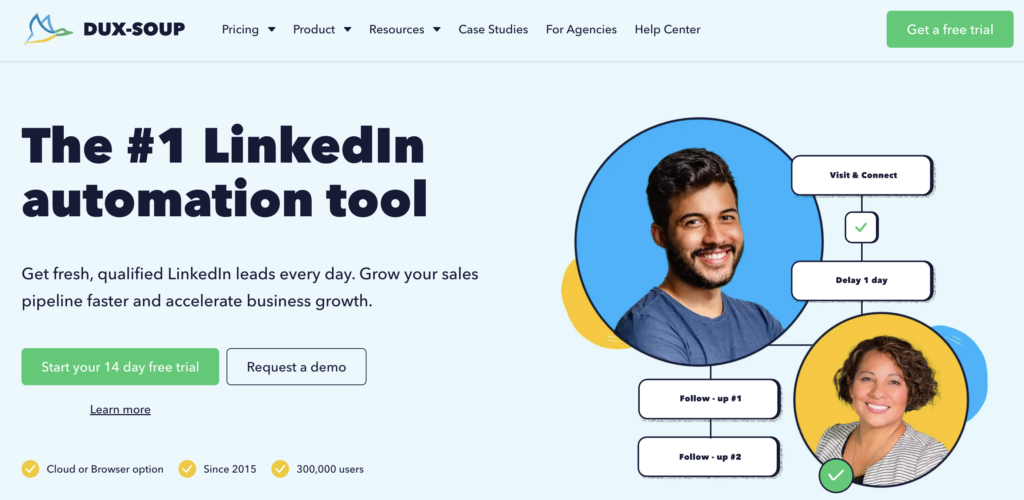
The trade-offs are cost and flexibility. You will pay more per profile scraped, and you are limited to the features and integrations the platform provides. But for many GTM teams, the speed to value is worth it.
Approach 2: Scraping APIs
APIs like ScrapFly, Bright Data, and ProxyCurl are designed for engineering teams building custom workflows. These services handle the anti-detection infrastructure (proxies, fingerprint rotation, CAPTCHA solving) while you focus on the data extraction logic.
This approach requires coding but offers the best balance of control and reliability for high-volume use cases. Most APIs provide SDKs for Python and other languages, making integration straightforward.
Approach 3: Build your own
Building a custom scraper with Python, Selenium or Playwright, and residential proxies gives you maximum control. This is the right choice if you have unique requirements that off-the-shelf tools cannot meet, or if you are scraping at very high volumes (100K+ profiles per month) where per-profile API costs become prohibitive.
The downside is maintenance. LinkedIn changes its structure every 4-8 weeks, and anti-detection techniques require constant tuning. You will need dedicated engineering time to keep a custom scraper running.
Tool comparison: Top LinkedIn scrapers for GTM teams
Here’s how the leading tools stack up for GTM use cases:
| Tool | Type | Starting Price | Best For | Rate Limit |
|---|---|---|---|---|
| PhantomBuster | No-code | $69/month | Multi-platform workflows | 1,500/day |
| ScrapFly | API | $30/month + usage | High-volume engineering | Varies |
| ProxyCurl | API | $49/month (100 credits) | Developer integrations | 432K/day |
| Evaboot | Browser ext | $9/month | Sales Navigator users | 200/day |
| Bright Data | Proxy infra | Custom | Enterprise scale | Unlimited |
PhantomBuster
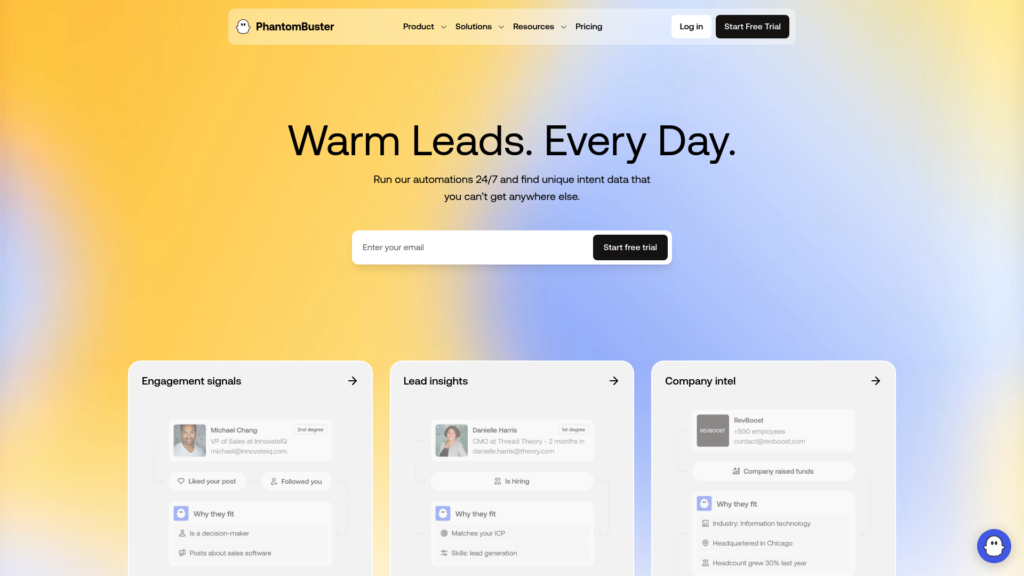
PhantomBuster offers 130+ pre-built “Phantoms” including a dedicated LinkedIn Profile Scraper that extracts 75+ data points per profile. It integrates with HubSpot, Salesforce, and Pipedrive for bi-directional CRM sync, and includes AI-powered enrichment and message writing. Pricing starts at $69/month for 20 hours of execution time.
The platform runs entirely in the cloud, so you don’t need to keep your computer on. However, it uses datacenter IPs which carry higher detection risk than residential proxies.
ScrapFly
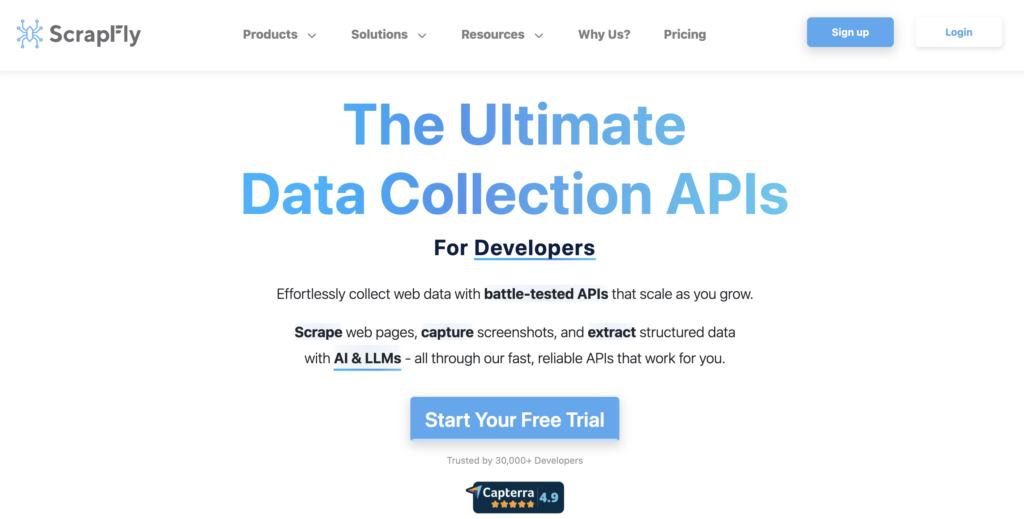
ScrapFly boasts a 97% success rate for LinkedIn scraping, backed by 55M+ residential proxies across 190+ countries. Their API handles anti-bot protection bypass automatically and includes Python and TypeScript SDKs. They maintain open-source LinkedIn scraper templates on GitHub.
Pricing starts at $30/month for 200,000 credits, but LinkedIn scraping requires residential proxies which consume 25+ credits per request. Budget $15-30 per 1,000 profiles.
ProxyCurl
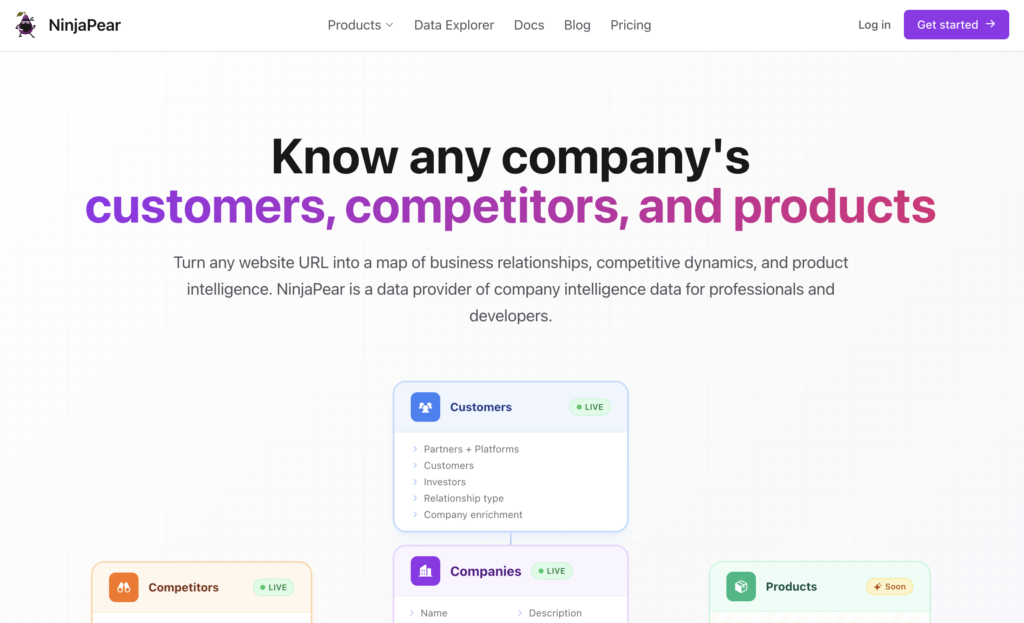
ProxyCurl is purpose-built for LinkedIn data, not general scraping. Their API offers cached data (1 credit, ~200ms response) or fresh real-time scraping (2 credits, 5-15 seconds). For bulk needs, LinkDB provides access to 475M+ pre-scraped profiles starting at $3,000.
The credit-based pricing starts at $49/month for 100 credits, making it cost-effective for moderate volumes but expensive at scale compared to unlimited proxy approaches.
Step-by-step: Scraping LinkedIn profiles with Python
For teams choosing the API approach, here’s a practical implementation using ScrapFly:
Prerequisites
- Python 3.8+
- ScrapFly SDK:
pip install scrapfly-sdk - API key from ScrapFly
Step 1: Set up your environment
Install the SDK and configure your API key:
pip install scrapfly-sdkSet your API key as an environment variable or pass it directly to the client.
Step 2: Configure anti-detection settings
Essential parameters for LinkedIn scraping success include enabling anti-scraping protection, using residential proxies, and setting appropriate wait times for JavaScript rendering.
Step 3: Extract profile data
LinkedIn stores profile data in hidden JSON-LD script tags. Parse these to extract structured information without relying on fragile CSS selectors.
Step 4: Handle pagination and rate limits
Implement exponential backoff for errors, track your request rate, and stop gracefully when approaching limits. Never hard-fail on a single error; LinkedIn occasionally serves different page versions.
Step 5: Export and integrate
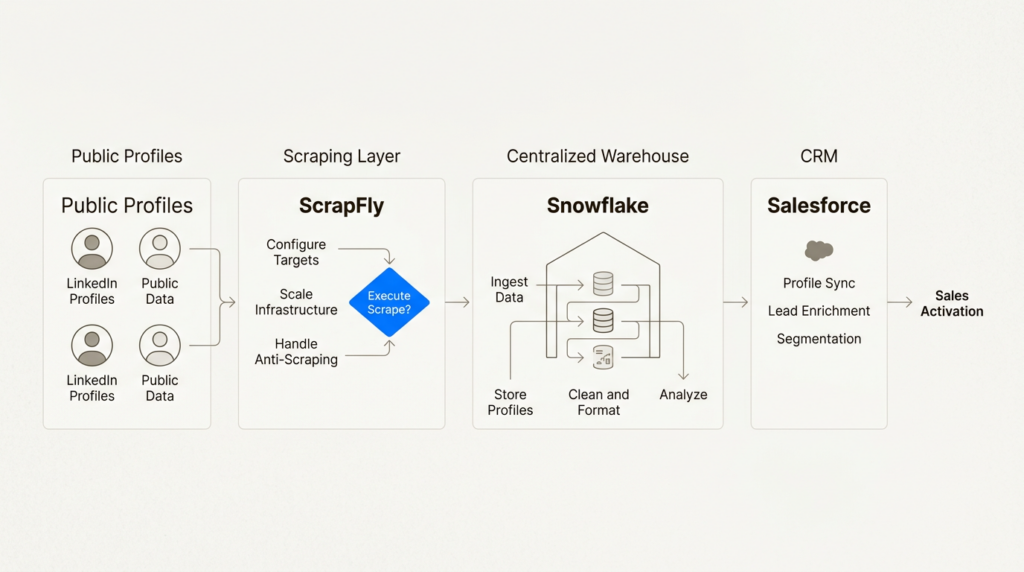
Output to CSV for ad-hoc analysis, JSON for API pipelines, or stream directly to your data warehouse. For production workflows, consider loading into Snowflake or another warehouse for transformation with dbt.
Best practices for safe scraping at scale
Rate limiting is the most important rule. Stay under 100-200 profiles per day for manual accounts, and 1,500 per day even when using professional tools. LinkedIn’s bans are permanent and non-appealable.
Proxy rotation should use residential IPs, not datacenter proxies. LinkedIn flags datacenter traffic immediately. Services like ScrapFly and Bright Data provide access to millions of residential IPs.
Session management means mimicking human browsing patterns. Vary your timing, follow internal links rather than jumping directly to profile URLs, and maintain consistent cookie chains.
Data freshness matters because LinkedIn updates its structure every 4-8 weeks. Monitor your scraper’s success rate and be prepared to update selectors when they change.
Error handling should degrade gracefully. When a profile is restricted or returns an error, log it and move on. Don’t retry aggressively, as this triggers detection.
Integrating LinkedIn data into your GTM stack
Scraped LinkedIn data becomes valuable when integrated into your broader GTM infrastructure. Here’s how technical teams are using it:
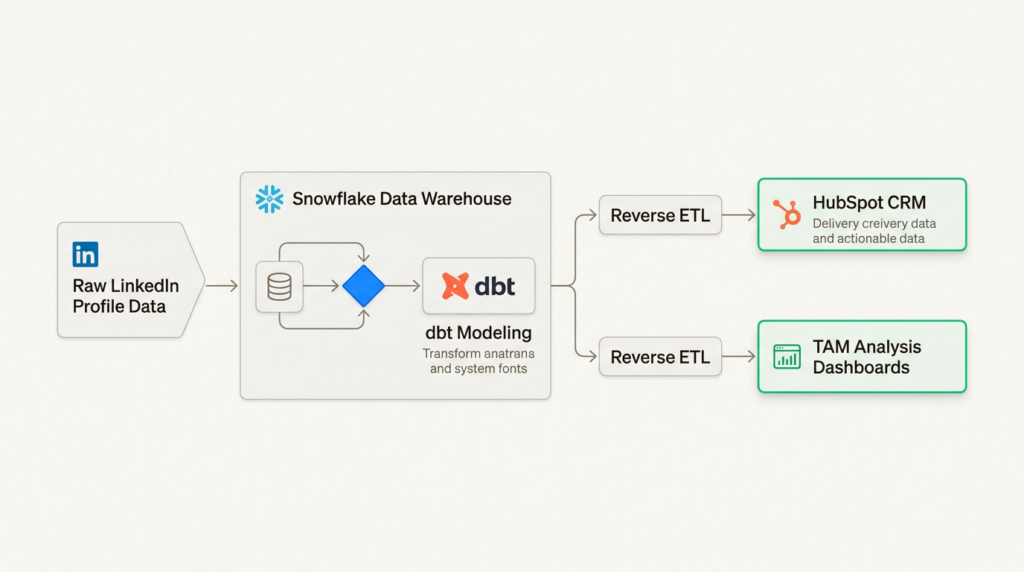
Warehouse-first architecture: Load raw profile data into Snowflake, then use dbt to model it into useful entities (companies, contacts, job changes). This creates a single source of truth for your GTM data.
Reverse ETL: Sync enriched LinkedIn data back to your CRM. When a contact changes jobs, automatically update their record and trigger a re-engagement workflow.
Lead scoring: Combine LinkedIn signals (seniority, company growth rate, hiring velocity) with product usage data to prioritize outreach. A VP at a fast-growing company who visited your pricing page is worth more than a junior employee at a stagnant one.
TAM analysis: Use employee counts, hiring patterns, and tech stack mentions to size your total addressable market and identify high-fit accounts.
Intent signals: Track job changes, funding announcements, and hiring spikes as buying signals. A company that just raised Series B and is hiring 10 sales reps is likely investing in sales infrastructure.
For more on building a modern GTM tech stack, see our guides on GTM Engineer roles and the best GTM tools for 2025.
Build vs buy: Making the right choice for your team
Build when: You have unique requirements that off-the-shelf tools cannot meet, you are scraping 100K+ profiles per month (where per-profile costs add up), or you already have data infrastructure and engineering resources dedicated to maintenance.
Buy when: Speed to value matters, you are scraping fewer than 10K profiles per month, or you have limited engineering resources. The TTV/TCO math usually favors buying until you hit significant scale.
Hybrid approach: Many teams use APIs for real-time enrichment in production workflows, while using no-code tools like PhantomBuster for one-off research projects. This gives you flexibility without maintaining everything yourself.
When calculating TCO, factor in not just the tool cost but also proxy expenses, account replacement costs (if accounts get banned), and engineering time for maintenance. A “free” custom scraper can easily cost $5K+ per month in hidden engineering time.
Start scraping LinkedIn data for your GTM strategy
LinkedIn profile scraping sits in a gray area: legal for public data, against LinkedIn’s Terms of Service, but widely practiced by GTM teams who need the data to compete. The key is doing it responsibly: respect rate limits, use proper anti-detection, and only collect what you actually need.
Choose your approach based on your team’s technical resources and volume requirements. No-code tools get you started fastest. APIs offer the best balance for most teams. Custom scrapers make sense at serious scale.
Once you have the data, the real work begins: integrating it into your warehouse, building models that turn raw profiles into actionable insights, and feeding those insights into your sales and marketing workflows. That’s where the competitive advantage lives.
Ready to build a more data-driven GTM function? Check out our guide to AI-powered lead generation for the next layer of GTM intelligence.
Frequently Asked Questions
Is it legal to scrape LinkedIn profiles for lead generation?
Yes, scraping publicly available LinkedIn profiles is legal under U.S. law following the hiQ Labs v. LinkedIn case. However, it violates LinkedIn’s Terms of Service, so the main risks are account bans and IP blocks rather than legal action. Always comply with GDPR and CCPA when storing and using scraped personal data.
How many LinkedIn profiles can I safely scrape per day?
Safe limits depend on your approach. For manual accounts, stay under 100-200 profiles per day. Professional tools like PhantomBuster recommend a maximum of 1,500 profiles per day. Exceeding these limits risks permanent account bans with no appeal process.
What is the best tool to scrape LinkedIn profiles for GTM teams?
The best tool depends on your needs. PhantomBuster is best for no-code multi-platform workflows starting at $69/month. ScrapFly offers the best API for engineering teams with high-volume needs. ProxyCurl is ideal for developer integrations requiring fast, cached LinkedIn data.
Can I scrape LinkedIn profiles without getting banned?
You can reduce ban risk by using residential proxies (not datacenter IPs), implementing rate limiting, mimicking human browsing patterns with varied timing, and using professional anti-detection tools. However, no approach is 100% ban-proof, so never scrape from an account you cannot afford to lose.
How do I integrate scraped LinkedIn data into my CRM?
Most professional scraping tools offer direct CRM integrations. PhantomBuster connects to HubSpot, Salesforce, and Pipedrive. For custom implementations, export to CSV or JSON and use your CRM’s import API, or implement a warehouse-first architecture with Reverse ETL to keep data synchronized.
What data points can I extract when I scrape LinkedIn profiles?
Available data includes name, headline, current position, work history, education, skills, location, and connection count. Some tools also extract email addresses, profile images, and activity data. The exact fields depend on the tool and whether the profile is public or requires authentication to view.
Leave a Reply