
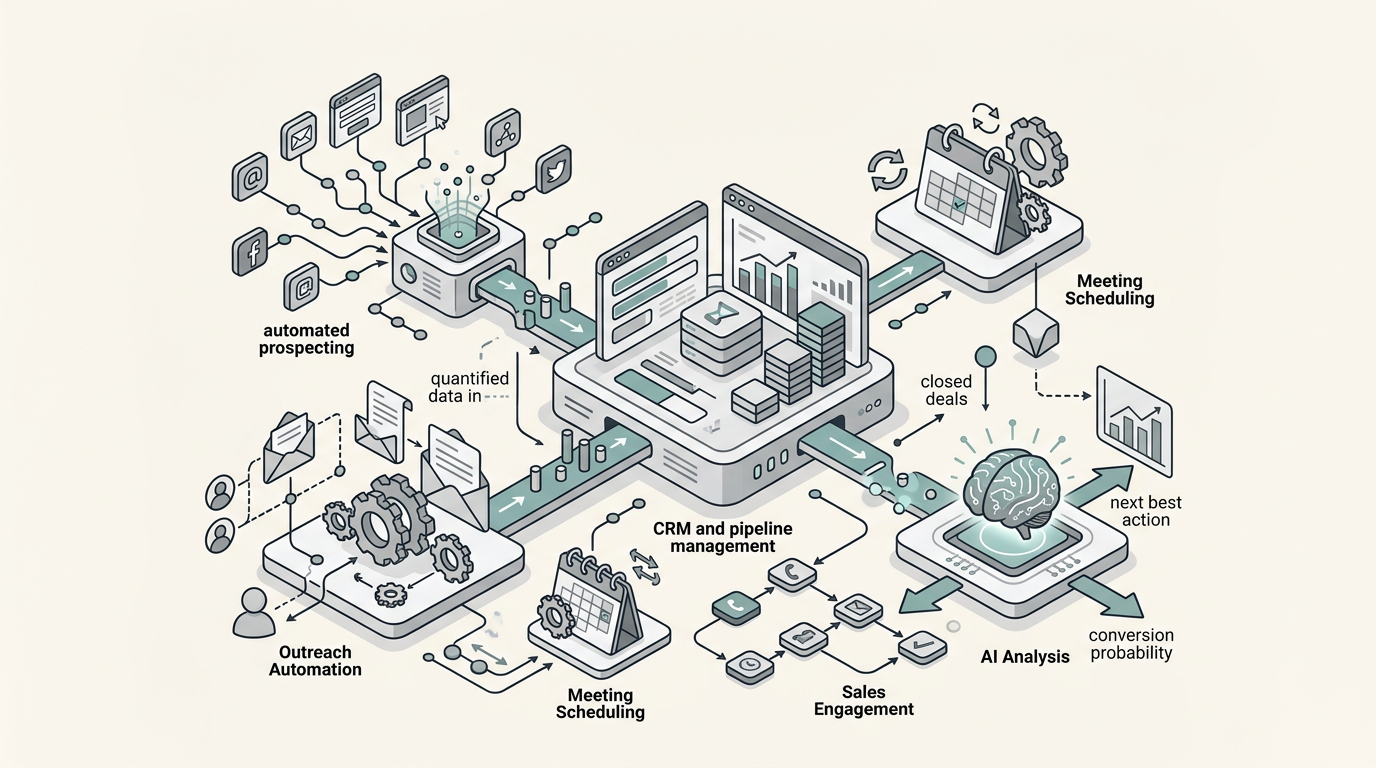
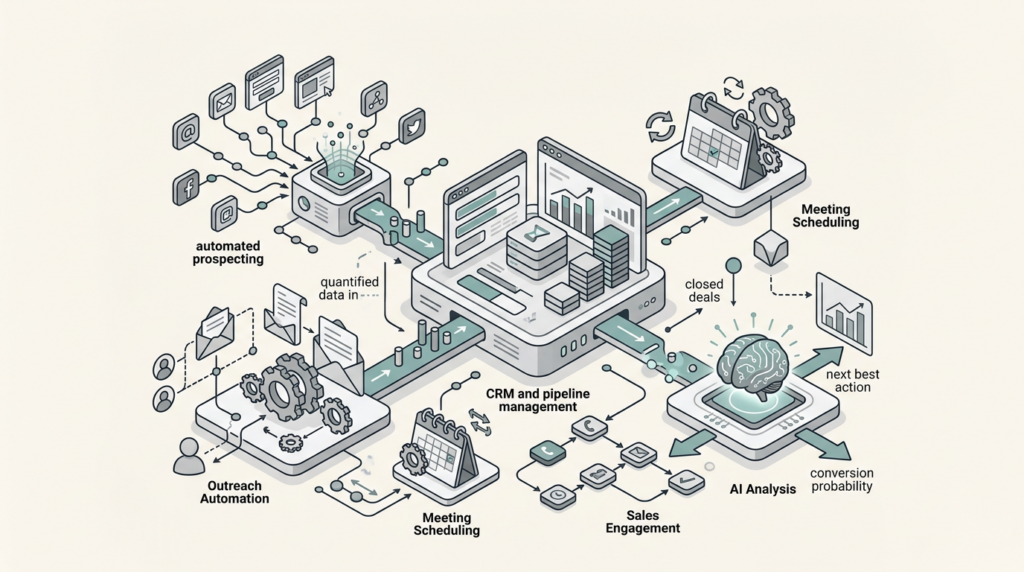
Last year, I watched a Series B startup burn through $30,000 in six months on sales tools that never made it past the pilot phase. The problem was not the tools themselves. It was that they bought the wrong ones for their actual workflow.
Sound familiar? Sales automation is an $8.9 billion market, and every vendor promises to “streamline your pipeline” or “boost conversions with AI.” But here’s what they don’t tell you: 65% of sales rep time still goes to non-selling tasks, and most teams are drowning in tool sprawl.
I spent 40 hours hands-on testing the top sales automation platforms to figure out which ones actually deliver. Not just feature lists from marketing pages, but real-world evaluation of setup time, integration complexity, and whether those AI features actually work or are just buzzwords. If you’re building a modern GTM stack, check out our guide to the 20 best GTM tools for 2025 for a broader view of the landscape.
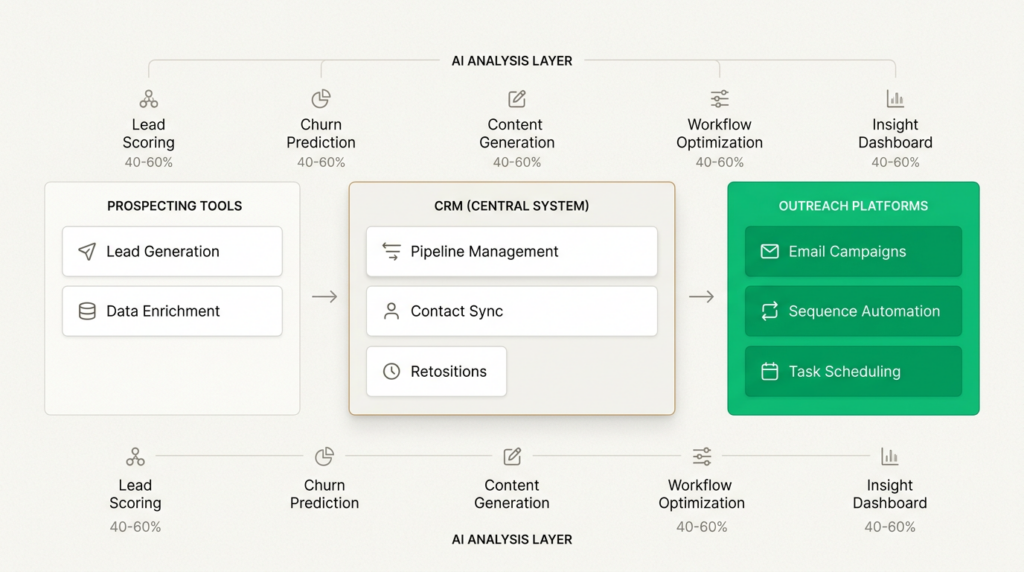
This guide cuts through the noise. I’ll show you what each tool does best, where it falls short, and how to match the right platform to your team’s technical maturity and budget.
How I evaluated these sales automation tools
Before diving into the list, here’s my scoring framework. I rated each tool on five dimensions that matter for GTM teams:
Time-to-Value (TTV): How fast can you actually use this? Some tools take weeks to configure. Others you can use same-day.
Total Cost of Ownership (TCO): Not just sticker price, but implementation costs, training time, and hidden add-ons that show up later.
Integration Complexity: Does it play nice with your existing stack? Native integrations are smooth. Custom API work gets expensive fast.
AI Utility: Which AI features actually work versus marketing fluff? I tested the real output quality and reliability.
Data Portability: Can you get your data out? Some platforms make migration painful. Others treat your data like you own it.
Each tool gets a 1-5 score in these categories. Let’s get into the list.
The 8 best sales automation tools
1. HubSpot Sales Hub
Best for: All-in-one CRM + automation for growing teams
Scores: TTV 4/5 | TCO 3/5 | Integration 5/5 | AI Utility 4/5
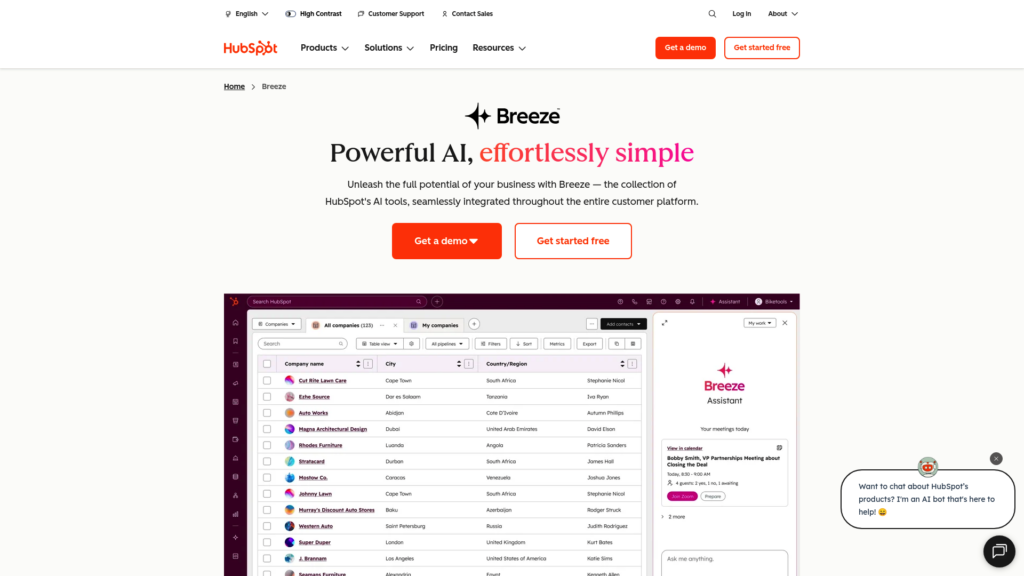
HubSpot is the safe choice that does not feel boring. The free tier is genuinely useful (not just a teaser), and the platform grows with you from startup to enterprise.
What works:
- Breeze AI delivers on its promises. The meeting assistant transcribes calls accurately, and the prospecting agent surfaces relevant leads without spamming your inbox.
- 1,500+ native integrations mean you rarely need Zapier as a workaround.
- The workflow automation in Professional tier ($90/seat/mo) handles complex sequences without code.
What doesn’t:
- Price jumps aggressively at Professional tier. Starter at $9/seat is a steal, but you’ll outgrow it fast.
- Mandatory onboarding fees ($1,500 for Pro, $3,500 for Enterprise) sting.
- Can feel bloated if you just want simple pipeline management.
Pricing: Free tier available. Starter $9/seat/mo (annual), Professional $90/seat/mo, Enterprise $150/seat/mo. Plus onboarding fees.
Verdict: Start here if you want one platform that handles marketing, sales, and service without custom integration work. Budget for the jump to Professional when you need real automation.
2. Salesforce Sales Cloud
Best for: Enterprise teams with complex processes
Scores: TTV 2/5 | TCO 2/5 | Integration 5/5 | AI Utility 4/5
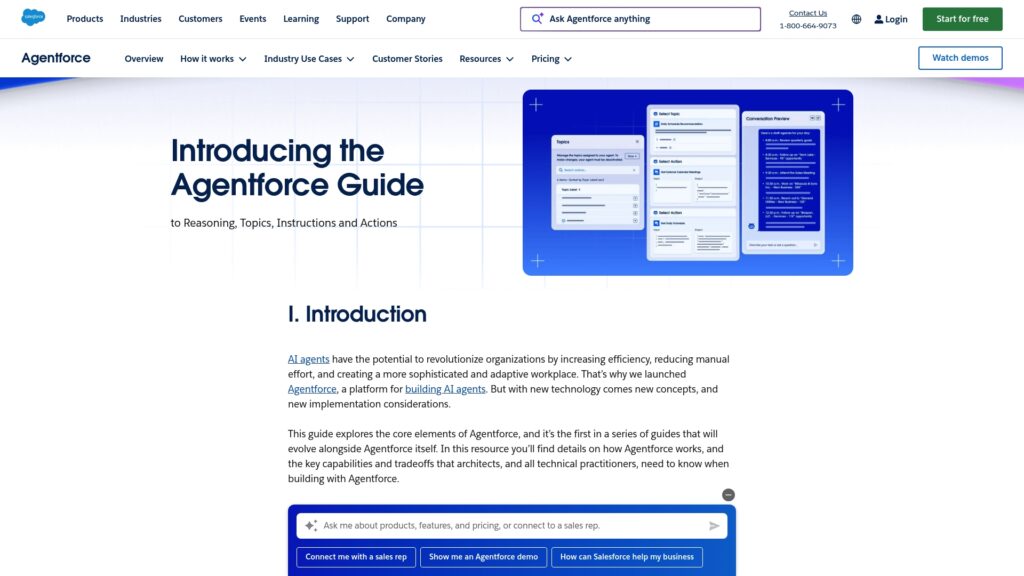
Salesforce is the industry standard for a reason. It is also overkill for most teams under 50 people.
What works:
- Agentforce (available Enterprise+) is genuinely impressive AI that can handle lead nurture, coaching, and pipeline management autonomously.
- Infinite customization through Flow Builder, Apex, and the AppExchange ecosystem.
- If you can dream it, Salesforce can probably do it. The question is whether you have the budget and expertise to make it happen.
What doesn’t:
- Implementation is a project, not a setup. Expect 3-6 months and significant consulting costs.
- The learning curve is steep. Your team needs dedicated admin time or external help.
- API access costs extra in lower tiers ($25/user/mo in Pro Suite).
Pricing: Starter Suite $25/user/mo, Pro Suite $100/user/mo, Enterprise $175/user/mo, Unlimited $350/user/mo, Agentforce 1 Sales $550/user/mo. Annual billing only for paid tiers.
Verdict: If you’re enterprise-sized with complex sales processes and dedicated RevOps resources, Salesforce is worth the investment. For everyone else, it’s expensive overkill.
3. Outreach
Best for: Enterprise outbound teams needing AI-powered sequences
Scores: TTV 3/5 | TCO 3/5 | Integration 4/5 | AI Utility 5/5
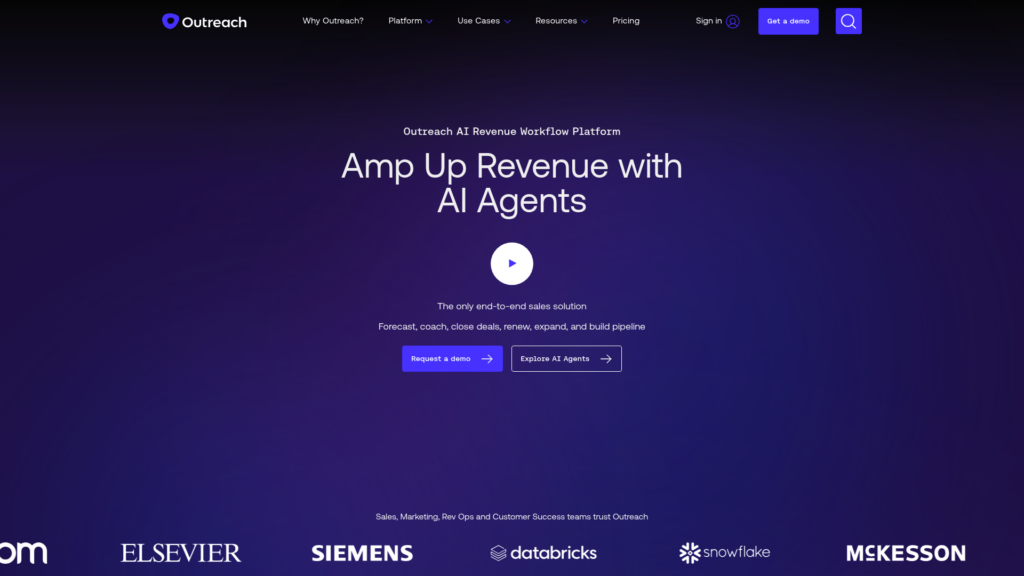
Outreach built its name on sales engagement, but they’ve evolved into a full AI Revenue Workflow Platform. This is what you buy when outbound is your primary growth engine.
What works:
- AI agents for every revenue function: prospecting, forecasting, deal management, coaching, and customer expansion.
- Sequence optimization learns from what works and suggests improvements.
- Strong Salesforce sync and bi-directional data flow.
What doesn’t:
- Pricing is “contact sales” which usually means expensive (industry estimates put it at $100-165/user/mo).
- Primarily outbound-focused. If inbound is your game, you’re paying for features you won’t use.
- Steep onboarding. This is not a tool you can simply sign up for and start using immediately.
Pricing: Custom pricing based on team size. Platform fee plus per-user licenses.
Verdict: If you’re running serious outbound at scale with an SDR team of 10+, Outreach is worth evaluating. For smaller teams or inbound-heavy motions, look elsewhere.
4. Apollo.io
Best for: Data-driven prospecting + outreach in one platform
Scores: TTV 4/5 | TCO 4/5 | Integration 4/5 | AI Utility 4/5
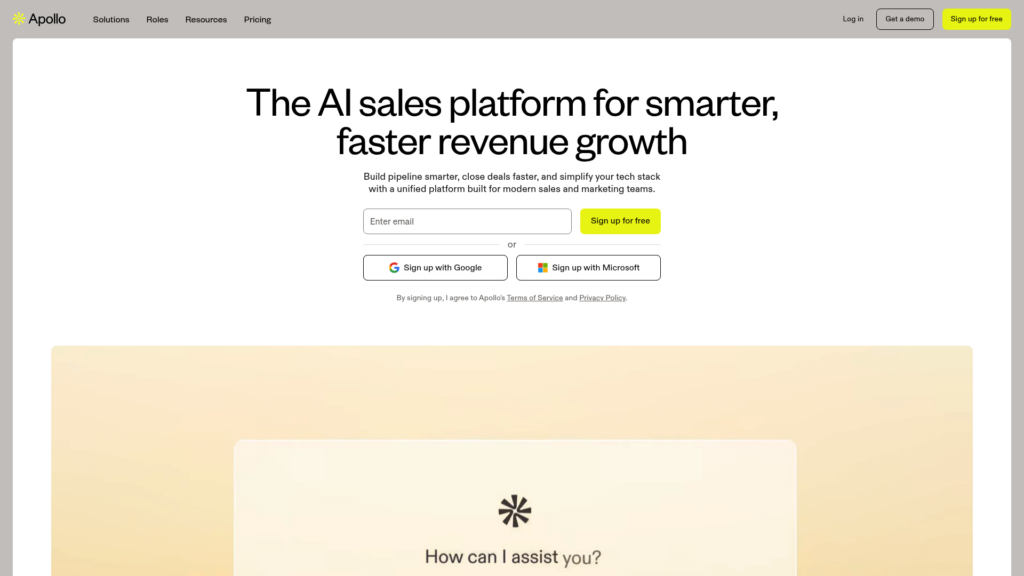
Apollo combines a massive contact database (275M+ verified contacts) with sequencing and AI tools. It’s the best value for teams that need both data and outreach capabilities.
What works:
- The database is genuinely useful. Email accuracy is reliable, and the phone numbers save hours of research.
- Waterfall enrichment pulls from multiple sources automatically, which maximizes hit rates.
- AI research and writing tools work well for personalized outreach at scale.
What doesn’t:
- Data accuracy varies by industry. Tech companies are well-covered. Niche B2B sectors, less so.
- The interface can feel overwhelming with so many features.
- Credit-based pricing requires planning to avoid surprise overages.
Pricing: Free tier with 900 credits/year. Basic $49/user/mo, Professional $79/user/mo, Organization $119/user/mo (min 3 users). Annual billing saves 20%.
Verdict: Best bang for buck if you need both prospect data and outreach tools. The free tier is actually usable for small teams testing the waters.
5. Clay
Best for: Lead enrichment and research automation
Scores: TTV 3/5 | TCO 3/5 | Integration 5/5 | AI Utility 5/5
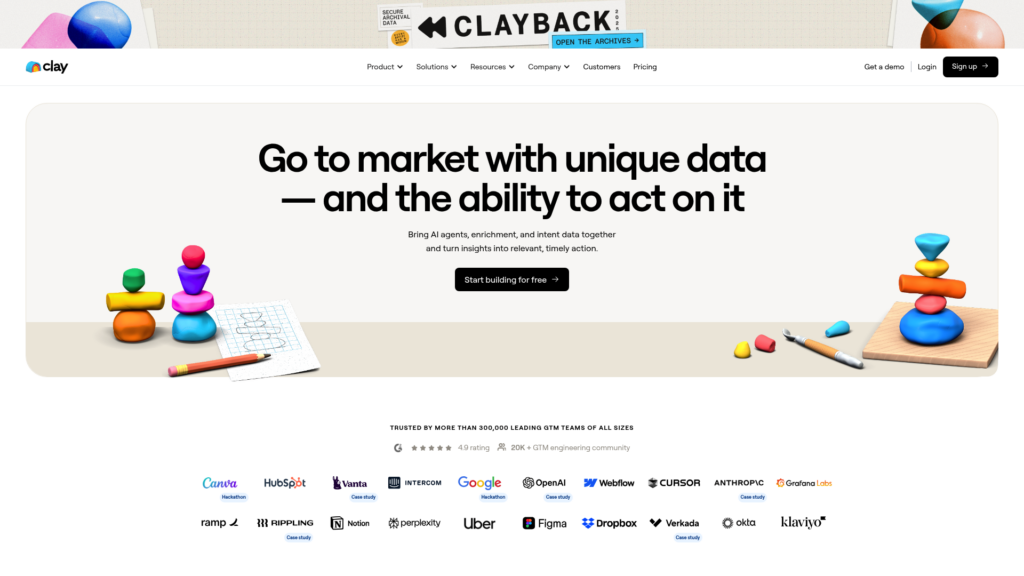
Clay is different. It’s not a CRM or outreach tool. It’s an enrichment orchestration layer that connects 150+ data sources and uses AI to research prospects at scale.
What works:
- Claygent (their AI agent) can research companies and generate custom data points that no database has.
- Waterfall enrichment across multiple providers means higher hit rates than any single source.
- Signals tracking (job changes, company news, web intent) automates trigger-based outreach.
What doesn’t:
- Credit-based pricing is confusing. You need both “actions” (platform usage) and “data credits” (enrichment costs).
- Learning curve is real. This is a power tool, not a simple SaaS app.
- Not a full CRM. You’ll still need Salesforce, HubSpot, or another platform for core sales workflow.
Pricing: Free tier (500 actions/mo, 100 data credits). Launch $167/mo, Growth $446/mo, Enterprise custom. Annual billing saves 10%.
Verdict: Essential if you’re serious about data quality and enrichment. Most teams pair Clay with a CRM (Salesforce/HubSpot) and an outreach tool for best results.
6. Pipedrive
Best for: Visual pipeline management with built-in automation
Scores: TTV 5/5 | TCO 5/5 | Integration 4/5 | AI Utility 3/5
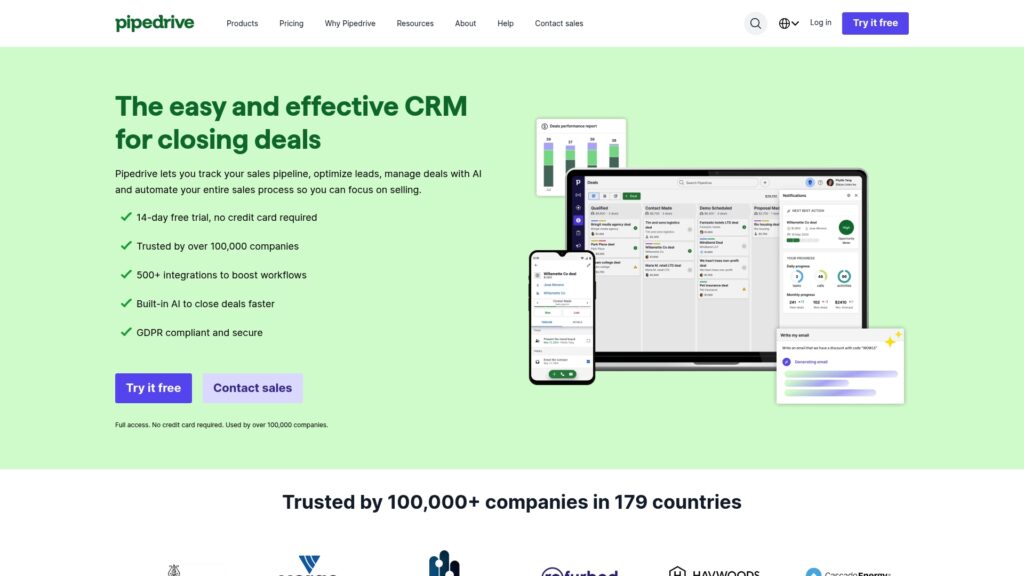
Pipedrive wins on simplicity. Built by salespeople who were frustrated with complex CRMs, it focuses on what matters: moving deals through your pipeline.
What works:
- Fastest setup of any CRM I tested. You can be productive in hours, not weeks.
- Visual pipeline is intuitive. Drag deals between stages and see bottlenecks at a glance.
- Affordable pricing that scales reasonably as you grow.
What doesn’t:
- AI features are lighter than competitors. The AI Sales Assistant is helpful but basic.
- Advanced reporting requires higher tiers.
- Smaller integration ecosystem than HubSpot or Salesforce.
Pricing: Lite $14/seat/mo, Growth $39/seat/mo, Premium $59/seat/mo, Ultimate $79/seat/mo. Annual billing saves up to 42%.
Verdict: Perfect for small to mid-size teams who want a CRM that sales reps actually enjoy using. If AI features are critical to your workflow, you may outgrow it.
7. Zapier
Best for: Connecting your existing stack with AI-powered workflows
Scores: TTV 4/5 | TCO 4/5 | Integration 5/5 | AI Utility 4/5
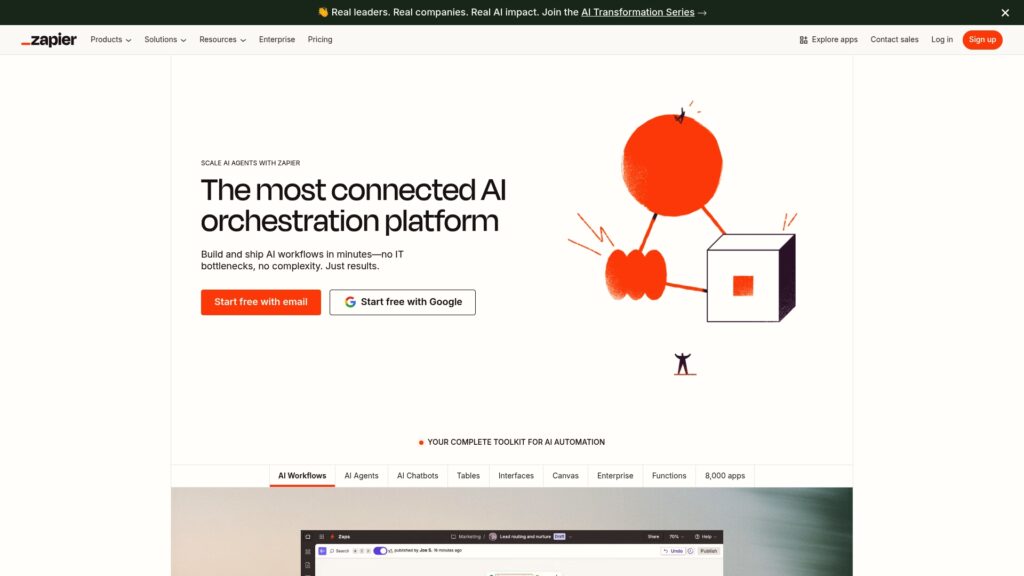
Zapier is not a CRM. It’s the connective tissue that makes your existing tools work together. With 8,000+ app integrations and new AI features, it’s become an orchestration platform.
What works:
- If two apps can connect, Zapier probably connects them. The integration depth is unmatched.
- Tables and Forms are now included on all plans, making it a lightweight database + form builder.
- Zapier MCP (Model Context Protocol) lets AI tools interact with your entire app ecosystem.
What doesn’t:
- Costs scale with usage. Task overages can surprise you if you’re not monitoring.
- Complex workflows get unwieldy. It’s not a replacement for proper integration architecture.
- Not a CRM. You’ll need to pair it with a dedicated sales platform.
Pricing: Free (100 tasks/mo). Professional $19.99/mo, Team $69/mo, Enterprise custom. Annual billing saves 33%.
Verdict: Essential for any stack with multiple tools. Use it to fill gaps between your CRM, marketing automation, and specialized sales tools.
8. Gong
Best for: Conversation intelligence and revenue analytics
Scores: TTV 3/5 | TCO 2/5 | Integration 4/5 | AI Utility 5/5
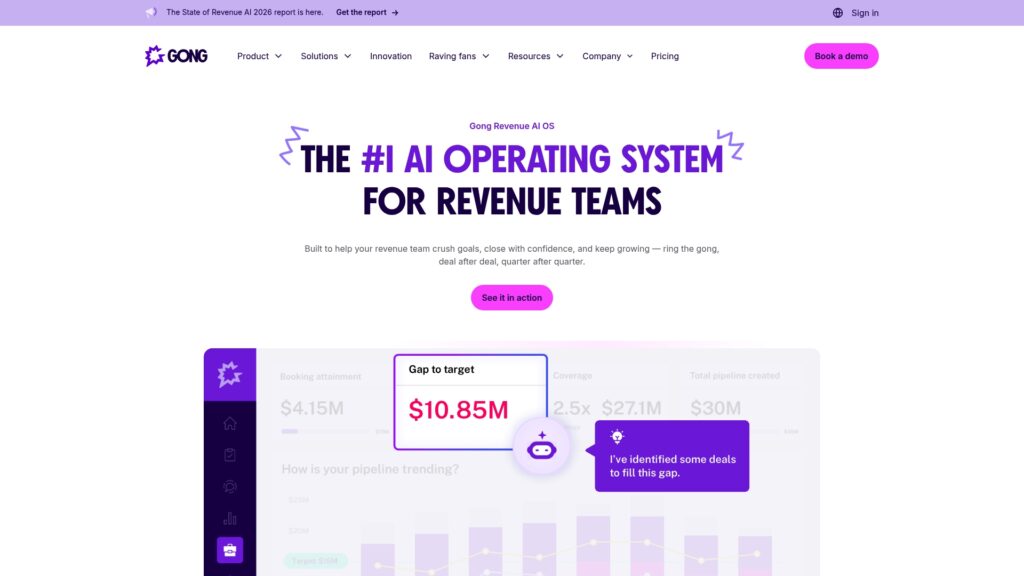
Gong analyzes your sales calls and meetings to extract insights that improve rep performance and forecast accuracy. It’s not an automation tool per se, but it makes your team dramatically more effective.
What works:
- Conversation intelligence leads the market. Transcription accuracy, topic tracking, and coaching insights provide real value.
- Deal intelligence surfaces risks in your pipeline before deals slip.
- Forecasting accuracy improves significantly once the AI learns your team’s patterns.
What doesn’t:
- Expensive. Custom pricing typically runs $100-200/user/mo plus platform fees.
- Privacy concerns. Recording all calls requires cultural buy-in and legal compliance.
- Not a standalone solution. It’s an add-on to your existing sales stack.
Pricing: Custom pricing based on team size. Per-user licenses plus platform fee.
Verdict: Worth the investment for teams with high call volumes who want data-driven coaching and forecasting. Pair it with a CRM and engagement platform for a complete stack. For more on building a complete GTM team, see our breakdown of what a GTM Engineer does and how they differ from other revenue roles.
Quick comparison: all 8 tools at a glance
| Tool | Best For | Starting Price | TTV | TCO | AI Score |
|---|---|---|---|---|---|
| HubSpot | All-in-one CRM | Free ($9 Starter) | 4/5 | 3/5 | 4/5 |
| Salesforce | Enterprise complexity | $25 (Starter), $175 (Enterprise) | 2/5 | 2/5 | 4/5 |
| Outreach | Outbound at scale | Custom (~$100-165) | 3/5 | 3/5 | 5/5 |
| Apollo.io | Data + outreach | Free ($49 Basic) | 4/5 | 4/5 | 4/5 |
| Clay | Enrichment orchestration | Free ($167 Launch) | 3/5 | 3/5 | 5/5 |
| Pipedrive | Visual pipeline | $14 (Lite) | 5/5 | 5/5 | 3/5 |
| Zapier | Cross-tool automation | Free ($19.99 Pro) | 4/5 | 4/5 | 4/5 |
| Gong | Conversation intelligence | Custom (~$100-200) | 3/5 | 2/5 | 5/5 |
How to choose the right tool for your stack
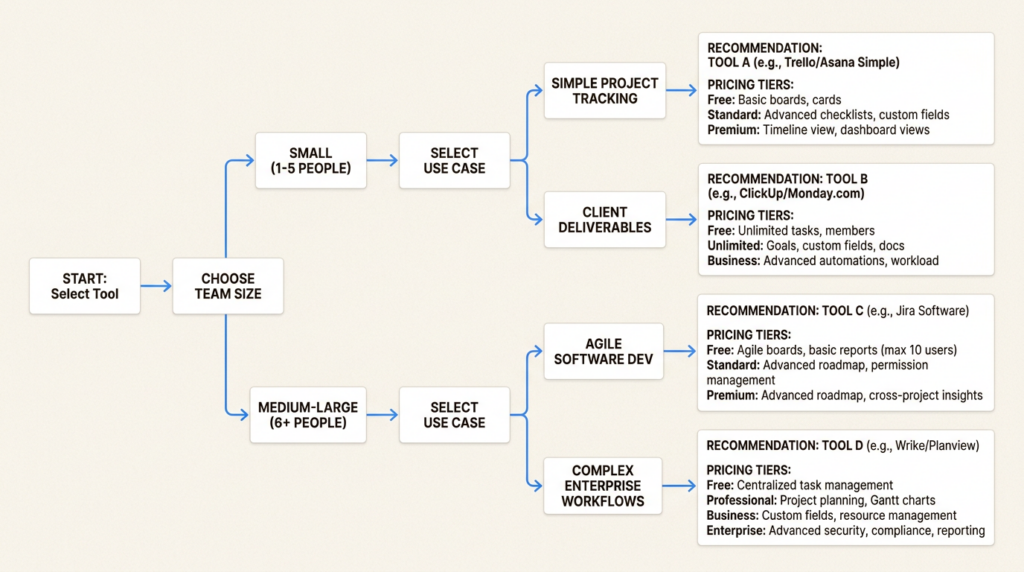
Picking the right sales automation tool depends on your team size, technical maturity, and budget. Here’s my decision framework:
Small team (<10 people): Start with Pipedrive for CRM or Apollo.io if you need prospecting data. Both are affordable and fast to implement. If you’re exploring AI-powered lead generation, see our guide on AI lead generation strategies.
Growing team (10-50 people): HubSpot Professional gives you room to grow without custom development. Pair with Clay for enrichment if data quality is critical.
Enterprise (50+ people): Salesforce + Outreach + Gong is the standard stack for a reason. Expensive, but comprehensive.
Technical/RevOps-led teams: Zapier + Clay + lightweight CRM (Pipedrive or HubSpot Starter) gives you maximum flexibility without enterprise complexity. If you’re evaluating Clay alternatives, see our detailed comparison of Clay alternatives for similar enrichment tools.
The consolidation question: Should you buy all-in-one platforms or best-of-breed tools? All-in-one (HubSpot, Salesforce) reduces integration headaches but locks you into their ecosystem. Best-of-breed (Apollo + Clay + Pipedrive) gives you the best tool for each job but requires more integration work. Most teams under 50 should consolidate. Teams over 50 often benefit from specialization.
Start automating your sales process
Sales automation is not about replacing your team. It’s about removing the administrative drag that kills productivity. The right tools give your reps back those 2+ hours daily they currently spend on data entry and follow-up scheduling.
My recommendation? Start with the free tier of one or two tools that match your current stage. Run a pilot with your best rep. Measure time saved and pipeline impact before committing to annual contracts.
The teams winning in 2026 are not the ones with the most tools. They are the ones with the right tools, integrated thoughtfully, that actually get used.
Frequently Asked Questions
What are the best sales automation tools for small businesses just getting started?
For small teams, I recommend starting with Pipedrive ($14/seat/mo) for its simplicity and fast setup, or HubSpot Free if you want marketing integration. Apollo.io also has a genuinely usable free tier for prospecting. Avoid Salesforce until you have dedicated RevOps resources.
How do I evaluate sales automation tools without getting locked into annual contracts?
Most platforms offer free trials (14-30 days) or free tiers. Run parallel pilots with your top 2-3 choices. Test real workflows, not just feature checklists. Measure setup time, rep adoption, and actual time saved before committing. Never buy annual contracts until you’ve validated the tool works for your specific workflow.
Which sales automation tools offer the best AI features in 2026?
Gong leads on conversation intelligence, Outreach has the most comprehensive AI agents for revenue workflows, and Clay excels at AI-powered research and enrichment. HubSpot Breeze and Salesforce Agentforce are solid for integrated CRM AI.
What’s the real total cost of ownership for enterprise sales automation tools?
Beyond per-seat pricing, budget for: implementation consulting ($5K-50K+), mandatory onboarding fees (HubSpot charges $1,500-3,500), integration development, ongoing admin time, and training. Salesforce implementations often cost 2-3x the annual license fee in year one. Factor these into your TCO calculations.
Can I use multiple sales automation tools together, or should I consolidate?
Most successful teams use 2-4 specialized tools: a CRM (HubSpot/Salesforce), an engagement platform (Apollo/Outreach), enrichment (Clay), and often conversation intelligence (Gong). The key is clean data flow between them. Use native integrations or Zapier to connect your stack. Consolidate only when integration maintenance becomes a burden.
Leave a Reply