

I spent the last month testing 15+ marketing automation platforms to find the best options for GTM engineers and RevOps teams. After burning through more than a few free trials and running actual campaigns, here’s what actually works.
The marketing automation landscape has shifted dramatically. What used to be “email marketing with some workflows” has evolved into AI-powered orchestration platforms that connect your entire tech stack. For technical GTM teams, the stakes are higher: you need API flexibility, warehouse connectivity, and tools that don’t create more ops debt than they solve.
What is a marketing automation platform?
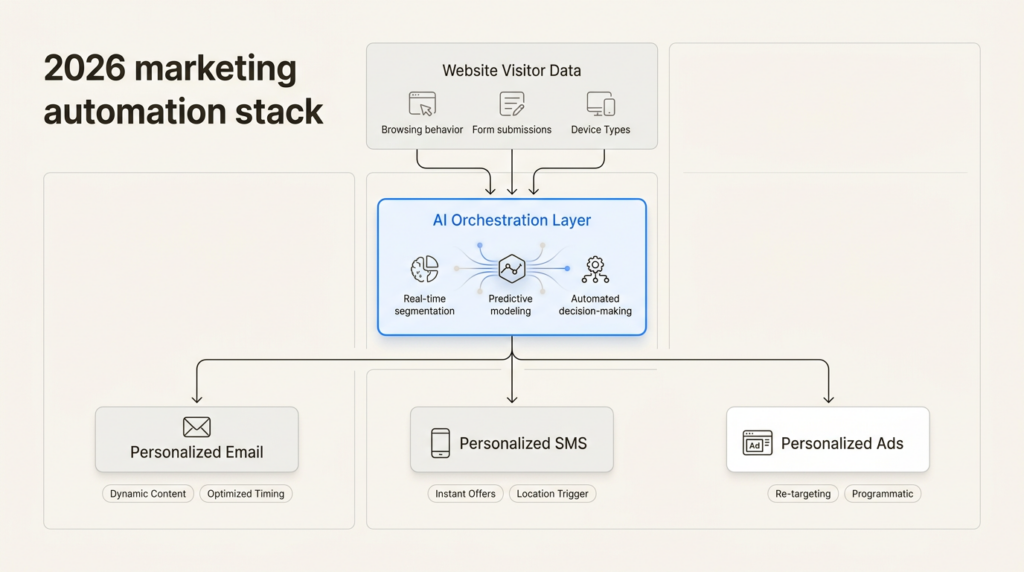
A marketing automation platform is software that automates repetitive marketing tasks across multiple channels: email, SMS, social media, ads, and more. The goal is simple: deliver the right message to the right person at the right time, without manual intervention.
In 2026, these platforms have converged with CRM systems and AI capabilities. The best ones now offer:
- Visual workflow builders that non-technical team members can use
- API access for custom integrations
- AI-powered personalization and optimization
- Data warehouse connectivity for warehouse-first architectures
- Multi-channel orchestration (email, SMS, push, in-app)
The line between “marketing automation” and “customer engagement platform” has blurred. For GTM teams, this means evaluating tools on technical criteria, not just feature checklists.
How we evaluated these platforms
We tested each platform against criteria that matter for technical GTM operators:
API and integration depth: Can you access everything programmatically? How’s the documentation? Does it play nice with your existing stack?
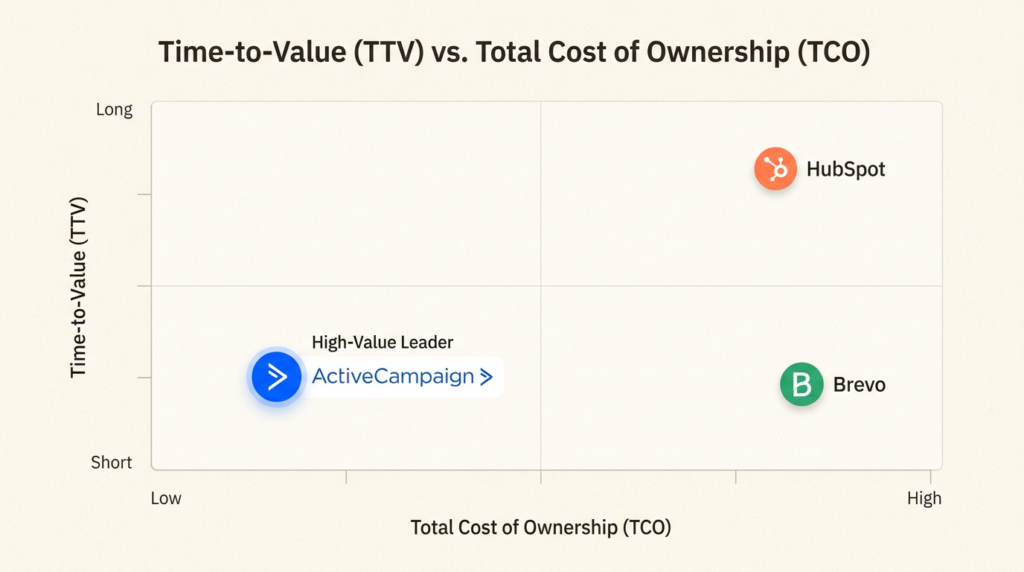
Time-to-value (TTV): How long from signup to first campaign? Required onboarding fees or complex implementations kill momentum.
Total cost of ownership (TCO): Base pricing is just the start. We looked at contact-based scaling, overage fees, and required add-ons.
AI capabilities: Not just “we have AI” but actual useful features: predictive sending, content generation, workflow suggestions.
Stack compatibility: Reverse ETL support, data warehouse connections, custom objects, and webhook flexibility.
We also considered the GTM Engineer skills and tech stack that modern teams need, focusing on tools that align with warehouse-first, API-driven workflows.
Comparison at a glance
| Platform | Best For | Starting Price | API Quality | AI Features | Warehouse Support |
|---|---|---|---|---|---|
| HubSpot | All-in-one CRM + Marketing | $20/mo | Excellent | Breeze AI | Limited |
| ActiveCampaign | AI-assisted SMB marketing | $15/mo | Good | Active Intelligence | Basic |
| Customer.io | Technical teams, warehouse-first | $100/mo | Excellent | AI insights | Native |
| Gumloop | AI-native automation | Free | Good | Native LLM | Via integrations |
| Brevo | Budget-conscious teams | Free | Good | Basic | Limited |
| Klaviyo | Ecommerce brands | Free | Good | Predictive | Via integrations |
| Zapier | Multi-tool orchestration | Free | Excellent | AI orchestration | Via connections |
The 7 best marketing automation platforms
1. HubSpot Marketing Hub
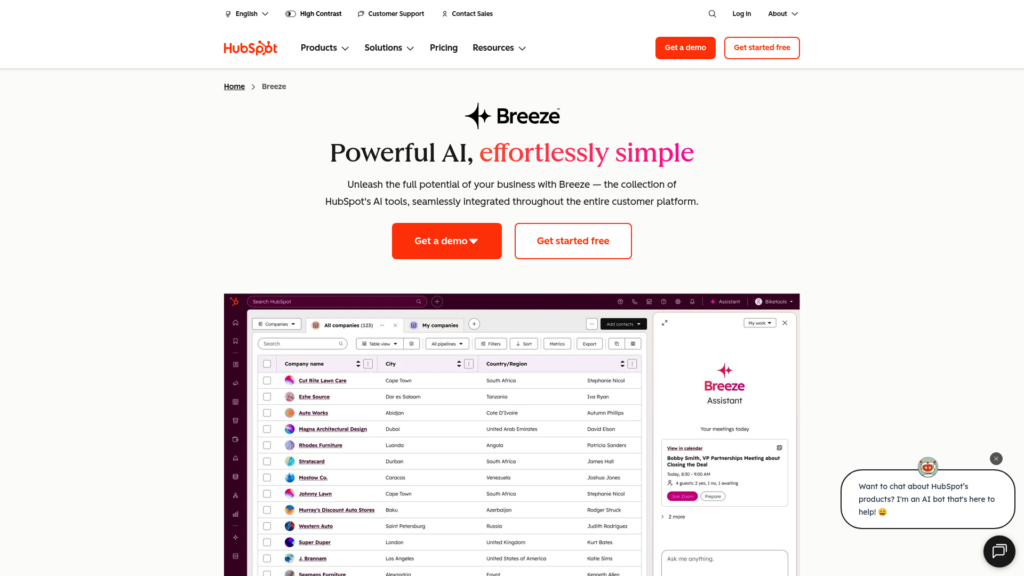
HubSpot is the 800-pound gorilla of marketing automation. It’s a complete platform that includes CRM, marketing, sales, and service hubs under one roof.
Key features:
- Visual workflow builder with 1,500+ integrations
- Breeze AI for content generation, personalization, and analytics
- Marketing analytics with multi-touch attribution
- Social media management and ad tracking
- Custom objects (Enterprise tier)
Pricing:
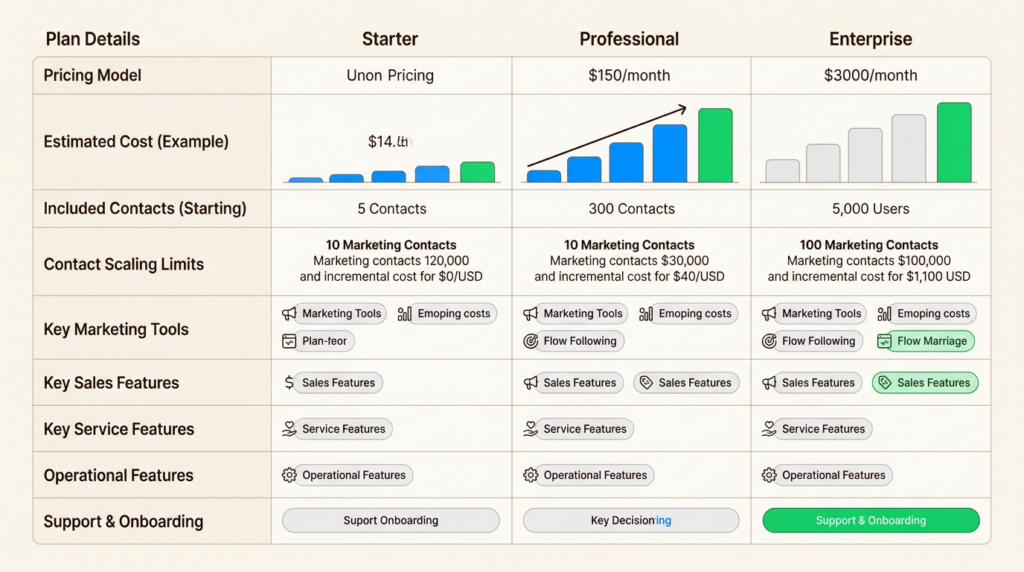
| Plan | Monthly Price | Annual Price | Key Limits |
|---|---|---|---|
| Free | $0 | $0 | Up to 2 users, basic features |
| Starter | $20/mo/seat | $9/mo/seat | 1,000 marketing contacts |
| Professional | $890/mo | $800/mo | 3 seats, 2,000 contacts |
| Enterprise | $3,600/mo | Custom | 5 seats, 10,000 contacts |
Pros:
- Unified data architecture across marketing, sales, and service
- Extensive ecosystem and marketplace
- Strong reporting and attribution capabilities
- Fast time-to-value for basic setups
Cons:
- Expensive at scale (contact-based pricing adds up)
- Complexity creep: easy to get lost in features
- Required onboarding fees: $3,000 (Pro), $7,000 (Enterprise)
TTV/TCO note: HubSpot gets you running quickly, but costs escalate fast as your contact database grows. The Professional tier at $890/month is a significant jump from Starter.
Best for: Teams wanting a unified CRM + marketing platform without stitching together multiple tools.
2. ActiveCampaign
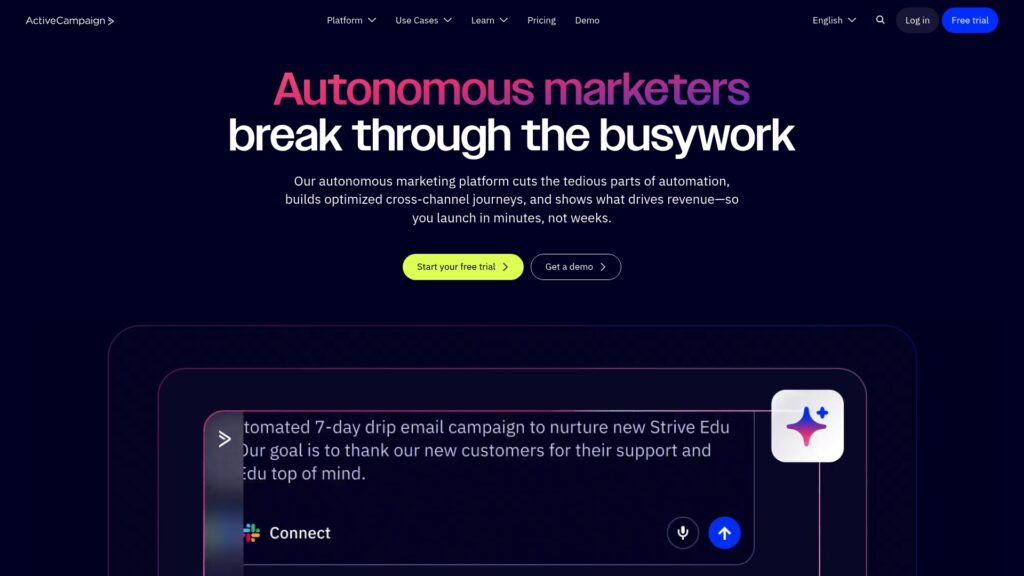
ActiveCampaign has repositioned around “Active Intelligence,” a workspace where AI agents handle marketing tasks autonomously. At $15/month to start, it’s one of the most accessible powerful platforms.
Key features:
- 950+ automation recipes to get started quickly
- Active Intelligence workspace with AI agents
- AI campaign builder and automated follow-ups
- Predictive sending based on individual engagement patterns
- Lead scoring and win probability (with add-ons)
- 1,000+ integrations including Claude and ChatGPT via MCP
Pricing:
| Plan | Monthly Price | Annual Price | Key Limits |
|---|---|---|---|
| Starter | $15/mo | Billed annually | 1,000 contacts, 5 actions per automation |
| Plus | $49/mo | Billed annually | 1,000 contacts, unlimited actions |
| Pro | $79/mo | Billed annually | 1,000 contacts, 3 users |
| Enterprise | $145/mo | Billed annually | 1,000 contacts, 5 users, SSO |
Pros:
- Best-in-class workflow builder that’s genuinely intuitive
- Excellent deliverability rates
- Affordable entry point with room to grow
- AI features that actually save time
Cons:
- Learning curve for advanced features
- CRM features require separate add-ons
- Some AI features limited on lower tiers
TTV/TCO note: Quick to get started with pre-built recipes. Pricing scales reasonably as you grow, though you’ll want the Plus tier ($49) for unlimited automation actions.
Best for: SMBs wanting powerful automation without enterprise complexity or pricing.
3. Customer.io
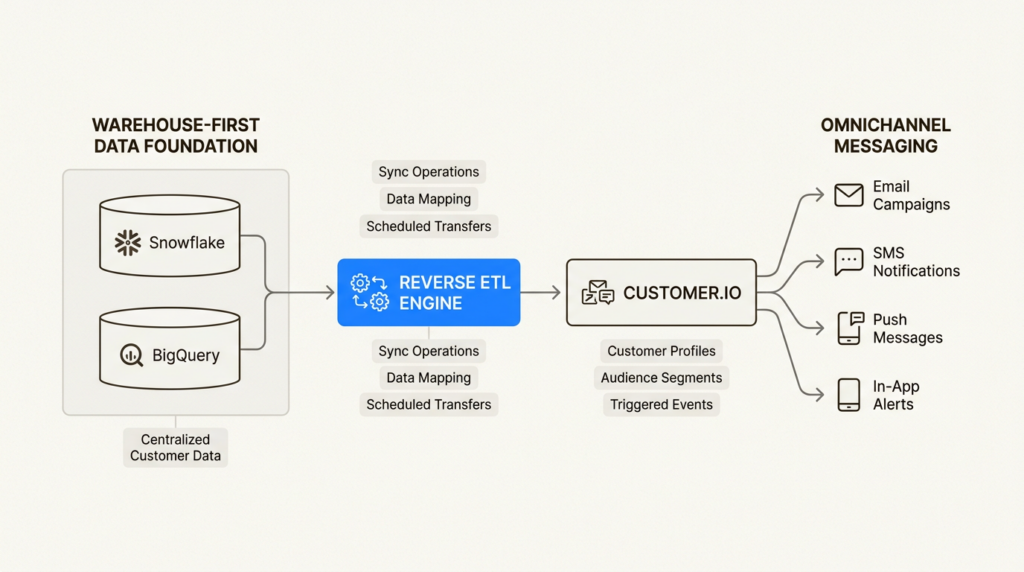
Customer.io is built for technical marketing teams who need flexibility. With native reverse ETL support and a data-first architecture, it’s the choice for warehouse-first companies.
Key features:
- Visual workflow builder with unlimited complexity
- Native reverse ETL for Snowflake and BigQuery
- Omnichannel support: email, push, in-app, SMS
- Liquid templating for advanced personalization
- Custom objects and unlimited API calls
- Ad audience sync with Google, Facebook, Instagram, YouTube
Pricing:
| Plan | Monthly Price | Annual Price | Key Limits |
|---|---|---|---|
| Essentials | $100/mo | Billed monthly | 5,000 profiles, 1M emails/month |
| Premium | $1,000/mo | Billed yearly | Custom profiles, 10 object types |
| Enterprise | Custom | Custom | Dedicated hardware, audit logging |
Pros:
- Developer-friendly with excellent API documentation
- Powerful behavioral triggers and segmentation
- Strong data import and warehouse connectivity
- HIPAA compliance available
Cons:
- Higher starting price ($100/mo) than competitors
- Steeper technical learning curve
- Profile-based pricing model
TTV/TCO note: Requires more technical setup upfront, but pays off in flexibility. The profile-based pricing (not just contacts) can be more expensive for B2C companies with high engagement.
Best for: Technical marketing teams needing flexible data models and warehouse integration. For data enrichment needs, check out our Clay alternatives guide.
4. Gumloop
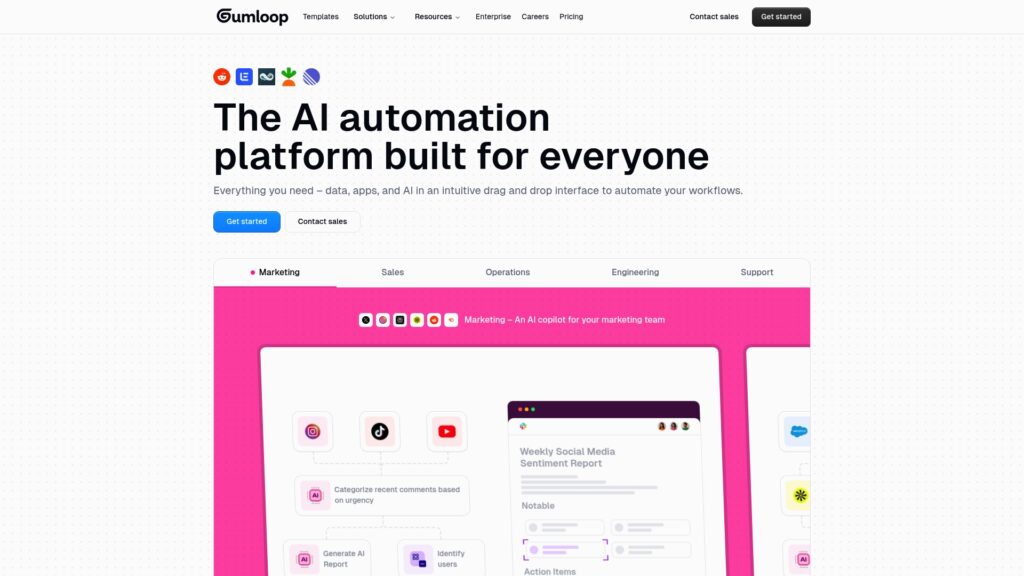
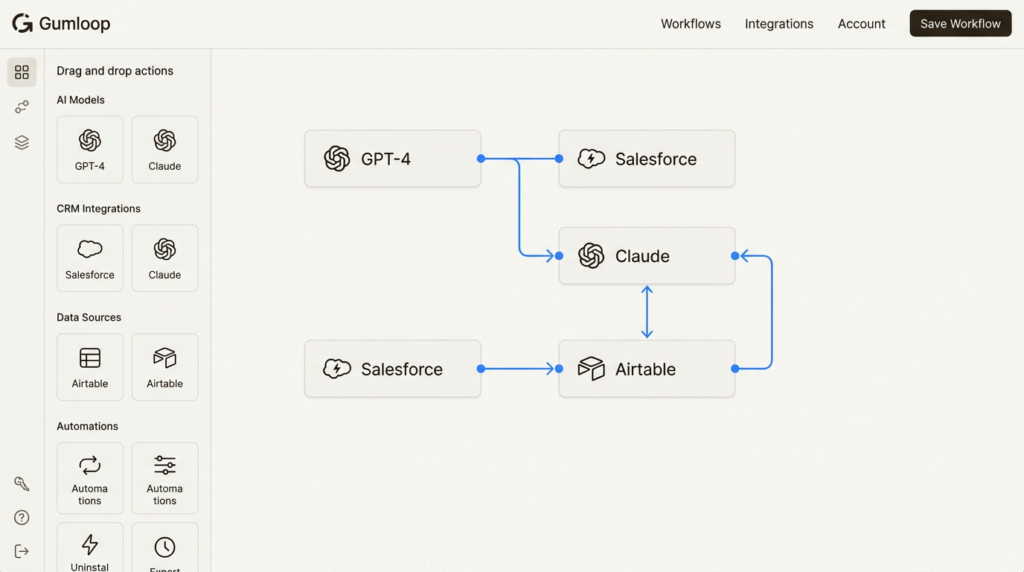
Gumloop represents the new wave of AI-native automation. Used by Instacart, Webflow, and Shopify, it’s a visual AI workflow builder that doesn’t require API keys for LLM access.
Key features:
- Visual drag-and-drop workflow builder
- 135+ native integrations (Salesforce, HubSpot, Airtable, etc.)
- Native LLM access: GPT-4, Claude, Gemini, DeepSeek
- MCP (Model Context Protocol) nodes
- Webhook triggers and custom nodes
- Interface builder for end-user tools
Pricing:
| Plan | Monthly Price | Annual Price | Key Limits |
|---|---|---|---|
| Free | $0 | $0 | 5,000 credits/month, 1 seat |
| Pro | $37/mo | ~$30/mo | 20k+ credits, unlimited seats |
| Enterprise | Custom | Custom | RBAC, SCIM/SAML, VPC |
Pros:
- Generous free tier (5,000 credits)
- No API keys needed for AI models
- Intuitive visual builder
- Fastest time-to-value for AI workflows
Cons:
- Newer platform (some integrations still being added)
- Credit-based pricing requires estimation
- Learning curve for complex multi-step workflows
TTV/TCO note: Fastest time-to-value for AI-powered workflows. The credit system takes some getting used to, but the free tier is genuinely useful for testing.
Best for: Teams wanting AI-native automation and LLM integration without managing API keys. See how AI fits into broader GTM strategies in our AI lead generation guide.
5. Brevo
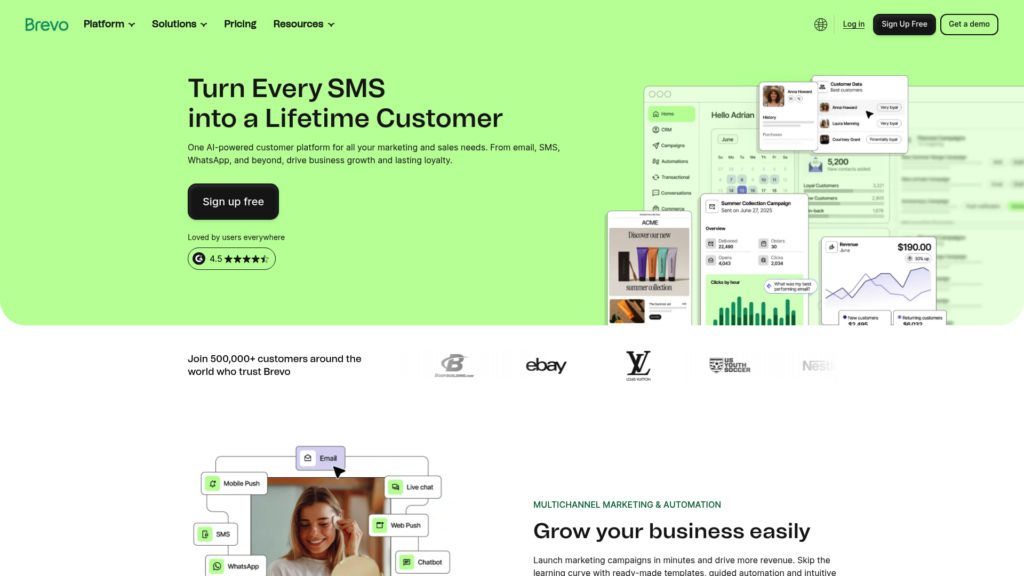
Brevo (formerly Sendinblue) is the budget champion. With a genuinely useful free tier and CRM included, it’s the best value for small teams.
Key features:
- Email + SMS + WhatsApp marketing
- Marketing automation with visual builder
- Built-in CRM and meeting scheduler
- AI content generator and send time optimization
- Landing pages and forms
- 150+ integrations
Pricing:
| Plan | Monthly Price | Annual Price | Key Limits |
|---|---|---|---|
| Free | $0 | $0 | 5,000 emails/month, 300/day |
| Starter | $9/mo | $8.08/mo | 5,000 emails/month |
| Standard | $18/mo | $16.17/mo | Marketing automation, A/B testing |
| Professional | $499/mo | $449/mo | 150k emails, 10 seats, AI features |
Pros:
- Most affordable option with real functionality
- CRM included at no extra cost
- Generous free tier (unlimited contacts)
- Fast implementation
Cons:
- Less advanced automation logic than competitors
- Simpler segmentation capabilities
- Limited AI features on lower tiers
TTV/TCO note: Excellent time-to-value for small teams. You can get a complete marketing + CRM setup for under $20/month.
Best for: Budget-conscious teams wanting all-in-one functionality without breaking the bank.
6. Klaviyo
Klaviyo owns the ecommerce marketing automation space. If you’re on Shopify, WooCommerce, or BigCommerce, this is the default choice for good reason.
Key features:
- Deep ecommerce integrations (Shopify, WooCommerce, BigCommerce)
- Predictive analytics for customer lifetime value
- Customer Hub (self-service portal)
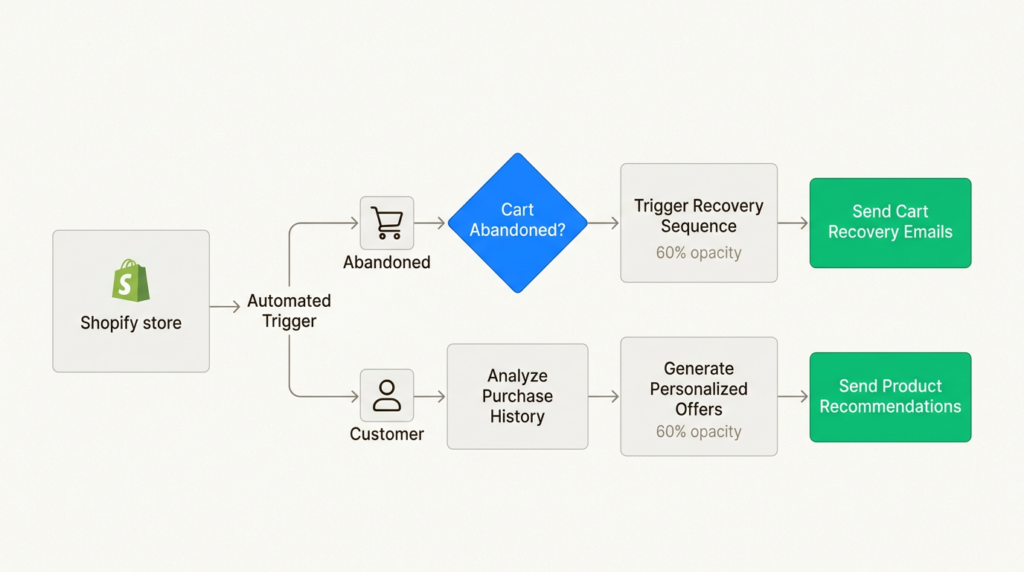
- Abandoned cart recovery flows
- Product recommendations
- Revenue attribution
- AI-powered subject line generator
Pricing:
| Plan | Monthly Price | Annual Price | Key Limits |
|---|---|---|---|
| Free | $0 | $0 | 250 profiles, 500 emails/month |
| $20/mo+ | Same | 500+ profiles, unlimited sends | |
| Email + SMS | $35/mo+ | Same | Includes SMS capabilities |
Pros:
- Best-in-class for DTC and ecommerce
- Powerful predictive analytics
- Revenue attribution that actually works
- Fast setup for Shopify stores
Cons:
- Ecommerce focused (less suitable for B2B)
- Profile-based pricing escalates quickly
- Limited support on free tier after 60 days
TTV/TCO note: Fastest setup for Shopify stores. Pricing scales with your store size, which can get expensive but aligns with revenue.
Best for: Ecommerce brands on Shopify, WooCommerce, or BigCommerce who need deep store integration.
7. Zapier
Zapier isn’t a traditional marketing automation platform, it’s an orchestration layer. With 8,000+ app connections and new AI capabilities, it’s how you connect your existing tools.
Key features:
- 8,000+ app connections
- Multi-step Zaps with conditional logic
- Zapier Tables (data storage)
- Zapier Forms (custom forms)
- Zapier MCP (AI tool connections)
- Webhooks and API access
- Zapier Copilot (AI assistant)
Pricing:
| Plan | Monthly Price | Annual Price | Key Limits |
|---|---|---|---|
| Free | $0 | $0 | 100 tasks/mo, 2-step Zaps |
| Professional | $19.99/mo | ~$13.33/mo | 750 tasks/mo, multi-step |
| Team | $69/mo | ~$46/mo | 2,000 tasks/mo, 25 users |
| Enterprise | Custom | Custom | Unlimited users, annual limits |
Pros:
- Universal connector for any tech stack
- AI orchestration across existing tools
- No-code friendly but powerful
- Tables and Forms now included free
Cons:
- Not a native marketing platform
- Costs scale with task volume
- Can become expensive at high volume
TTV/TCO note: Immediate time-to-value for connecting existing tools. Task-based pricing means costs grow with usage, which can be good or bad depending on your volume.
Best for: Teams with multi-tool stacks who need to orchestrate across their existing tech. For a broader view of GTM tools, see our best GTM tools expert review.

Choosing the right platform for your stack
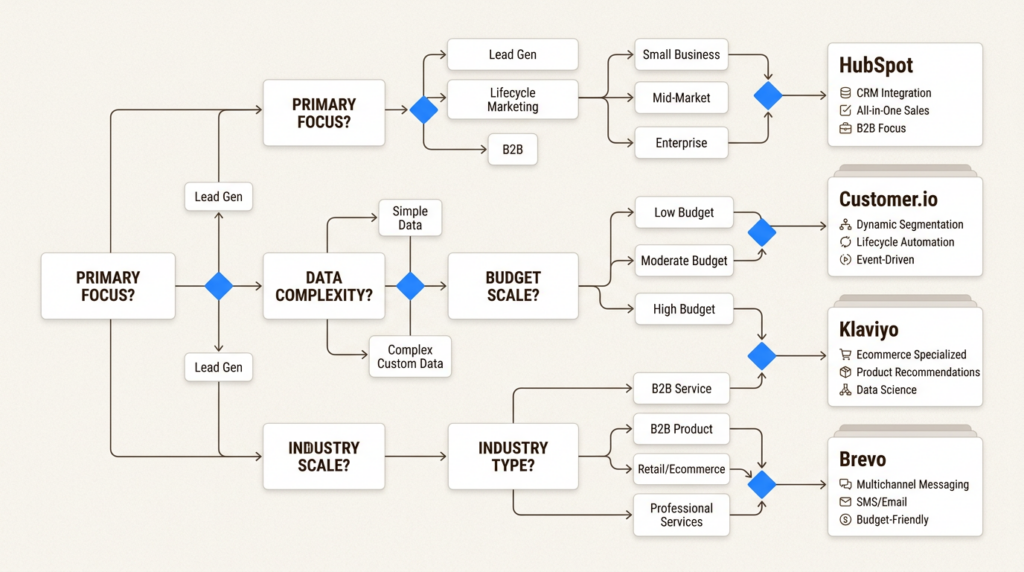
The best marketing automation platform depends on your existing architecture and team capabilities.
Warehouse-first architectures: Customer.io is the clear winner with native reverse ETL support. HubSpot can work but requires more integration work.
All-in-one simplicity: HubSpot if budget allows, Brevo if you’re cost-conscious. Both give you CRM + marketing in one platform.
Ecommerce focus: Klaviyo. The Shopify integration alone justifies the cost for most DTC brands.
Multi-tool orchestration: Zapier. If you have a best-of-breed stack and need to connect it all, this is your tool.
Budget-conscious: Brevo or ActiveCampaign. Both offer real functionality at entry-level pricing.
AI-first approach: Gumloop for AI-native workflows, ActiveCampaign for AI-assisted marketing, or HubSpot for enterprise AI features.
Understanding your GTM Engineer role and responsibilities will help you choose a platform that fits your technical requirements.
Build your GTM automation stack today
Marketing automation in 2026 is about more than just email sequences. The right platform connects your data, automates across channels, and leverages AI without creating ops debt.
When evaluating tools, focus on TTV and TCO, not just feature lists. A platform that takes six months to implement defeats the purpose of automation. Similarly, a tool that looks cheap at $15/month but scales to $500+ as you grow needs honest evaluation.
For GTM teams, technical flexibility matters as much as marketing features. API access, webhook support, and warehouse connectivity aren’t nice-to-haves, they’re requirements for modern data stacks.
Ready to level up your GTM operations? Explore GTM Engineer jobs and learn more about the difference between GTM Engineers, Sales Engineers, and Solutions Engineers to build the right team for your stack.
Frequently Asked Questions
What are the best marketing automation platforms for small businesses?
For small businesses, we recommend starting with Brevo (free tier available, $9/month paid) or ActiveCampaign ($15/month). Both offer powerful automation without enterprise complexity. Brevo includes CRM functionality, while ActiveCampaign has stronger AI features.
How much do marketing automation platforms typically cost?
Entry-level pricing ranges from free (Brevo, Klaviyo, Zapier) to $15-20/month (ActiveCampaign, HubSpot Starter). Mid-tier plans typically run $50-100/month, while enterprise solutions like HubSpot Professional start at $890/month. Watch for contact-based pricing that scales with your database size.
Can I use marketing automation platforms without technical skills?
Yes. Most modern platforms like HubSpot, Brevo, and ActiveCampaign offer visual drag-and-drop builders designed for marketers. However, technical teams will get more value from platforms like Customer.io or Gumloop that offer API access and custom integrations.
What’s the difference between marketing automation and CRM?
Marketing automation focuses on campaign execution across channels (email, SMS, ads). CRM manages customer relationships and sales pipelines. Many platforms like HubSpot and Brevo now combine both, while others like Customer.io focus purely on marketing automation and integrate with separate CRMs.
Do I need AI features in my marketing automation platform?
AI features have become table stakes in 2026. They’re useful for predictive sending, content generation, and workflow optimization. However, basic automation (triggers, sequences) works fine without AI. Choose based on your team’s needs: Gumloop and ActiveCampaign for AI-heavy workflows, Brevo for straightforward automation.
How long does it take to implement a marketing automation platform?
Simple setups (Brevo, Klaviyo for Shopify) can be running in hours. More complex implementations (HubSpot Enterprise, Customer.io with warehouse integration) can take weeks. Factor in data migration, integration setup, and team training when evaluating time-to-value.
Leave a Reply