
If you’re a GTM Engineer, you’ve probably been asked to build a lead list from LinkedIn, monitor competitor pricing, or research accounts at scale. These tasks all have one thing in common: they require pulling data from websites that don’t offer convenient APIs or export buttons.
Web scraping bridges that gap. It’s the difference between manually copying data into spreadsheets for hours and automating the entire process. In this guide, I’ll walk you through four proven methods to scrape data from any website, from no-code browser extensions to Python libraries and API services.
Whether you’re just starting out or looking to scale your data pipelines, understanding how to build the right GTM tech stack includes knowing when and how to scrape.
What is web scraping?
Web scraping is the automated extraction of data from websites. Instead of manually copying and pasting information, you write a script or use a tool that fetches web pages and pulls out the specific data you need.
It’s worth distinguishing between two related concepts:
- Scraping focuses on extracting specific data from known pages (like product prices from an e-commerce site)
- Crawling focuses on discovering pages across a website (like finding every blog post on a domain)
For GTM teams, scraping unlocks use cases that would otherwise require expensive data providers:
- Lead generation: Extract contact information from directories and professional networks
- Competitive intelligence: Monitor competitor pricing, positioning, and product changes
- Account research: Build detailed company profiles from public sources
- Market analysis: Aggregate data from review sites, job boards, and industry publications
Many teams pair scraping with AI-powered lead generation workflows to enrich raw data with insights.
Legal and ethical considerations
Before you start scraping, you need to understand the legal landscape. The short answer: scraping public data is generally legal, but there are important boundaries.
What you CAN scrape:
- Publicly available data (no login required)
- Information visible to any visitor
- Data for personal or business use
What you CANNOT scrape:
- Password-protected content without permission
- Personal data protected by GDPR, CCPA, or similar regulations
- Content explicitly prohibited by a website’s Terms of Service
Best practices to follow:
- Respect robots.txt – This file tells scrapers which pages are off-limits. Check
example.com/robots.txtbefore scraping. - Add rate limiting – Don’t hammer servers with requests. Space them out (1-2 seconds between requests is standard).
- Review Terms of Service – Some sites explicitly prohibit scraping in their ToS.
- Handle personal data carefully – If you’re scraping data that includes names, emails, or other PII, ensure you have a legal basis for processing it.
Common questions:
- Is web scraping illegal? Generally no, if you’re scraping public data for legitimate purposes.
- Is scraping with BeautifulSoup legal? The tool doesn’t matter. What matters is what you’re scraping and how you’re using it.
Method 1: No-code browser extensions
Best for: Quick one-off extractions, non-technical users
If you need data now and don’t want to write code, browser extensions are your fastest path to value.
Webscraper.io
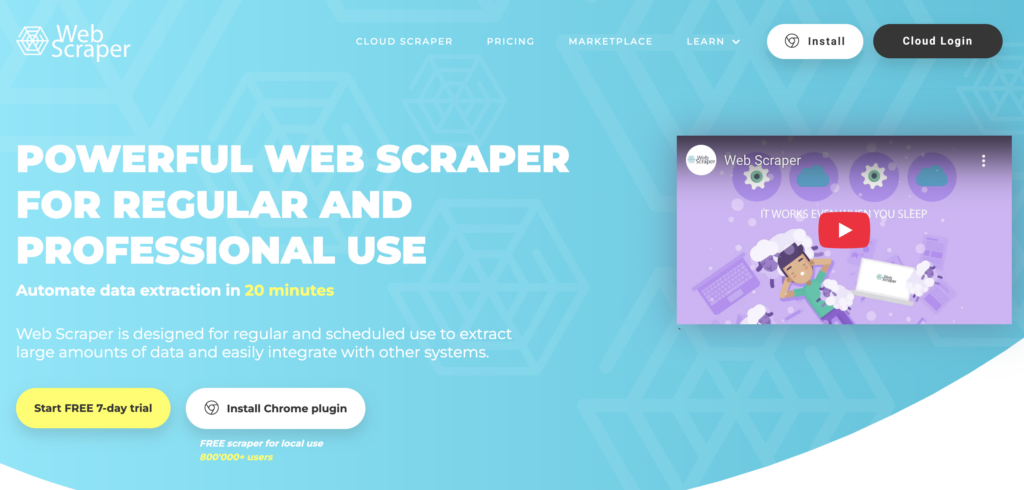
Webscraper.io is a Chrome and Firefox extension with a point-and-click interface. You visually select the data you want, and it builds a sitemap that can navigate pagination and extract structured data.
Key features:
- No coding required
- Handles JavaScript-rendered content
- Cloud automation for scheduled scraping (paid plans)
- Export to CSV, JSON, or XLSX
Pricing: Free for local use; cloud plans start at $50/month for 5,000 URL credits.
RowsX
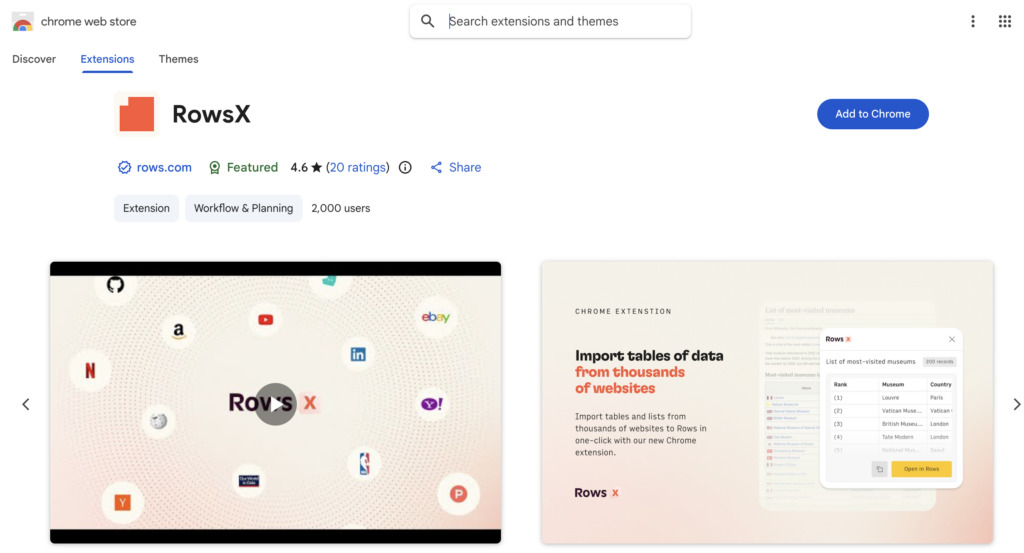
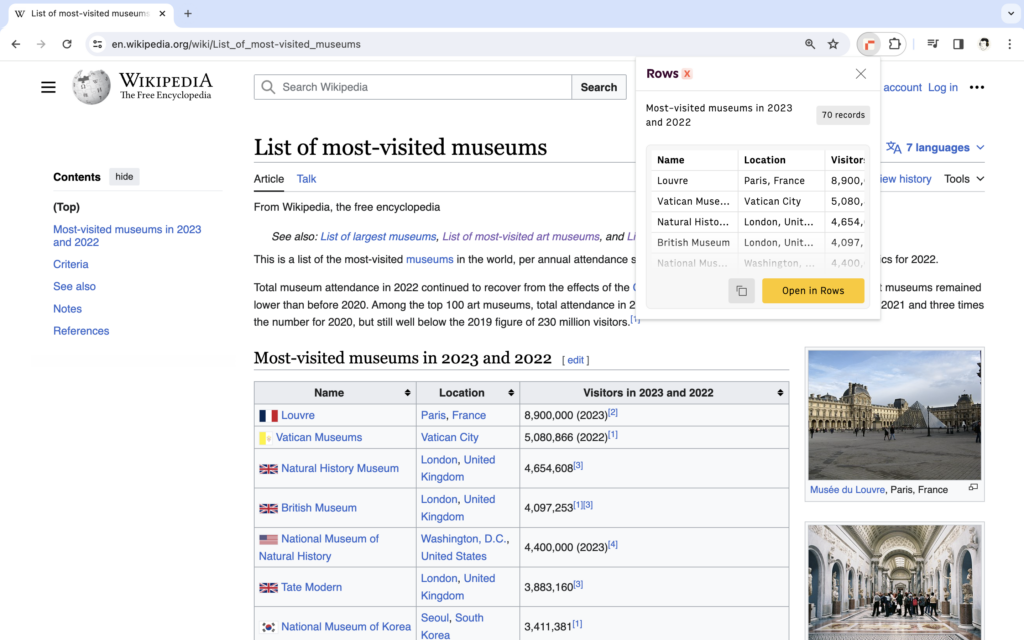
RowsX is a Chrome extension specifically designed for extracting tables and lists from websites. It integrates directly with the Rows spreadsheet platform.
Key features:
- One-click extraction from supported sites
- Direct import to spreadsheet with AI analysis
- Supports: LinkedIn, G2, Google Maps, Wikipedia, YouTube, GitHub, and 20+ more
Pricing: Free with a Rows account.
Time to Value: Minutes Total Cost of Ownership: Free to $50/month Limitations: Best for simple, structured data. Struggles with complex sites requiring authentication or heavy JavaScript interaction.
Method 2: Low-code automation tools
Best for: Scheduled monitoring, workflow integration
When you need scraping to run on a schedule and feed into your existing tools, low-code platforms bridge the gap between simple extensions and custom code.
Browse AI
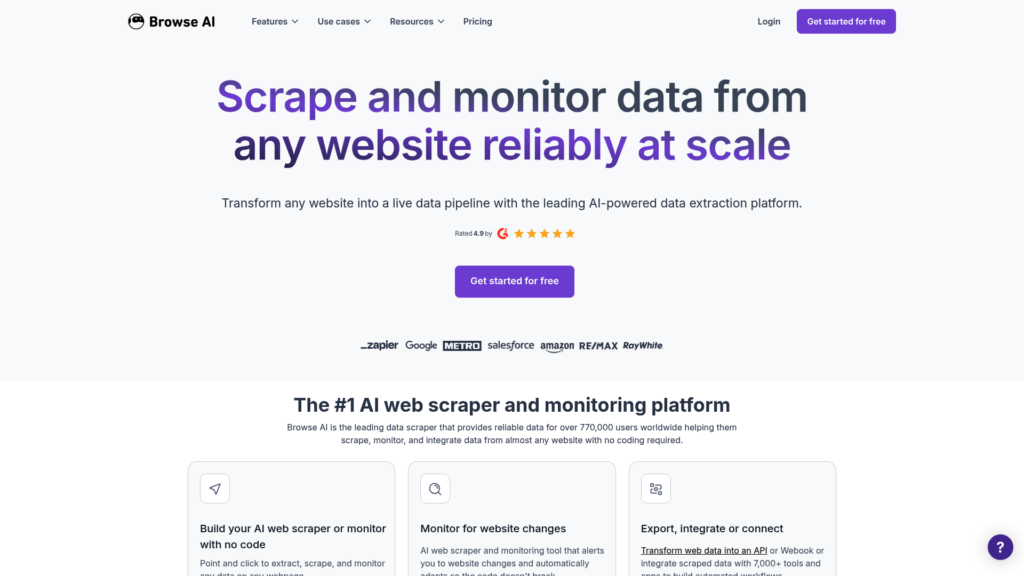
Browse AI lets you train robots to extract and monitor data from any website. The training process takes about 2 minutes: you record your actions, and the robot learns to replicate them.
Key features:
- Train robots in minutes without coding
- Schedule extractions (as frequent as every 5 minutes on paid plans)
- Native integrations with Zapier, Google Sheets, Airtable, and Make.com
- Built-in residential proxies and CAPTCHA solving
Pricing: Free plan with 50 credits/month; paid plans from $19/month (annual) or $48/month (monthly) for 2,000 credits.
Simplescraper
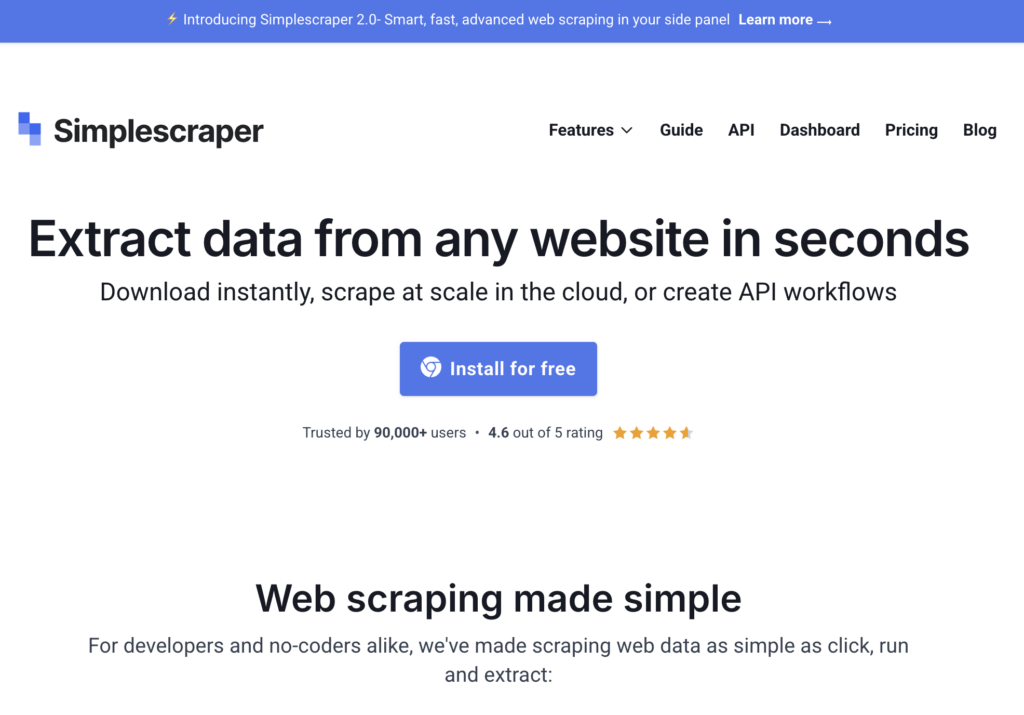
Simplescraper offers point-and-click extraction with direct integration to Google Sheets and Airtable. It’s particularly useful for feeding scraped data into no-code workflows.
Key features:
- Extract data in seconds
- Direct Google Sheets and Airtable integration
- Webhook support for triggering Zapier workflows
Pricing: Free plan available; paid features for higher volume.
Zapier Web Parser
If you’re already in the Zapier ecosystem, their built-in Web Parser can extract data from HTML without additional tools. It’s limited but convenient for simple extractions.
Time to Value: 10-30 minutes Total Cost of Ownership: $0-$49/month Limitations: Works best on structured sites. Complex navigation or heavy JavaScript may require more robust solutions.
Method 3: Python libraries
Best for: Custom scrapers, large-scale projects, complex logic
When you need full control over the scraping process, Python offers the most mature ecosystem. Here are the three libraries you should know.
BeautifulSoup
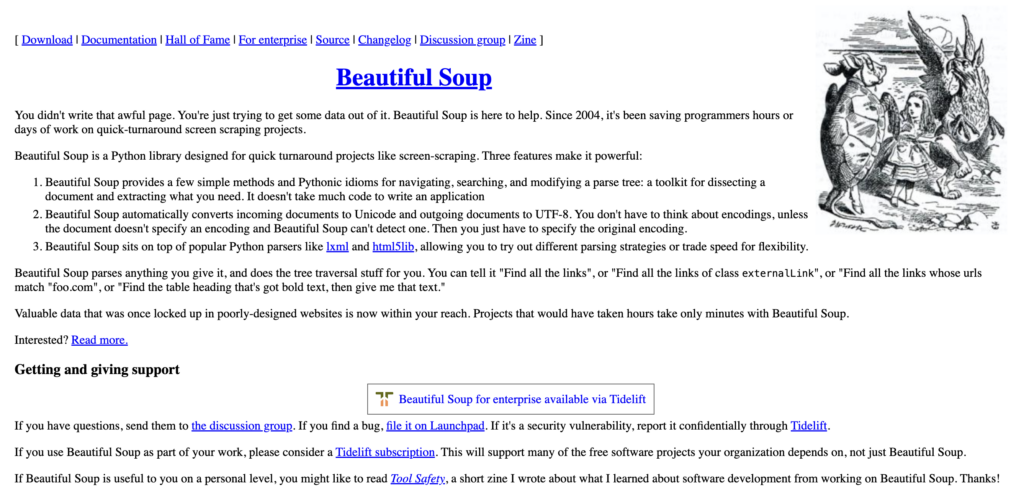
BeautifulSoup is a Python library for parsing HTML and XML documents. It’s been the go-to tool for web scraping since 2004 because it’s simple, well-documented, and handles messy real-world HTML gracefully.
Key features:
- Parses HTML and XML with a simple API
- Automatic encoding detection and conversion
- Works with multiple parsers (lxml, html5lib, html.parser)
- Excellent for static websites
Installation: pip install beautifulsoup4
Here’s a basic example:
from bs4 import BeautifulSoup
import requests

url = "https://example.com"
response = requests.get(url)
soup = BeautifulSoup(response.content, "html.parser")
titles = soup.find_all("h2")
Scrapy
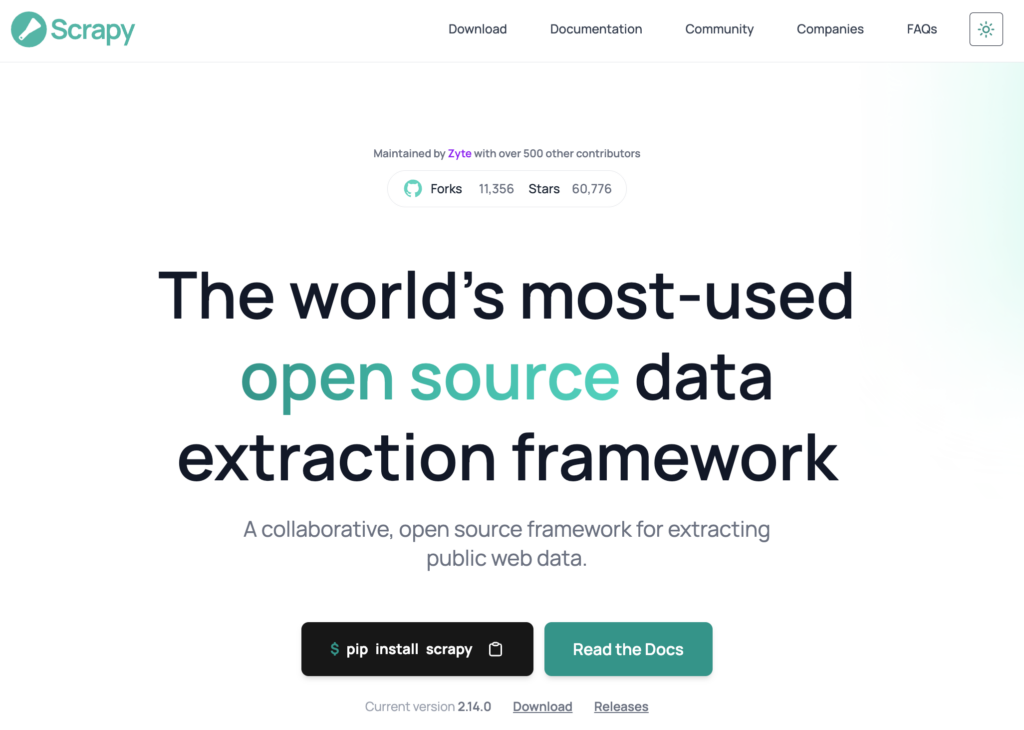
Scrapy is a full web scraping framework, not just a library. It handles crawling, data pipelines, concurrent requests, and export formats. With over 54,000 GitHub stars, it’s the most widely used open-source scraping framework.
Key features:
- Built-in support for extracting, processing, and storing data
- Concurrent request handling for speed
- Automatic handling of cookies, sessions, and retries
- Export to JSON, CSV, XML, and more
- Extensible architecture with middleware and pipelines
Installation: pip install scrapy
Scrapy is overkill for one-off scripts, but it’s the right choice when you’re building a production scraper that needs to crawl thousands of pages reliably.
Selenium
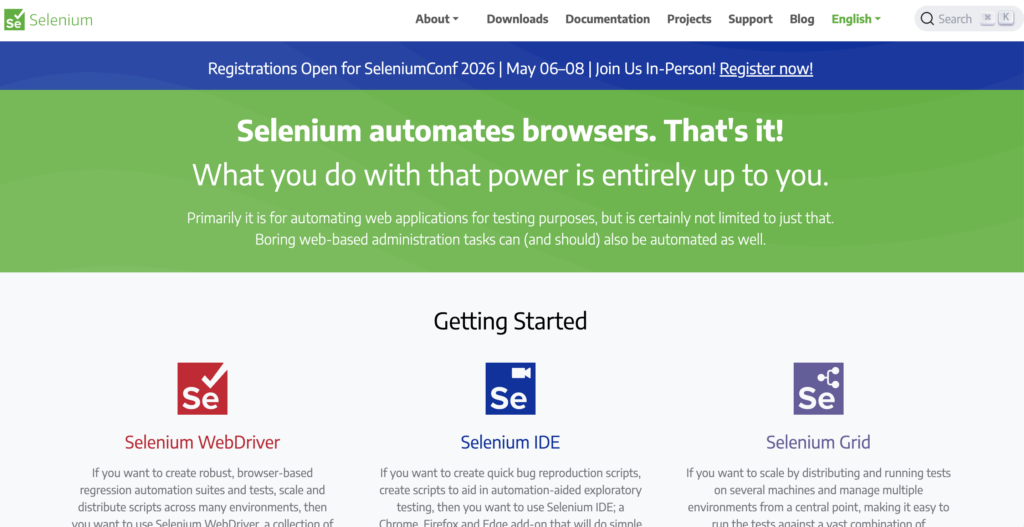
Selenium is a browser automation framework. Unlike BeautifulSoup and Scrapy, which work with raw HTML, Selenium controls an actual browser. This makes it essential for JavaScript-heavy sites where content loads dynamically after the initial page request.
Key features:
- Controls real browsers (Chrome, Firefox, Safari, Edge)
- Executes JavaScript and waits for dynamic content
- Simulates user interactions (clicks, form submissions, scrolling)
- Supports headless mode for server environments
Installation: pip install selenium
The tradeoff is speed. Selenium is significantly slower than parsing static HTML because it actually renders pages. Use it when you need to, but don’t default to it for every scrape.
Time to Value: 2-8 hours (learning curve) Total Cost of Ownership: Free (just your development time) Limitations: Requires Python knowledge. You’re responsible for handling errors, retries, and maintenance when sites change.
Method 4: API-first scraping services
Best for: Production apps, handling anti-bot measures, scaling
When you need reliability at scale without managing infrastructure, API services handle the hard parts: proxies, browser rendering, and anti-bot evasion.
Firecrawl
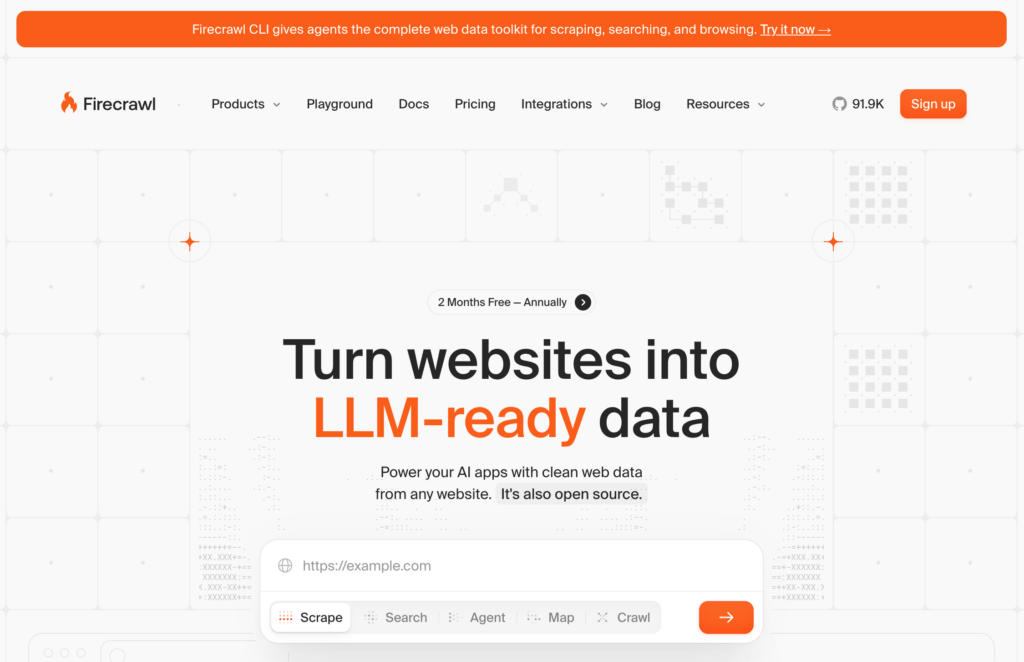
Firecrawl is a web data API designed specifically for AI applications. It turns websites into clean, LLM-ready markdown or structured JSON.
Key features:
- Scrape single pages or crawl entire sites
- Returns clean markdown, structured JSON, or screenshots
- Handles JavaScript rendering automatically
- Python, Node.js, Java, and Go SDKs available
- 96% web coverage including JavaScript-heavy pages
Pricing: Free tier with 500 credits (one-time); paid plans from $9/month for 3,000 credits up to $599/month for 1,000,000 credits.
ScrapingBee
ScrapingBee is a web scraping API that handles proxies, headless browsers, and data extraction. It’s designed for developers who want to focus on using data, not managing scraping infrastructure.
Key features:
- Proxy rotation to bypass rate limiting
- JavaScript rendering with latest Chrome
- AI-powered data extraction (describe what you want in plain English)
- Pre-built scrapers for Google, YouTube, Walmart
- SDKs for Python, Node.js, and Go
Pricing: Plans from $49/month for 250,000 API credits to $599/month for 8,000,000 credits. Free trial with 1,000 API calls (no credit card required).
Zyte API
Zyte API offers enterprise-grade scraping infrastructure with automatic extraction and session management. It’s the choice for teams that need legal compliance support and dedicated infrastructure.
Time to Value: 30 minutes Total Cost of Ownership: $49-$500+/month Limitations: Costs scale with volume. For high-frequency scraping, costs can add up quickly compared to running your own infrastructure.
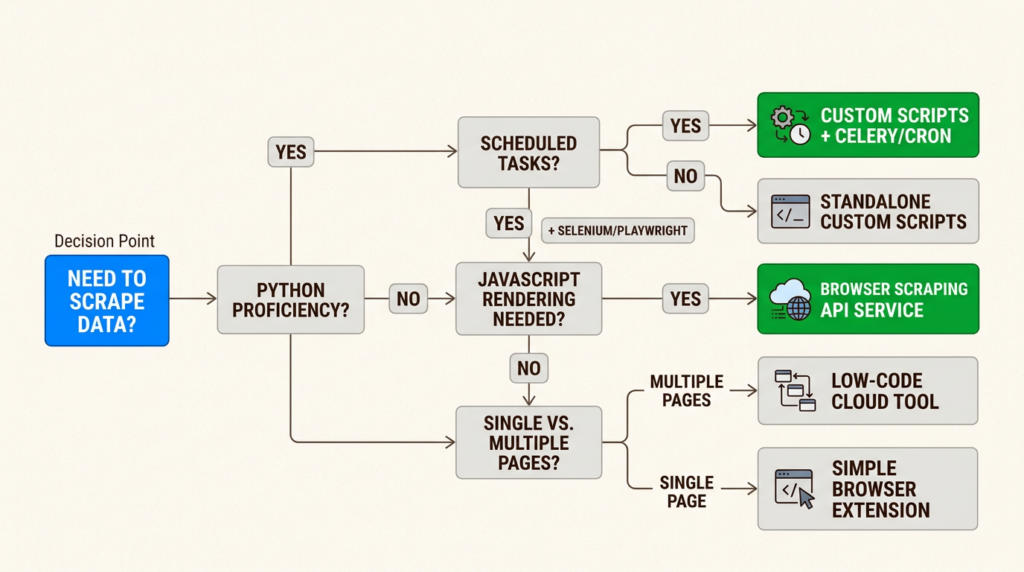
Choosing the right method: TTV/TCO framework
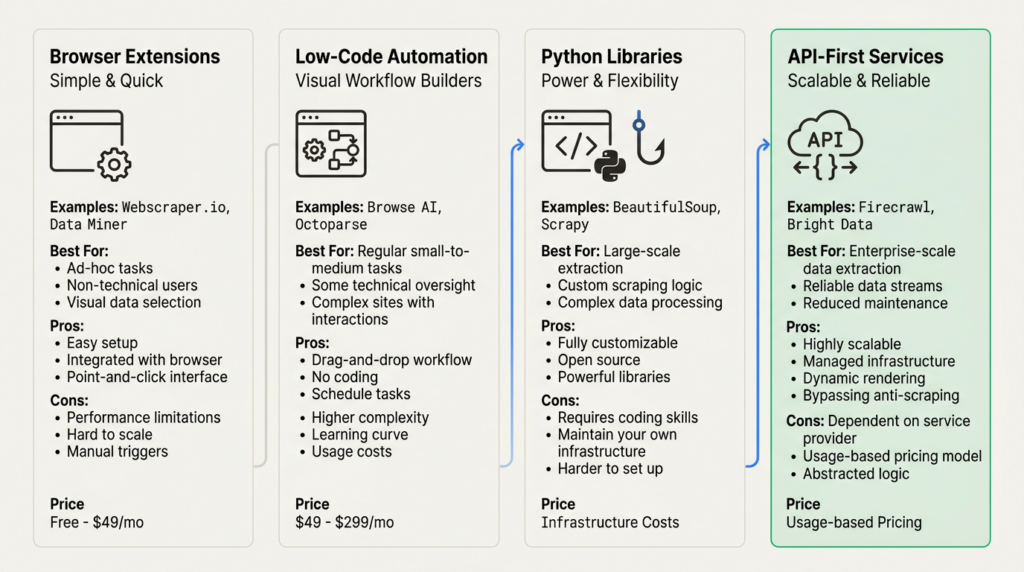
Here’s how the four methods compare across the dimensions that matter for GTM Engineering decisions:
| Method | Time to Value | Total Cost | Best For |
|---|---|---|---|
| Browser extensions | Minutes | Free-$50/mo | Quick one-offs, non-technical users |
| Low-code tools | 10-30 min | $0-$49/mo | Scheduled monitoring, workflow integration |
| Python libraries | 2-8 hours | Free | Custom solutions, large-scale projects |
| API services | 30 min | $49-$500+/mo | Production scale, anti-bot handling |
Your decision should factor in:
- Technical skill level – Can you write Python, or do you need a no-code solution?
- Project scale – Is this a one-time extraction or an ongoing data pipeline?
- Data complexity – Are you dealing with static HTML or JavaScript-heavy applications?
- Budget constraints – Do you have engineering time or need to pay for convenience?
Common challenges and solutions
Even with the right tools, you’ll hit obstacles. Here’s how to handle the most common ones:
Dynamic contentProblem: The data you need loads after the initial page request via JavaScript. Solution: Use Selenium for Python-based scraping, or API services like Firecrawl and ScrapingBee that handle JavaScript rendering automatically.
Anti-bot measuresProblem: Sites detect and block your scraper with CAPTCHAs or IP bans. Solution: Rotate proxies, add delays between requests, or use services like ScrapingBee that manage proxy rotation and CAPTCHA solving for you.
PaginationProblem: Data spans multiple pages and you need to navigate through them. Solution: For Python, implement next-page logic in your script. For no-code tools, look for built-in pagination handling (Webscraper.io handles this well).
Data consistencyProblem: Site structure changes break your scraper. Solution: Build validation and error handling into your scripts. For critical pipelines, use CSS selectors that are less likely to change (IDs and data attributes over classes).
Rate limitingProblem: Your scraper gets blocked for making requests too quickly. Solution: Respect robots.txt, add delays between requests (1-2 seconds is standard), and consider the site’s server load.
Start scraping data for your GTM stack
Web scraping is a core skill for GTM Engineers. The method you choose depends on your technical comfort, project requirements, and budget.
Start with browser extensions for quick wins and proof-of-concept work. When you need reliability and scale, graduate to Python libraries or API services. The key is matching the tool to the job, not defaulting to the most complex solution.
If you’re building data enrichment workflows, you might also want to explore alternatives to Clay for combining scraped data with other sources. And for a broader view of the tools that power modern GTM teams, check out our guide to the best GTM tools for 2026.
Frequently Asked Questions
Is it legal to scrape data from a website?
Scraping publicly available data is generally legal in most jurisdictions. However, scraping password-protected content, personal data protected by privacy regulations, or data in violation of a site’s Terms of Service can create legal exposure. Always review robots.txt and respect rate limits.
What is the easiest way to scrape data from a website?
For non-technical users, browser extensions like Webscraper.io or RowsX offer the fastest path. You can extract data within minutes without writing code. For technical users, Python with BeautifulSoup provides the most flexibility for simple scraping tasks.
Can I scrape data from a website for free?
Yes. Python libraries like BeautifulSoup, Scrapy, and Selenium are free and open-source. Browser extensions like Webscraper.io offer free tiers for local use. The tradeoff is that free tools require more setup and maintenance compared to paid services.
How do I scrape data from a website that requires login?
Scraping password-protected content without permission is generally not advisable from a legal and ethical standpoint. If you have legitimate access, tools like Selenium can handle login flows by automating browser interactions. API services like ScrapingBee also support session management for authenticated scraping.
What is the best tool for scraping JavaScript-heavy websites?
For Python-based scraping, Selenium is the standard choice because it controls an actual browser and executes JavaScript. For no-code solutions, API services like Firecrawl and ScrapingBee handle JavaScript rendering automatically without requiring you to manage browsers.
How do I avoid getting blocked when scraping websites?
Implement rate limiting (1-2 seconds between requests), rotate user agents and IP addresses, respect robots.txt directives, and use services with built-in proxy rotation like ScrapingBee. Some sites are aggressively protected and may require specialized handling.
Leave a Reply