

I burned through $700 and 200+ hours testing GTM tools so you don’t have to.
Here’s what I learned: most “best GTM tools” lists are written by people who never actually deployed these things. They copy specs from marketing pages and call it research. I actually ran these tools in production stacks, integrated them with Salesforce, and measured their real TTV (time-to-value) and TCO (total cost of ownership).
The 2026 GTM landscape has split into two camps. AI-native tools built from the ground up with LLMs and agents. And legacy platforms with AI bolted on as an afterthought. This distinction matters more than any feature checklist because it determines whether a tool gets better over time or becomes legacy debt.
This guide covers the 7 tools that survived my stack. I ranked them by TTV, TCO, and how well they actually fit into a modern GTM architecture without creating ops debt.
Quick comparison: the 7 best GTM tools
| Tool | Best For | Starting Price | TTV Score | AI-Native? |
|---|---|---|---|---|
| Clay | Data enrichment + orchestration | $134/mo | Fast | Yes |
| Apollo.io | Outbound prospecting | Free / $59/mo | Instant | Partial |
| Default | Inbound orchestration | $750/mo | Medium | Yes |
| HockeyStack | Revenue attribution | Custom | Medium | Yes |
| 6sense | ABM + intent | Free tier / Custom | Slow | Yes |
| Gong | Conversation intelligence | Custom | Medium | Partial |
| Hightouch | Reverse ETL | Free / $350/mo | Fast | No |
What makes a GTM tool worth it in 2026
Before diving into the list, let’s talk about how I evaluated these tools.
TTV (Time-to-Value): How fast can RevOps get this running without filing engineering tickets? The best tools ship with sensible defaults and visual builders. The worst require weeks of professional services.
TCO (Total Cost of Ownership): The sticker price is just the beginning. I factor in API limits, overage fees, implementation costs, and the hidden tax of maintaining yet another integration. Tools that replace multiple point solutions score higher here, even if their base price looks steep.
Stack fit: Does it play nice with your warehouse, CRM, and existing tools? In 2026, any tool that doesn’t speak Snowflake or BigQuery natively is fighting the current.
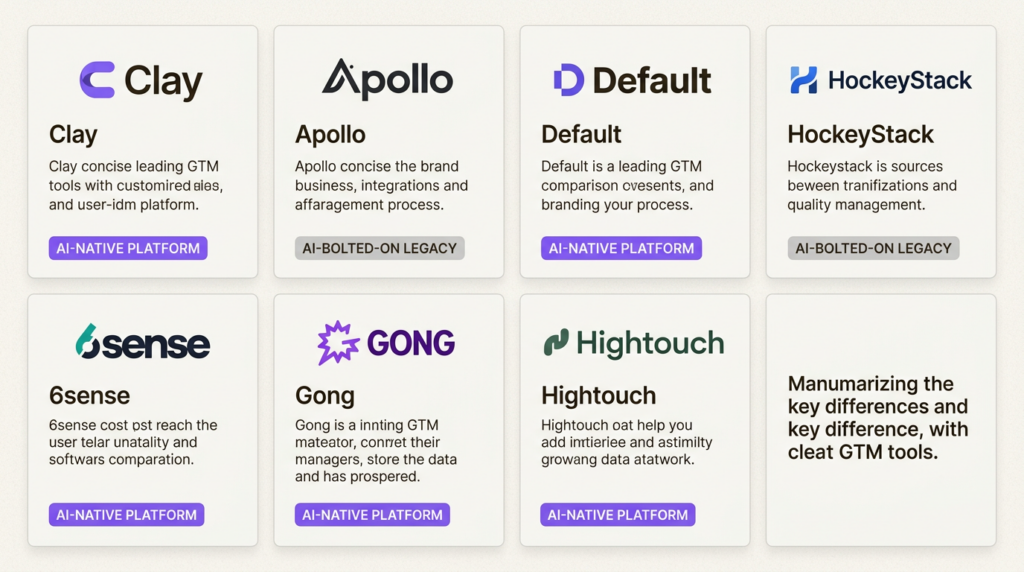
AI-native vs AI-bolted-on: AI-native tools (Clay, Default, HockeyStack, 6sense) were architected with LLMs from day one. Their AI actually works. Bolted-on AI (Apollo, Gong) added features to existing platforms. Sometimes it helps. Sometimes it’s marketing fluff.
If you’re building a GTM engineering function, understanding the skills and tech stack required helps contextualize these evaluations.
1. Clay
The programmable lead engine every GTM Engineer needs
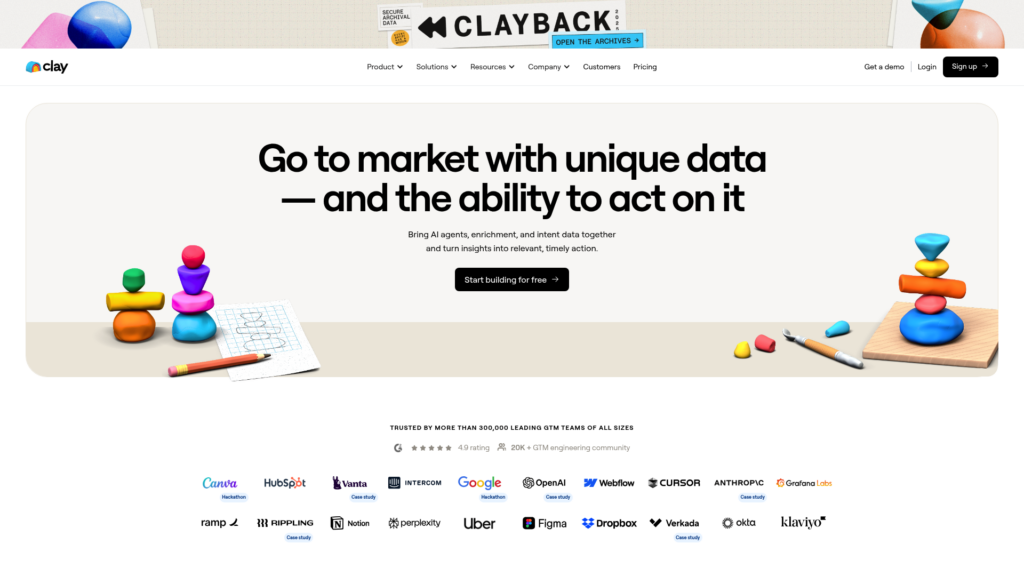
Clay replaced 4 separate tools in my stack. That’s not hyperbole. I was paying for ZoomInfo, Clearbit, PhantomBuster, and a custom Python scraper. Clay does all of that in one spreadsheet interface.
Here’s how it works. You build workflows using a visual grid that feels like Excel but connects to 100+ data providers. When you need an email or phone number, Clay runs a waterfall enrichment, querying multiple providers sequentially until it finds a match. No more paying for 3 different data vendors and hoping one has the record.
The AI research agents (Claygent) are where this gets interesting. You can prompt them to research a prospect’s website, find recent news, and write personalized outreach angles. I’ve seen it pull specific product launches from company blogs and reference them in cold emails. The kind of personalization that used to take 10 minutes per prospect now happens at scale.
Pricing:
| Plan | Price | Credits | Best For |
|---|---|---|---|
| Starter | $134/mo | 1,200 | Small teams testing enrichment |
| Pro | $349/mo | 3,600 | Growing teams with regular volume |
| Enterprise | $720/mo | 12,000 | High-volume operations |
Credit costs scale with volume, so budget a 20-30% buffer for overages.
Pros:
- One platform replaces multiple data vendors
- Waterfall enrichment maximizes match rates
- Strong CRM integrations with Salesforce and HubSpot
- Clay University provides excellent training resources
Cons:
- Requires technical mindset to configure advanced flows
- Credit costs can surprise you if you’re not tracking usage
- Some integrations still feel beta-quality
If you’re evaluating alternatives, I maintain a detailed breakdown of Clay alternatives with specific use case recommendations.
2. Apollo.io
Best all-in-one for outbound SDR teams
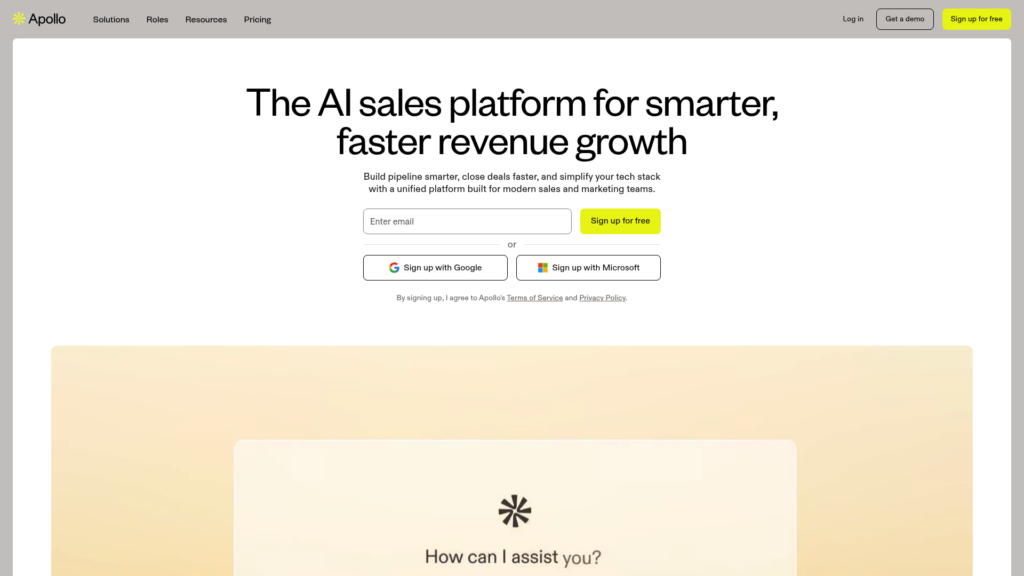
Apollo is the fastest path from list to launch. Their 270M+ contact database isn’t perfect, but it’s good enough for most outbound motions, and the free tier removes any friction to getting started.
The sequencing engine handles email and LinkedIn touches natively. No need to wire together Outreach, LinkedIn Sales Navigator, and a separate data provider. The Chrome extension lets you prospect on LinkedIn and push contacts directly into sequences without leaving the tab.
I particularly like the intent data features at the Professional tier and above. Apollo surfaces companies showing buying signals, which helps SDRs prioritize their outreach rather than spraying and praying.
Pricing:
| Plan | Price | Key Limits |
|---|---|---|
| Free | $0 | Unlimited email credits, limited exports |
| Basic | $59/user/mo | 1,000 exports/month |
| Professional | $99/user/mo | Unlimited calls, 2,000 exports/month |
| Organization | $149/user/mo | Annual commitment required |
Pros:
- Generous free tier gets you started immediately
- All-in-one outbound engine reduces tool sprawl
- Fast time-to-first-touch for new campaigns
- Built-in dialer and meeting scheduler
Cons:
- Data accuracy varies internationally (US data is strongest)
- Sequencing UX is basic compared to dedicated tools like Outreach
- AI features feel bolted-on rather than core to the product
For teams focused on AI lead generation, Apollo is a solid foundation, though you may want to layer in more sophisticated AI tools as you scale.
3. Default
Best for inbound orchestration at scale
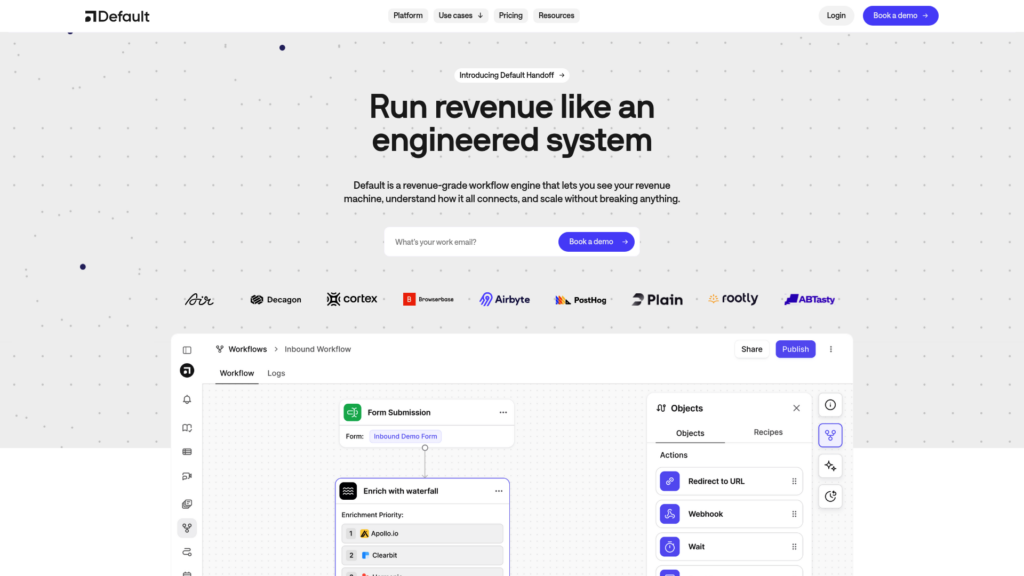
Default is the only tool I’ve found that actually fixes the inbound handoff problem. You know the one: lead fills out a form, enrichment fails, routing rules break, and by the time a rep actually calls, the prospect has already evaluated three competitors.
Default handles the entire flow: form capture, real-time enrichment, lead routing, and embedded scheduling. The promise is 60-90 seconds from form submission to meeting booked. In my testing, they actually hit this number.
The visual routing builder is what sells it. You can build complex logic (territory assignments, account-based routing, round-robin) without writing Salesforce Flow code. RevOps actually owns this tool. No engineering tickets required.
Pricing:
| Plan | Price | Notes |
|---|---|---|
| Startup | $750/mo + $45/user | Minimum commitment |
| Growth | Custom | For scaling teams |
| Enterprise | Custom | Full feature set |
No freemium tier. You’ll need a demo to get started.
Pros:
- Full-stack inbound orchestration in one platform
- RevOps actually owns it (no engineering dependency)
- Speed-to-lead is unmatched in my testing
- Replaces Zapier + Salesforce Flow + Chili Piper
Cons:
- No freemium tier to test before buying
- Requires connected CRM to unlock full value
- Higher upfront cost than point solutions
If you’re wondering how this fits into the broader GTM engineering function, my guide on what a GTM Engineer does explains the inbound orchestration role in more detail.
4. HockeyStack
Best GTM AI platform for attribution
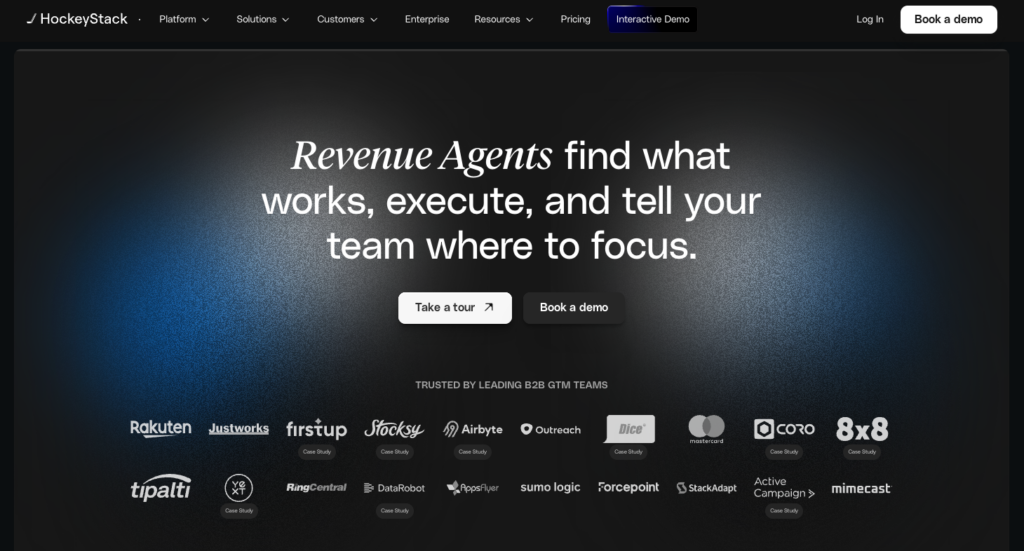
HockeyStack is the only attribution tool I’ve used that actually explains the “why” behind the numbers. Their AI analyst, Odin, answers GTM questions in plain English. Ask “Which campaigns influenced our enterprise deals last quarter?” and you get a real answer with visualizations, not a SQL query to run yourself.
The multi-touch attribution model tracks the full buyer journey across marketing touchpoints, sales interactions, and product usage. This ends the “whose numbers are right” debate between Marketing and Sales. Everyone is looking at the same unified data.
Nova, their AI assistant, goes further by scoring prospects and even writing personalized outreach based on attribution insights. It’s one of the few agentic workflows that actually works in production.
Pricing:
| Tier | Pricing Model | Notes |
|---|---|---|
| All tiers | Custom | Enterprise-focused, no self-serve |
Typical entry point is $20K+ annually for mid-market companies.
Pros:
- Self-serve insights (no data team dependency)
- Unified data ends the attribution debate
- Agentic workflows actually deliver value
- Warehouse-native architecture
Cons:
- Setup requires connecting multiple data sources
- Overkill for small teams without complex buyer journeys
- No transparent pricing
For context on how AI is reshaping GTM strategy, see my breakdown of AI-driven go-to-market strategies.
5. 6sense
Best ABM platform for enterprise
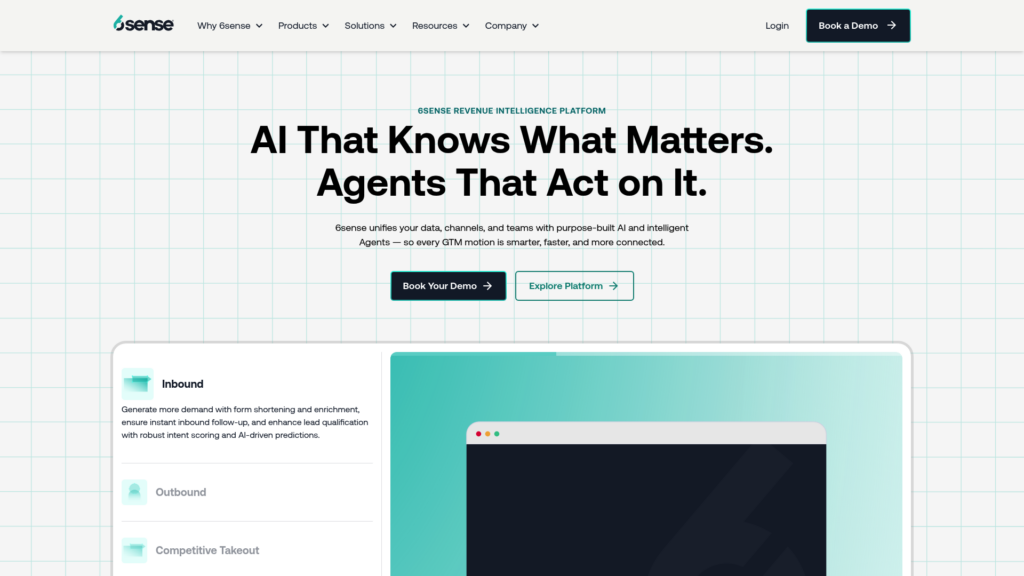
6sense reliably identifies the “dark funnel” of anonymous buyers researching your category before they ever fill out a form. Their intent data draws from 1 trillion daily signals across the B2B web, and their predictive models actually improve as they ingest more of your data.
The anonymous buyer identification is the killer feature. You can see which companies are researching your competitors, comparing solutions in your category, and engaging with relevant content, all before they raise their hand. This changes how you prioritize accounts and allocate SDR effort.
Predictive account scoring helps identify which accounts are actually in-market versus just browsing. The orchestration layer then executes cross-channel campaigns to engage the full buying committee.
Pricing:
| Tier | Price | Limits |
|---|---|---|
| Free | $0 | 50 company credits/month |
| Paid | Custom | Enterprise pricing only |
Pros:
- Best-in-class intent data from 1T+ daily signals
- Predictive models improve over time with your data
- Strong for enterprise ABM programs
- Free tier for small teams to test
Cons:
- Learning curve is steep (30-60 days to full value)
- Requires dedicated admin for ongoing optimization
- Enterprise pricing is significant ($30K+ annually typical)
The distinction between GTM engineering and traditional sales engineering matters here. My comparison of GTM Engineer vs Sales Engineer explains which role should own tools like 6sense.
6. Gong
Best conversation intelligence platform
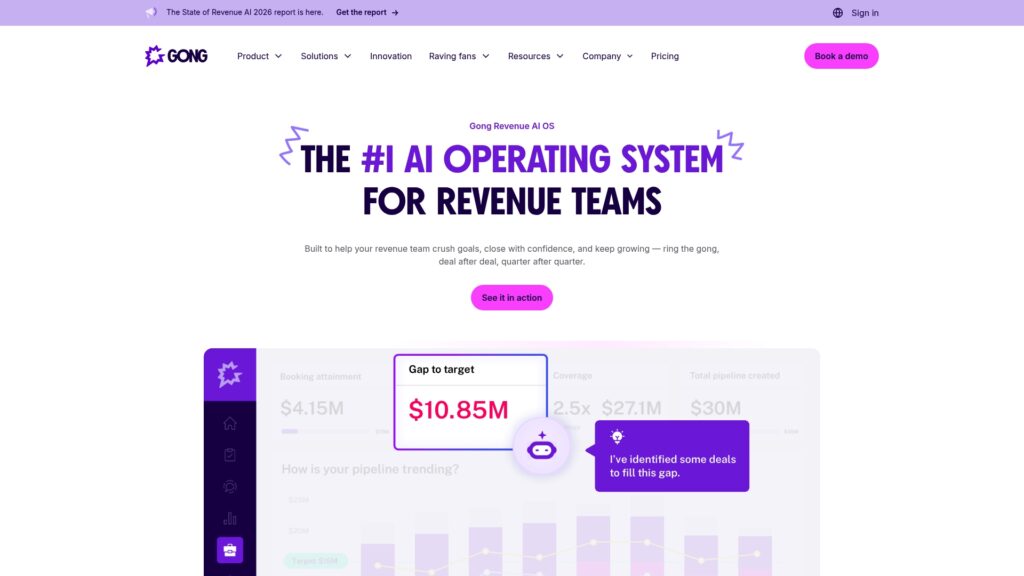
Gong remains the standard for understanding what works in sales conversations. Yes, competitors like Chorus and Wingman exist. But Gong’s conversation analysis is still unmatched, and their expansion into a full Revenue AI OS makes them harder to replace than ever.
The core functionality is automatic call recording, transcription, and AI analysis. Gong identifies talk-to-listen ratios, tracks key topics, and flags deal risks before they kill opportunities. The coaching insights show what top performers do differently, so you can replicate winning behaviors across the team.
Their newer products extend the platform: Gong Engage for sales engagement, Gong Forecast for revenue forecasting, and Gong Enable for revenue enablement. Plus AI agents that automate follow-ups, pipeline edits, and forecast corrections.
Pricing:
| Model | Details |
|---|---|
| Per-user licensing | Based on seat count |
| Platform fee | Scales with team size |
| Typical range | $1,200+ per user annually |
No public pricing; requires sales conversation.
Pros:
- Unmatched conversation analysis and transcription accuracy
- Helps replicate top performer behaviors at scale
- Strong CRM integrations with Salesforce and HubSpot
- Expanded platform reduces need for point solutions
Cons:
- Pricey for smaller teams
- Data accuracy depends on call quality
- AI features vary in usefulness (some feel bolted-on)
7. Hightouch
Best Reverse ETL for operationalizing warehouse data
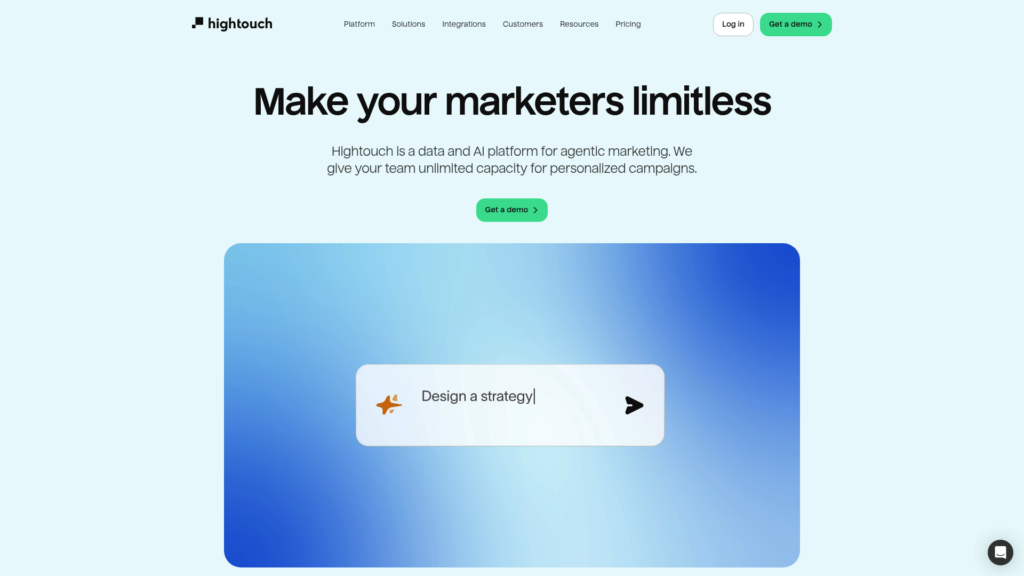
Hightouch makes your data warehouse actually useful for GTM teams. Instead of building custom integrations or begging engineering for CSV exports, you can sync warehouse data to 250+ operational tools with a no-code interface.
The dbt integration is what sells it for technical teams. You can select dbt models directly, schedule syncs based on dbt Cloud runs, and version control everything. Real-time syncs mean your CRM data stays fresh without batch delays.
Their newer AI Decisioning product adds AI agents for personalization, though this is sold separately from the core Reverse ETL platform.
Pricing:
| Plan | Price | Limits |
|---|---|---|
| Free | $0 | 2 active syncs, unlimited destinations |
| Starter | ~$350/mo | Expanded sync volume |
| Growth/Enterprise | Custom | Full feature set |
Pros:
- Works directly with Snowflake, BigQuery, Databricks
- Real-time syncs keep operational data fresh
- Version control for data syncs via dbt
- No-code interface reduces engineering dependency
Cons:
- Requires existing data warehouse
- UI gets cluttered for complex multi-destination workflows
- AI Decisioning is separate product with separate pricing
How to choose the right GTM tool
With 7 solid options, how do you pick? Start with your motion.
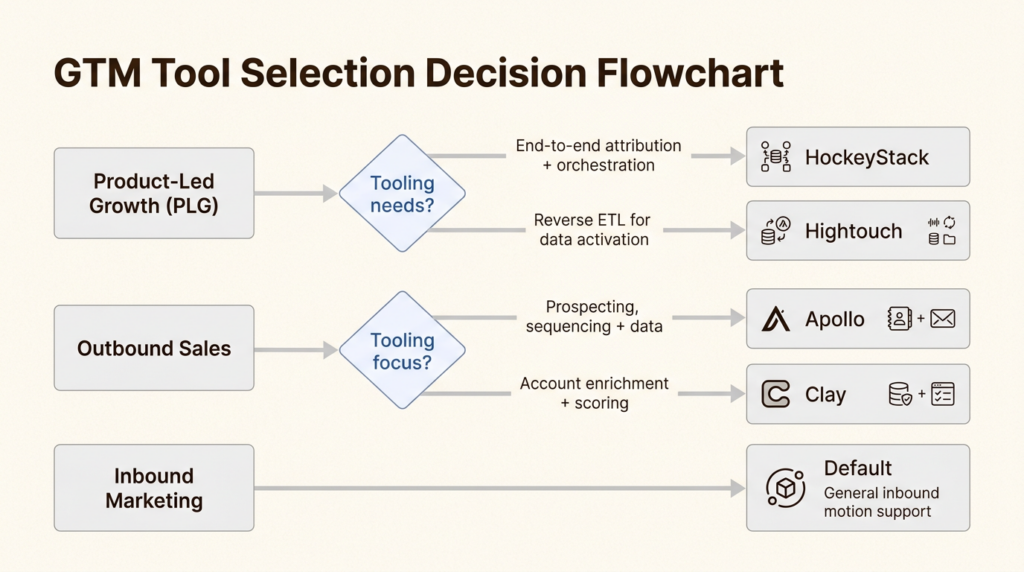
PLG companies need product analytics and self-serve funnel optimization. Prioritize HockeyStack for attribution and Hightouch for operationalizing product data.
Outbound-heavy teams should start with Apollo for fast execution, then layer in Clay for enrichment sophistication as you scale.
Inbound-heavy teams with high lead volume need Default to fix the speed-to-lead problem. The ROI on sub-2-minute response times justifies the price.
Enterprise ABM programs require 6sense for intent data and dark funnel visibility. Nothing else comes close for this use case.
Audit your stack before adding anything. What gaps are actually costing you pipeline? Most teams I audit have 3-4 tools doing overlapping jobs. Consolidation usually beats addition.
For a broader view of the landscape, see my full breakdown of the 20 best GTM tools with recommendations by company stage.
Build your 2026 GTM stack without the bloat
Here’s how I recommend stacking these tools by company stage:
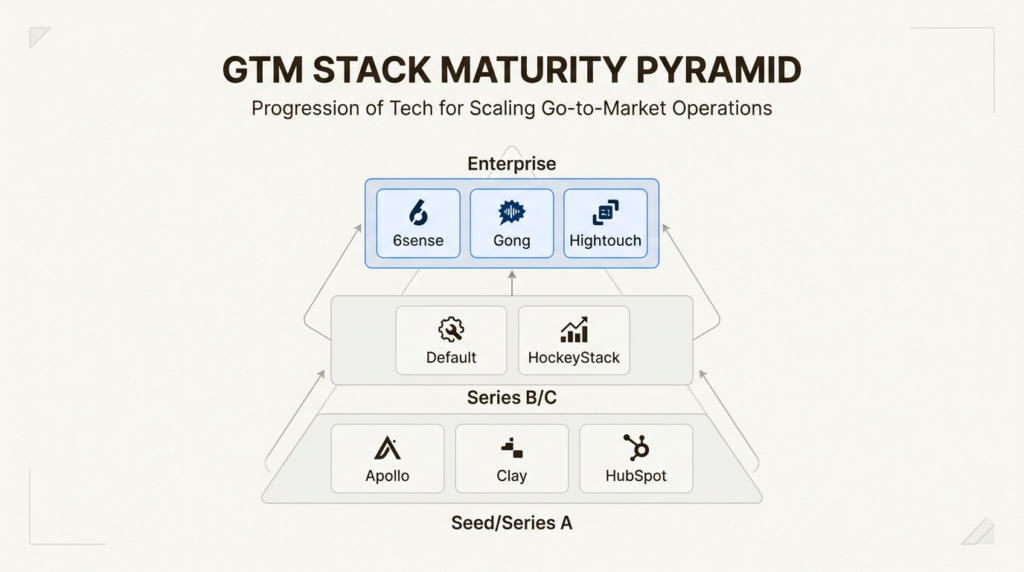
Seed/Series A: Apollo + Clay + HubSpot
- Apollo for outbound execution
- Clay for enrichment and data orchestration
- HubSpot as the CRM foundation
Series B/C: Add Default + HockeyStack
- Default for inbound orchestration as volume scales
- HockeyStack for attribution as channels multiply
Enterprise: Layer in 6sense + Gong + Hightouch
- 6sense for ABM and intent
- Gong for conversation intelligence at scale
- Hightouch for warehouse-first data strategy
The anti-bloat principle: fewer tools that do more, connected properly. Each tool in this list replaces 2-3 point solutions when deployed correctly.
If you’re building a GTM engineering function and want to see how these tools fit into real job requirements, check out current GTM Engineer jobs to see what stacks companies are actually hiring for.
Frequently Asked Questions
What is the best GTM tool for a startup with limited budget?
Start with Apollo’s free tier for outbound and Clay’s Starter plan for enrichment. Together they give you enterprise-grade prospecting capabilities for under $200/month. Upgrade to paid tiers only when you have proven unit economics.
How do I justify the cost of expensive tools like Default or HockeyStack?
Calculate the cost of the status quo. Default at $750/month pays for itself if it prevents 2-3 lost deals from slow lead response. HockeyStack pays for itself if it helps you reallocate 10% of ad spend to better-performing channels. Frame the ROI around outcomes, not features.
Should I prioritize AI-native tools over established platforms?
For new deployments in 2026, yes. AI-native tools (Clay, Default, HockeyStack, 6sense) are architected to improve over time as LLMs advance. Bolted-on AI features often plateau. The exception is if you are deeply embedded in an existing platform with years of data migration costs.
What is the biggest mistake teams make when buying GTM tools?
Buying based on feature checklists instead of stack fit. A tool with 50 features that requires 3 engineers to maintain is worse than a tool with 20 features that RevOps can deploy in a day. Evaluate TTV and TCO, not just capability lists.
How many GTM tools is too many?
Most high-performing teams I have audited run 5-7 core tools. The problem is not the count, it is the overlap. If you have 3 tools touching the same data (enrichment, sequencing, and CRM all storing contact data), you have a consolidation opportunity.
When should I hire a GTM Engineer versus outsourcing tool implementation?
Hire when you have 3+ tools requiring regular integration work, custom API connections, or data warehouse pipelines. Outsourcing makes sense for one-off implementations. A full-time GTM Engineer pays for themselves when tool maintenance consumes 10+ hours per week of RevOps or engineering time.
Leave a Reply