

Most reviews of AI web scraper tools are paid promotions written by people who’ve never actually used the products. I spent three weeks testing the top tools to find which ones actually deliver for GTM Engineers and RevOps teams.
If you’re building TAM lists, enriching accounts, or monitoring competitors, you need reliable data extraction. The right tool depends on your team’s technical skills, budget, and use case. This guide covers seven tools across no-code, API, and hybrid approaches, evaluated on time-to-value, total cost of ownership, and GTM-specific features.
What makes a great AI web scraper for GTM teams
AI web scrapers use machine learning to extract structured data from websites. Unlike traditional scrapers that rely on rigid CSS selectors, AI scrapers can adapt to site changes and handle dynamic content like infinite scroll and JavaScript-heavy pages.
For GTM teams specifically, four capabilities matter most:
- Data accuracy and structure: Clean JSON or CSV output that imports directly into your CRM or enrichment tools
- CRM and integration ecosystem: Native connections to Salesforce, HubSpot, and your existing stack
- Anti-detection: Rotating proxies, CAPTCHA solving, and fingerprint rotation to avoid blocks
- Scale and reliability: Cloud infrastructure that runs on schedule without your laptop being open
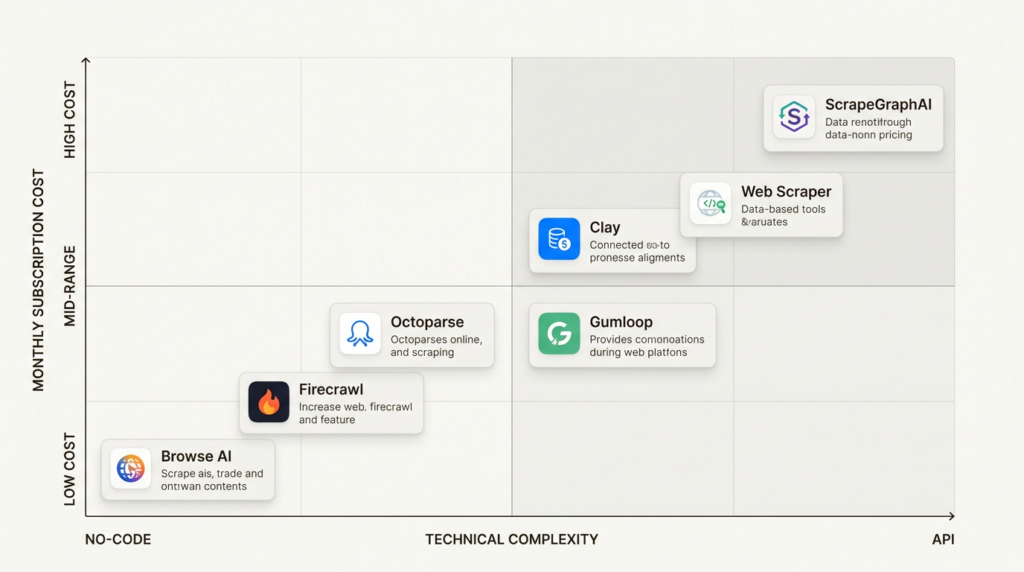
The no-code versus API trade-off comes down to your team. No-code tools like Browse AI get you running in minutes but limit customization. API-first tools like Firecrawl require engineering resources but offer unlimited flexibility. Most GTM teams fall somewhere in between.
Quick comparison of the best AI web scraper tools
| Tool | Best For | Starting Price | Free Plan | Key Strength |
|---|---|---|---|---|
| Browse AI | No-code monitoring | $19/mo | 50 credits/mo | Easiest setup |
| Firecrawl | Developer/API workflows | $9/mo | 500 one-time | LLM-ready output |
| Octoparse | Visual scraping at scale | $69/mo | 10 tasks | 500+ templates |
| Clay | Sales automation | $167/mo | 500 actions/mo | GTM-native features |
| Gumloop | AI workflow automation | $30/mo | 5,000 credits/mo | LLM integration |
| Web Scraper | Chrome extension users | $50/mo | Unlimited local | Simple and free |
| ScrapeGraphAI | AI-native extraction | $17/mo | 50 one-time | Natural language prompts |
1. Browse AI
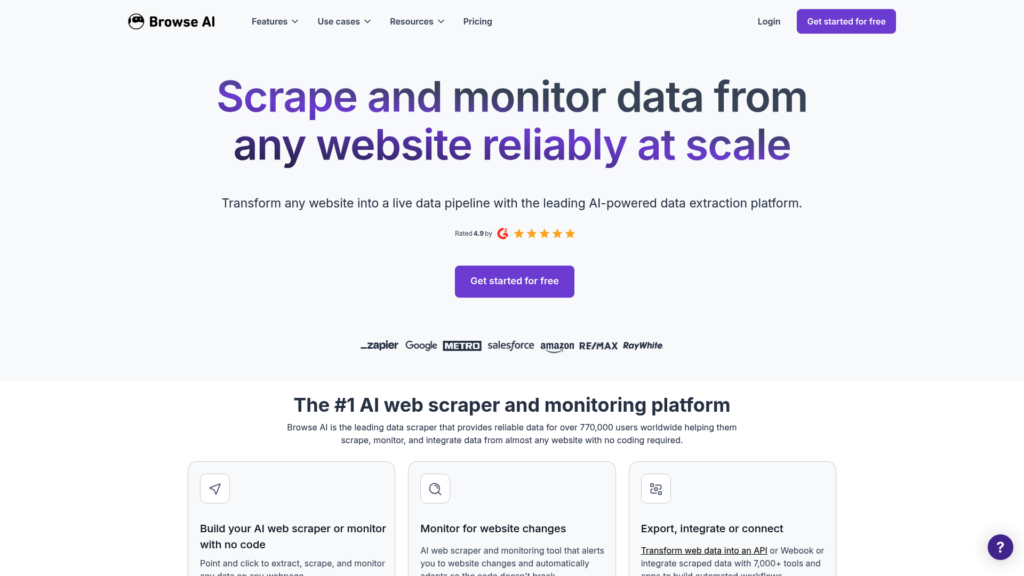
Browse AI is the closest thing to “scrape any website in five minutes.” With 770,000+ users, it’s the most popular no-code scraper for good reason. You train a “robot” by clicking through a site once, then schedule it to run automatically.
The monitoring features are what make it stand out for GTM use cases. Set up a robot to check competitor pricing daily, track job postings for intent signals, or monitor news mentions. When something changes, Browse AI alerts you via email or webhook.
Pricing:
| Plan | Monthly | Annual | Credits | Limits |
|---|---|---|---|---|
| Free | $0 | $0 | 50/mo | 2 websites, 3 users |
| Personal | $48 | $19/mo | 2,000/mo | 5 websites, 3 users |
| Professional | $87 | $69/mo | 5,000-30,000/mo | 10 websites, 10 users |
| Premium | $500+ | $500+/mo | 600,000+/yr | Custom limits |
Source: Browse AI pricing
One credit equals ten rows of data or one screenshot. Premium sites (LinkedIn, major e-commerce) cost 2-10 credits per run due to anti-bot measures. Browse AI includes residential proxies and CAPTCHA solving at no extra cost, which is rare at this price point.
What works:
- Fastest time-to-value for simple scrapes
- Excellent monitoring with change detection
- 7,000+ integrations including Google Sheets, Zapier, and Make
- SOC 2 Type II and GDPR compliant
What doesn’t:
- Credit system gets expensive at scale
- Limited customization for complex multi-step workflows
- Premium sites drain credits quickly
Best GTM use case: Monitor competitor pricing changes, track job postings for hiring intent, or scrape directories for lead lists without writing code.
2. Firecrawl
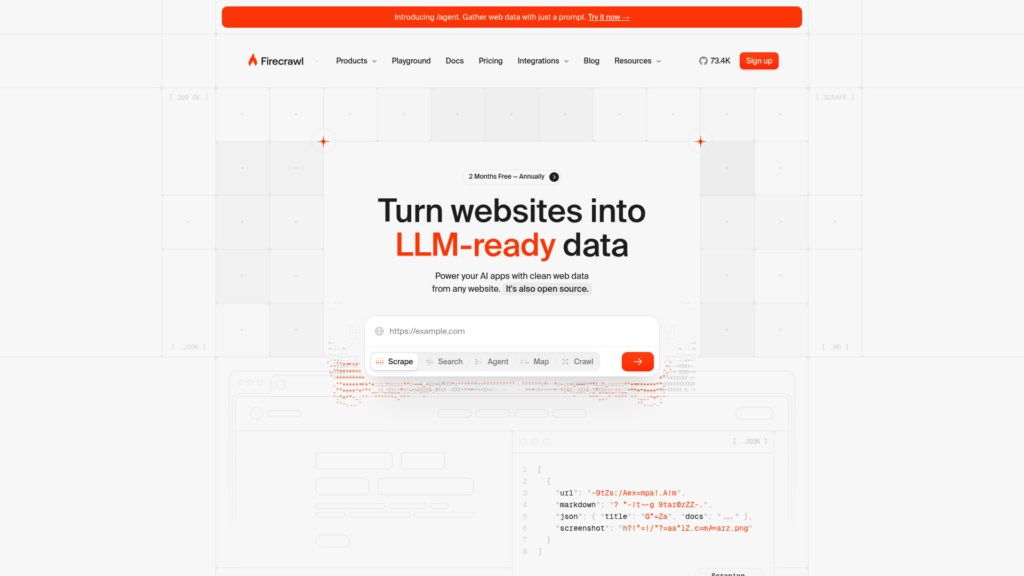
Firecrawl is built for developers who need clean web data for AI applications. Backed by Y Combinator and trusted by 80,000+ companies, it converts any website into LLM-ready markdown or structured JSON.
The API is refreshingly simple. One call scrapes a page, crawls an entire site, or searches the web and returns full content. Output is clean markdown with metadata, perfect for feeding into vector databases or RAG pipelines.
Pricing:
| Plan | Monthly | Annual | Credits | Limits |
|---|---|---|---|---|
| Free | $0 | $0 | 500 one-time | 2 concurrent requests |
| Hobby | $16 | $9/mo | 3,000/mo | 5 concurrent requests |
| Standard | $65 | $47/mo | 100,000/mo | 50 concurrent requests |
| Growth | $265 | $177/mo | 500,000/mo | 100 concurrent requests |
| Scale | $599 | – | 1,000,000/mo | 150 concurrent requests |
Source: Firecrawl pricing
Credits are straightforward: one credit per page scraped or crawled. The open-source option means you can self-host if data privacy or cost is a concern. Firecrawl also offers a browser sandbox for agent interactions, letting AI agents navigate and interact with websites programmatically.
What works:
- Clean API design with excellent documentation
- LLM-ready markdown output
- Open source with self-host option
- SOC 2 Type 2 compliant
What doesn’t:
- Requires coding knowledge
- No visual interface for non-technical users
- Rate limits on lower tiers
Best GTM use case: Build custom lead enrichment pipelines, feed competitor content into vector databases for AI analysis, or automate research workflows that feed directly into your data warehouse.
3. Octoparse
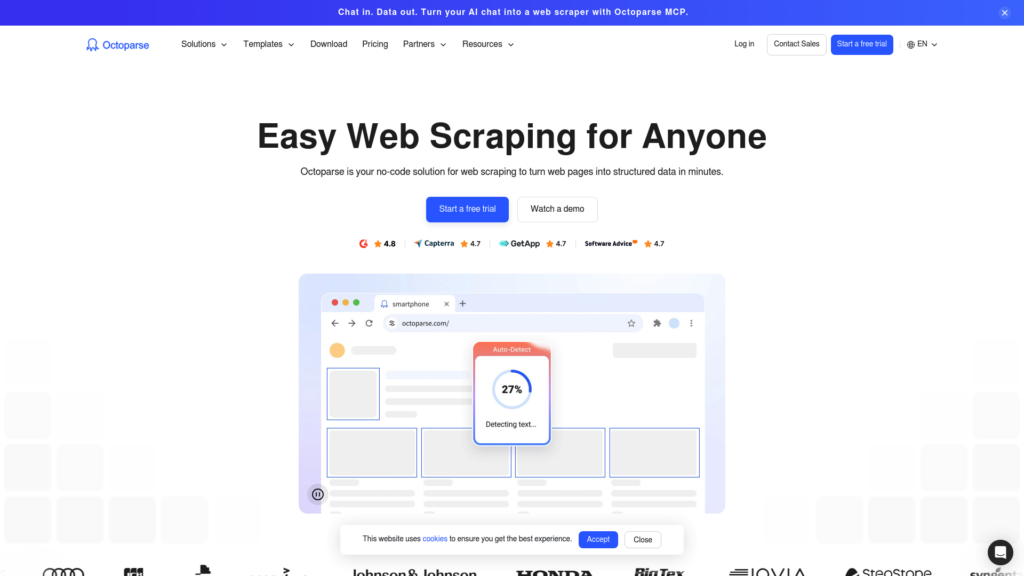
Octoparse sits between Browse AI’s simplicity and Firecrawl’s power. The visual workflow designer lets you build scrapers by clicking on page elements, but it handles complex sites that break simpler tools.
The template library is the largest of any tool tested. Over 500 pre-built scrapers cover Twitter, Google Maps, LinkedIn, Amazon, Indeed, and dozens more. For GTM teams, this means you can extract lead data from Google Maps or monitor job postings without building from scratch.
Pricing:
| Plan | Monthly | Annual | Key Limits |
|---|---|---|---|
| Free | $0 | $0 | 10 tasks, local only, 50K exports/mo |
| Standard | $83 | $69/mo | 100 tasks, 3 concurrent cloud processes |
| Professional | $299 | $249/mo | 250 tasks, 20 concurrent cloud processes |
| Enterprise | Custom | Custom | 750+ tasks, 40+ concurrent processes |
Source: Octoparse pricing
Unlike Browse AI’s credit system, Octoparse uses task-based pricing. A “task” is a complete scraper configuration. This can be more predictable for high-volume scraping but gets expensive if you need many different scrapers. Add-ons include residential proxies at $3/GB and CAPTCHA solving at $1-1.5 per thousand.
What works:
- 500+ templates for popular sites
- Handles infinite scroll, AJAX, and complex navigation
- Strong cloud infrastructure with IP rotation
- Exports to Excel, CSV, JSON, databases, and cloud storage
What doesn’t:
- Steeper learning curve than Browse AI
- Pricing jumps significantly between tiers
- Local mode requires the desktop app
Best GTM use case: Build lead lists from Google Maps at scale, scrape LinkedIn for account research, or extract job posting data for intent-based outreach.
4. Clay
Clay isn’t just a web scraper. It’s a GTM platform that happens to include AI-powered web scraping through Claygent, its research agent. Used by OpenAI, Anthropic, Ramp, and Notion, Clay combines 150+ data enrichment providers with web research in one workflow.
The waterfall enrichment is the killer feature for GTM teams. Instead of relying on one data provider, Clay tries multiple sources in sequence until it finds the data you need. Looking for a prospect’s email? Clay can check Apollo, Hunter, Dropcontact, and others automatically, stopping when it finds a match.
Pricing:
| Plan | Monthly | Annual | Actions | Data Credits |
|---|---|---|---|---|
| Free | $0 | $0 | 500/mo | 100 |
| Launch | $185 | $167/mo | 15,000/mo | 2,500-50,000 |
| Growth | $495 | $446/mo | 40,000/mo | 6,000-50,000 |
| Enterprise | Custom | Custom | 200,000+/mo | 100,000+ |
Source: Clay pricing
Clay’s pricing has two components. Actions measure platform usage like running tables and calling APIs. Data credits purchase enrichment from Clay’s marketplace of 150+ providers. Data credits start at $0.05 each and get cheaper with volume. The Chrome extension lets you scrape any website and add data directly to your Clay tables.
What works:
- Purpose-built for GTM workflows
- Combines scraping with 150+ enrichment providers
- Job change signals, company news, and web intent tracking
- SOC 2 Type II, ISO 27001, and ISO 42001 compliant
What doesn’t:
- Most expensive option on this list
- Overkill if you just need raw scraping without enrichment
- Credit system has a learning curve
Best GTM use case: Enrich lead lists with technographics, employee counts, and recent news. Build account research workflows that combine web scraping with multiple data providers. If you’re evaluating Clay, see our comparison of Clay alternatives for similar tools.
5. Gumloop
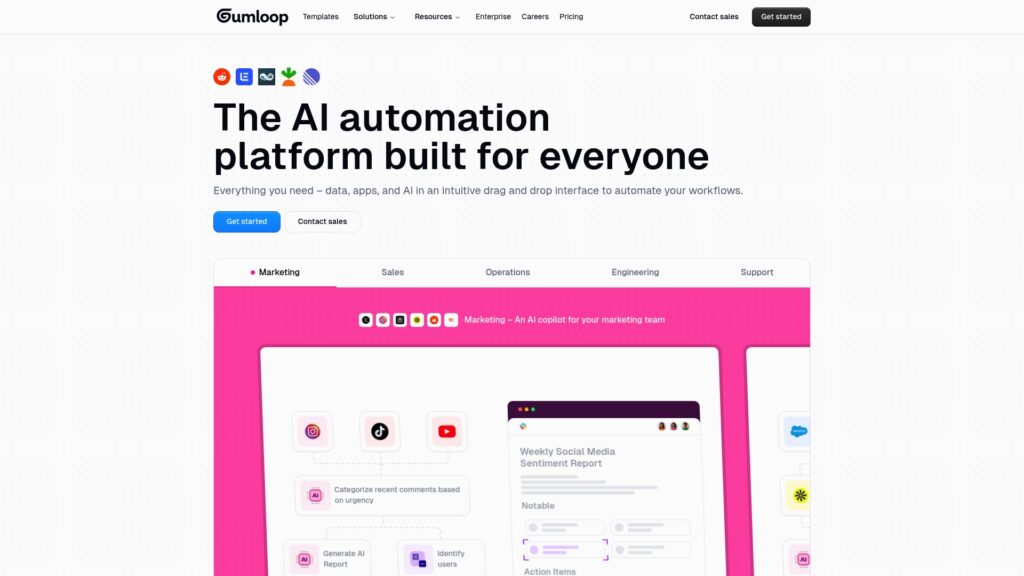
Gumloop is an AI automation platform with a visual canvas for building workflows. Think of it as connecting LEGO blocks: drag a web scraper node onto the canvas, connect it to an LLM node, then send the output to Google Sheets or your CRM.
The flexibility is unmatched. You can process scraped data through GPT-4, Claude, DeepSeek, Llama, or Perplexity, all in the same workflow. This matters for GTM teams doing competitive analysis: scrape a competitor’s pricing page, have an LLM extract and structure the data, then compare it against your own.
Pricing:
| Plan | Monthly | Annual | Credits | Limits |
|---|---|---|---|---|
| Free | $0 | $0 | 5,000/mo | 1 seat, 1 trigger, 2 concurrent runs |
| Pro | $37 | $30/mo | 20,000+/mo | Unlimited seats, 5 concurrent runs |
| Enterprise | Custom | Custom | Custom | SSO, audit logs, custom concurrency |
Source: Gumloop pricing
Credit consumption depends on which nodes you run. A simple web scrape uses fewer credits than a scrape plus LLM processing. The unlimited seats on Pro make it cost-effective for teams compared to per-seat pricing elsewhere. Gumloop also offers a Workflow Builder Agent that’ll generate automations from natural language descriptions.
What works:
- Most flexible AI integration of any tool tested
- Great value with unlimited seats on Pro
- 100+ integrations including all major LLMs
- SOC 2 Type 2 and GDPR compliant
What doesn’t:
- More complex than dedicated scrapers
- Credit consumption unpredictable with LLM calls
- Visual canvas has a learning curve
Best GTM use case: Scrape competitor websites and use LLM to analyze positioning changes, build automated lead research workflows that combine multiple data sources, or create custom enrichment pipelines tailored to your ICP.
6. Web Scraper
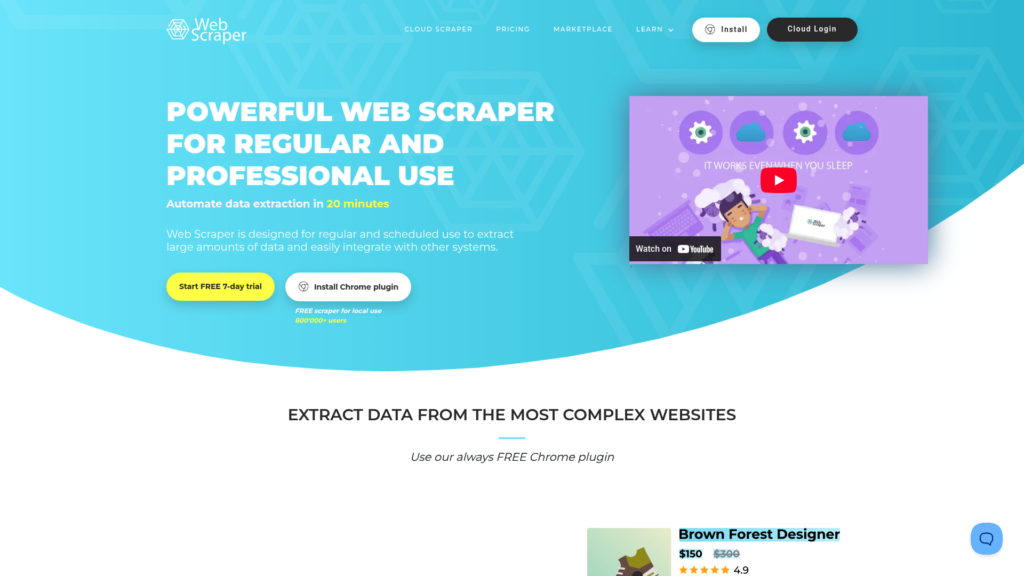
Web Scraper is the best free option for simple scraping needs. The Chrome extension has 800,000+ users and is completely free for unlimited local scraping. You only pay if you need cloud automation.
The sitemap builder is intuitive. Click on page elements to define what data to extract, then let the scraper follow links through an entire site. It handles JavaScript-heavy sites better than most free tools and exports to CSV, XLSX, and JSON.
Pricing:
| Plan | Monthly | URL Credits | Key Limits |
|---|---|---|---|
| Browser Extension | FREE | Unlimited (local) | Local use only |
| Project | $50 | 5,000/mo | 2 parallel tasks, 30-day retention |
| Professional | $100 | 20,000/mo | 3 parallel tasks, 30-day retention |
| Scale | $200 | Unlimited | 2+ parallel tasks, 60-day retention |
Source: Web Scraper pricing
The free tier’s genuinely unlimited for local use. Your browser needs to stay open while scraping, but there aren’t any artificial limits on pages or exports. Cloud plans add scheduling, API access, and proxies for bypassing CAPTCHAs and bot protection.
What works:
- Completely free for local use
- Simple point-and-click interface
- No credit system or artificial limits
- Handles JavaScript and AJAX
What doesn’t:
- Browser must stay open for local scraping
- Limited advanced features compared to paid competitors
- Cloud pricing lacks annual discounts
Best GTM use case: Quick one-off data extractions, proof-of-concept scrapes before investing in cloud tools, or budget-conscious teams with technical users who can keep browsers running.
7. ScrapeGraphAI
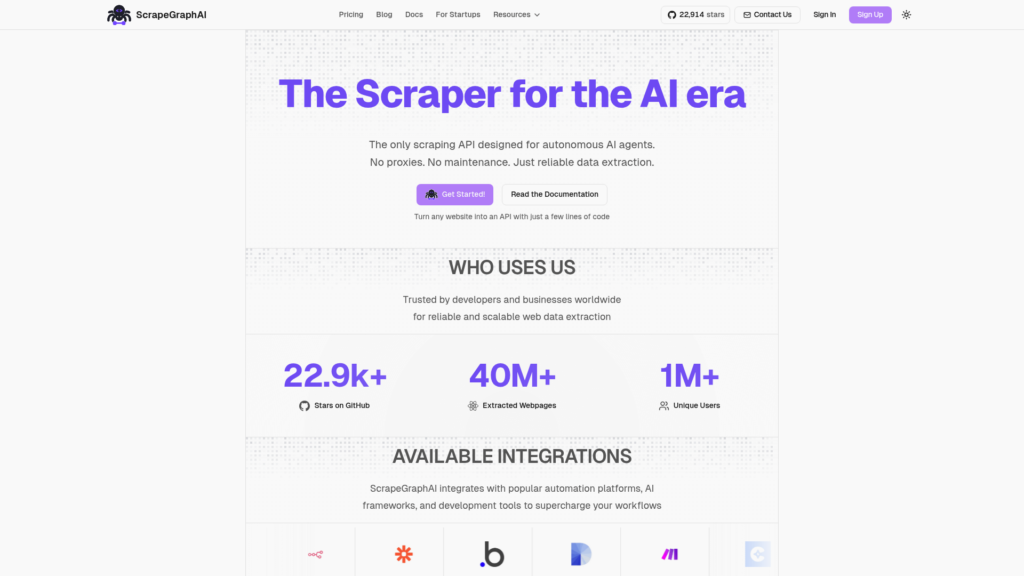
ScrapeGraphAI takes a different approach: instead of teaching the tool where to click, you describe what you want in natural language. “Extract all product names and prices from this catalog” or “Find the CEO’s email and LinkedIn on this about page.”
The AI handles the extraction logic, adapting to site structure changes automatically. ScrapeGraphAI claims 98% accuracy and offers a 30-day guarantee, which suggests confidence in their approach.
Pricing:
| Plan | Monthly | Annual | Credits | Limits |
|---|---|---|---|---|
| Free | $0 | $0 | 50 one-time | 10 requests/minute |
| Starter | $20 | $17/mo | 60,000/yr | 30 requests/minute |
| Growth | $100 | $85/mo | 480,000/yr | 60 requests/minute, basic proxies |
| Pro | $500 | $425/mo | 3,000,000/yr | 200 requests/minute, advanced proxies |
Source: ScrapeGraphAI pricing
Credit costs vary by endpoint. SmartScraper costs 10 credits per page, while simple markdown conversion is just 2 credits. The natural language approach means you’ll spend less time maintaining selectors when sites change, but you’ll trade some control for convenience.
What works:
- Most intuitive extraction method
- Adapts to site changes automatically
- Good accuracy on standard layouts
- No selector maintenance
What doesn’t:
- Newer tool with smaller user base
- Limited integrations compared to competitors
- Less control over exact extraction logic
Best GTM use case: Extract contact info from unstructured pages without writing selectors, monitor pricing across sites with different layouts, or prototype scrapes quickly before building more robust solutions.
How to choose the right AI web scraper for your GTM stack
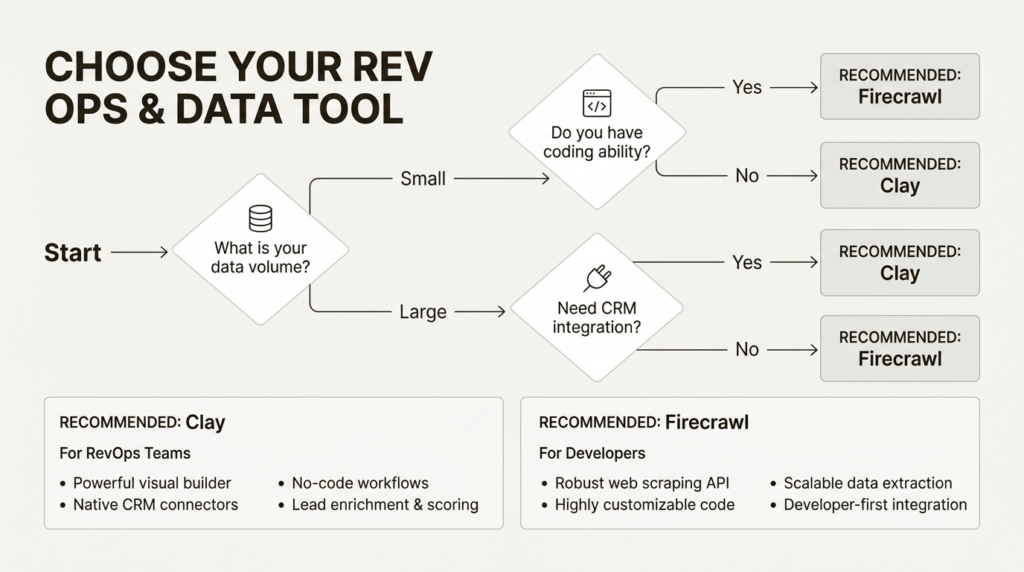
The best tool depends on your team’s technical skills and primary use case.
No-code teams: Start with Browse AI for monitoring and simple extractions, or Octoparse if you need templates for popular sites.
Engineering teams: Firecrawl for clean APIs and LLM pipelines, or Gumloop if you want to chain scraping with AI processing.
Sales and RevOps teams: Clay is purpose-built for GTM workflows with enrichment built in. It’s expensive, but the waterfall data approach saves money compared to buying multiple tools.
Budget-conscious: Web Scraper for free local scraping, or ScrapeGraphAI for AI-native extraction at a lower price point.
Before committing, ask yourself:
- What’s your monthly data volume? Credit-based pricing favors lower volumes; task-based suits higher volumes.
- Do you need real-time or scheduled scraping? Cloud plans add scheduling; local tools require manual runs.
- What integrations are must-haves? Check native connectors before building custom pipelines.
- What’s your team’s technical skill level? Be honest about maintenance capacity.
For a broader view of tools that should be in your stack, see our guide to the best GTM tools for 2026.
Common pitfalls when scraping for GTM data
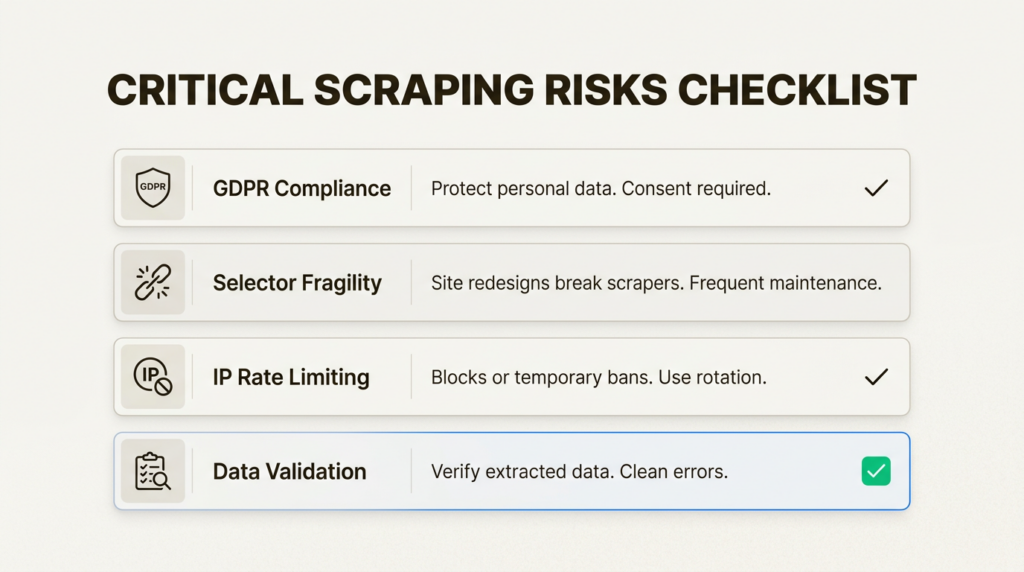
Even the best AI web scraper tools won’t save you from these mistakes:
Legal and compliance issues. GDPR, CCPA, and robots.txt matter. Scraping personal data without legitimate interest can create liability. Always check a site’s terms of service and respect rate limits.
Over-reliance on a single data source. One scraper breaking shouldn’t halt your pipeline. Build redundancy with multiple data providers or fallback workflows.
Not accounting for site structure changes. Websites redesign. Selectors break. Monitor your scrapers for failures and have alerts when data quality drops.
Ignoring rate limits and getting blocked. Aggressive scraping gets IP-banned. Use proxies, respect crawl delays, and design workflows that look human.
Failing to validate scraped data quality. Scraped data is dirty data. Build validation steps that check for expected formats, flag outliers, and require human review for critical decisions.
Start building your GTM data pipeline today
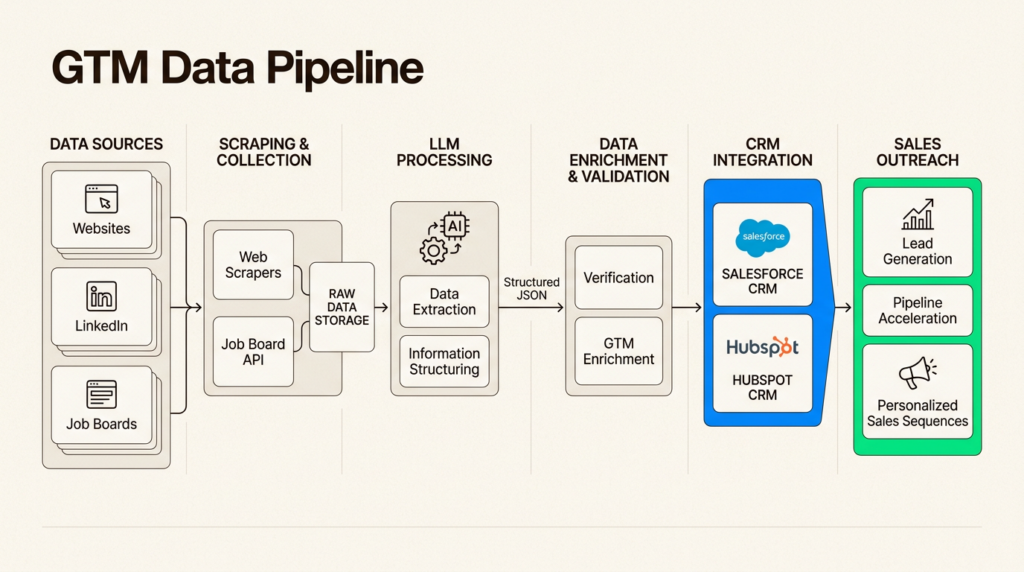
The right AI web scraper tool depends on where you’re at in your GTM journey. Browse AI delivers quick wins for monitoring. Firecrawl powers custom pipelines for technical teams. Clay integrates everything for enterprise GTM workflows.
Start with your use case, not the tool. Define what data you need, where it lives, and how you’ll use it. Then match those requirements to the tool that fits your team’s skills and budget.
For more on building data-driven GTM systems, explore our guides on AI lead generation, the skills and tech stack every GTM Engineer needs, and what GTM Engineers actually do day-to-day.
Frequently Asked Questions
Which AI web scraper tool is best for beginners?
Browse AI has the gentlest learning curve. You train robots by clicking through a site once, and the interface guides you through setup. No coding required, and you can get useful data within minutes of signing up.
Can I use these AI web scraper tools for free?
Yes. Web Scraper offers unlimited free local scraping. Browse AI, Firecrawl, Gumloop, and Clay all have free tiers with limited credits. ScrapeGraphAI and Octoparse offer free trials. Most tools let you test before committing.
Are AI web scraper tools legal to use for lead generation?
It depends on what you scrape and how you use it. Scraping publicly available business data is generally legal, but scraping personal data or violating a site’s terms of service can create liability. Always check robots.txt, respect rate limits, and ensure your use case complies with GDPR and CCPA.
How do AI web scraper tools handle CAPTCHAs and bot detection?
Most tools include anti-detection features. Browse AI includes residential proxies and CAPTCHA solving in all paid plans. Octoparse offers these as add-ons. Firecrawl handles bot detection through its infrastructure. For heavily protected sites, expect to pay more for premium proxy rotation.
Can I integrate these AI web scraper tools with my CRM?
Most tools offer CRM integrations. Browse AI connects to Salesforce and HubSpot through Zapier or Make. Clay has native CRM sync. Firecrawl requires building a custom integration via API. Check the specific integration list before choosing a tool.
What is the difference between AI web scraper tools and traditional scrapers?
Traditional scrapers use fixed CSS selectors that break when sites change. AI scrapers use machine learning to understand page structure, making them more resilient to redesigns. They also handle dynamic content like infinite scroll and JavaScript rendering better than traditional tools.

Leave a Reply