

I burned through $700 testing AI workflow automation tools last quarter. Some were genuinely impressive. Others were overpriced wrappers around basic API calls. The difference between them matters a lot when you’re building revenue operations that actually need to scale.
If you’re a GTM Engineer or RevOps leader trying to automate lead enrichment, prospecting, or CRM hygiene, you need more than a pretty UI. You need tools that handle real data volume, integrate with your existing stack, and don’t surprise you with hidden costs at scale.
This guide covers 7 AI workflow automation tools I tested hands-on, evaluated through a GTM lens with specific focus on time-to-value and total cost of ownership.
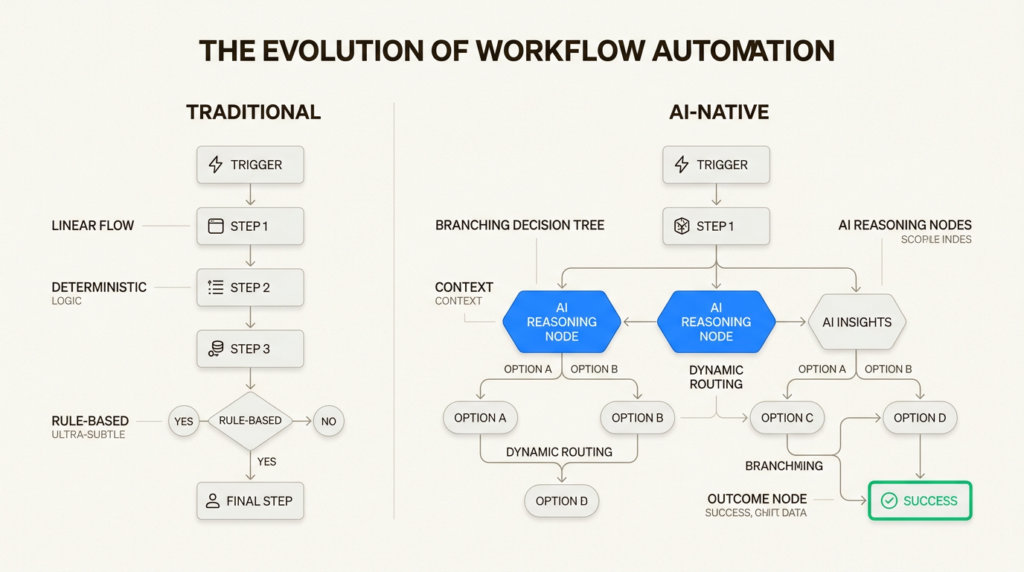
What is AI workflow automation?
Traditional automation moves data from Point A to Point B. A new lead hits your form, Zapier adds them to Salesforce, done. That’s useful, but it’s not intelligent.
AI workflow automation adds reasoning. Instead of just moving data, these tools can analyze it, make decisions, and take context-aware actions. A lead comes in, the AI researches the company, scores the fit based on your ICP criteria, drafts a personalized outreach email, and only then creates the Salesforce record with all that context attached.
The key difference: traditional automation is deterministic (if X, then Y). AI automation is probabilistic (analyze X, decide the best Y). For GTM teams, this means workflows that used to require human judgment can now run autonomously.
AI-driven GTM strategies are becoming essential because they let small teams operate with the reach of much larger ones.
How I evaluated these tools
I tested each tool by building the same three workflows:
- Lead enrichment flow: Take an email address, enrich with Clearbit/Apollo data, score the lead, update HubSpot
- Outbound sequence trigger: When a high-fit account visits pricing page, research the account, draft personalized email, queue for review
- CRM data hygiene: Identify stale contacts, verify emails with NeverBounce, update records, flag duplicates
My evaluation criteria:
- Time to first working workflow: How long from signup to something actually running?
- Technical flexibility: Can I add custom logic when the built-in steps aren’t enough?
- Pricing at scale: What does it actually cost when you’re processing 10K+ records monthly?
- GTM-specific fit: Does it have the integrations and features revenue teams actually need?
AI workflow automation tools compared
| Tool | Starting Price | Self-Hosted | Best For | GTM Fit |
|---|---|---|---|---|
| n8n | Free (self-hosted) | Yes | Technical teams | Excellent |
| Zapier | $19.99/mo | No | Non-technical users | Good |
| Make | $9/mo | No | Visual builders | Good |
| Gumloop | $30/mo | No | AI-first workflows | Very Good |
| Pipedream | $24/mo | No | Developers | Good |
| Lindy.ai | $49.99/mo | No | AI assistant users | Moderate |
| Workato | Custom | No | Enterprise | Excellent |
The 7 best AI workflow automation tools
1. n8n
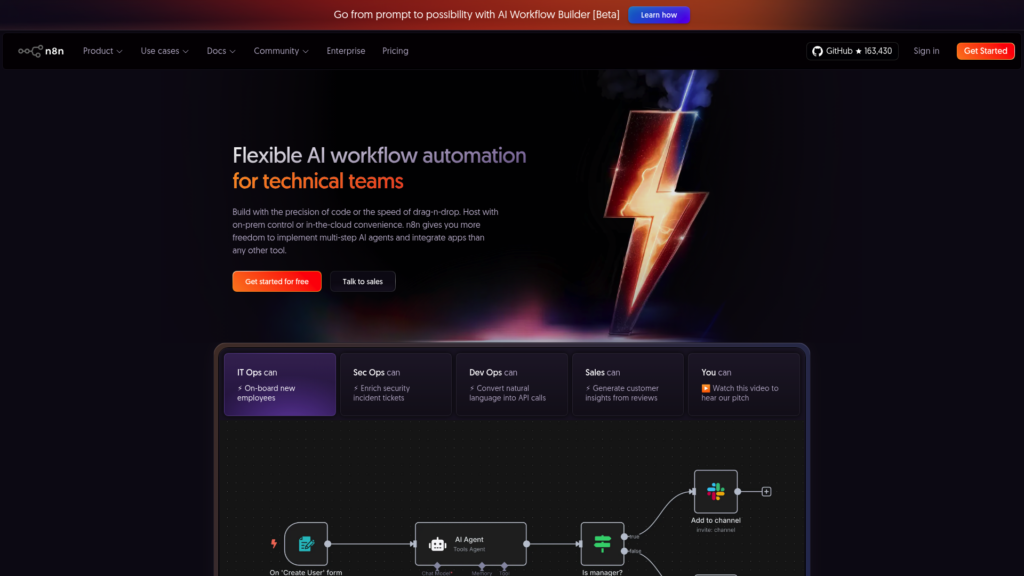
n8n is the only tool on this list that offers a genuinely free self-hosted option. It’s also the most technically flexible, which makes it ideal for GTM Engineers who want control over their automation infrastructure.
What I like:
- Execution-based pricing: Unlike competitors charging per step, n8n charges per complete workflow run. A workflow with 50 steps costs the same as one with 5 steps.
- Code when you need it: Drop into JavaScript or Python anywhere in your workflow. I built a custom lead scoring algorithm that would’ve been impossible in visual-only tools.
- Self-hosting option: Run it on your own infrastructure for data sovereignty. This matters when you’re processing prospect data subject to GDPR or other regulations.
What to watch out for:
- Steeper learning curve than no-code alternatives
- UI is functional but less polished than competitors
- Community edition requires technical setup
Pricing: Free for self-hosted; Cloud starts at $20/month for 2,500 executions. Business plan at $800/month includes SSO and Git version control.
Source: n8n pricing
Best GTM use case: Complex lead scoring with custom logic, multi-step enrichment workflows that process thousands of records.
2. Zapier

Zapier is the 800-pound gorilla of workflow automation. With 8,000+ app integrations, it’s the safe choice when you need to connect tools that don’t talk to each other natively.
What I like:
- Massive integration library: If two SaaS tools exist, Zapier probably connects them. This saved me when I needed to integrate a niche sales intelligence tool.
- Zapier Copilot: The AI assistant actually helps build workflows. I described what I wanted in plain English and got a working starting point.
- All-in-one platform: Tables (data storage), Forms (interfaces), and Zaps (workflows) are now bundled together at no extra cost.
What to watch out for:
- Task-based pricing adds up fast: Each action in a workflow counts as a task. My lead enrichment workflow used 12 tasks per lead. At 1,000 leads/month, that’s 12,000 tasks.
- Limited custom logic compared to code-capable alternatives
- Premium apps require paid plans
Pricing: Free for 100 tasks/month; Professional from $19.99/month for 750 tasks. Team plan at $69/month adds collaboration features.
Source: Zapier pricing
Best GTM use case: Quick integrations between common tools, simple lead routing, notifications and alerts.
3. Make
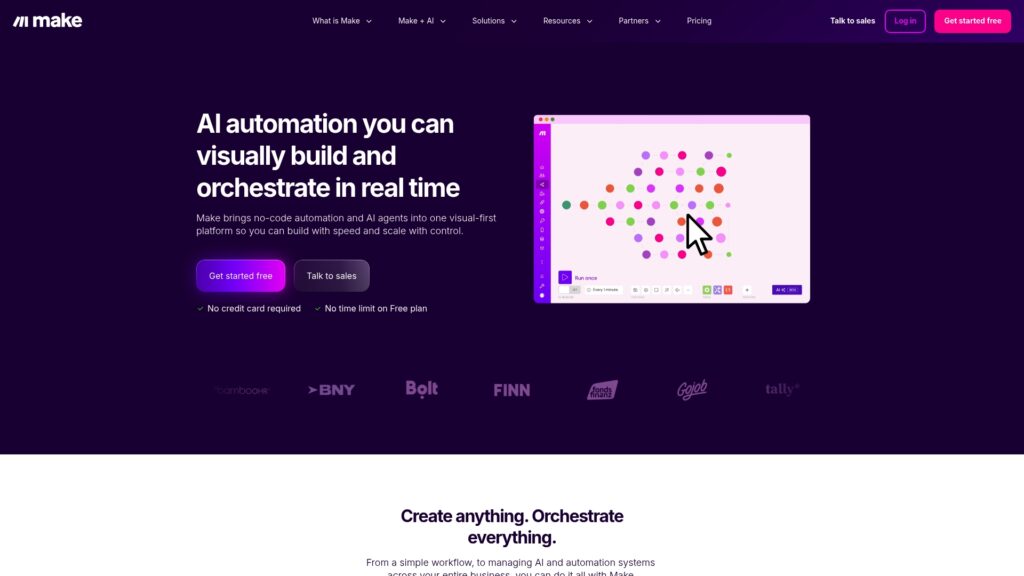
Make (formerly Integromat) offers the best visual workflow builder I’ve used. Its diagram-style interface makes complex data flows actually understandable.
What I like:
- Visual data mapping: Drag connections between fields with full visibility into data structure. Debugging data transformations is much easier than in text-based tools.
- Affordable entry point: At $9/month for 10,000 operations, it’s the cheapest way to get started with serious automation volume.
- Built-in code support: The Make Code App lets you run JavaScript or Python when visual steps aren’t enough.
What to watch out for:
- Error debugging can be frustrating; error messages aren’t always clear
- Complex scenarios become visually cluttered
- Credit system requires careful monitoring
Pricing: Free for 1,000 credits/month; Core plan at $9/month for 10,000 credits. Teams plan at $29/month adds collaboration features.
Source: Make pricing
Best GTM use case: Data transformation workflows, visual pipeline building, teams that think in diagrams.
4. Gumloop
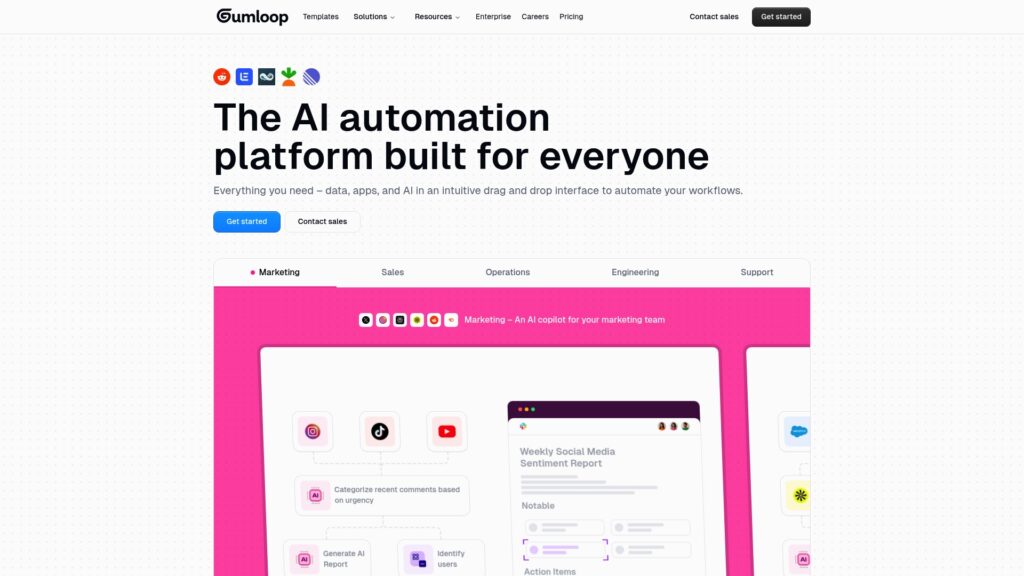
Gumloop is the newest entrant on this list, but it’s purpose-built for AI workflows in a way that older platforms aren’t. Used by teams at Shopify, Instacart, and Webflow.
What I like:
- AI-native from the ground up: Every workflow can incorporate LLM reasoning without workarounds. The MCP (Model Context Protocol) support lets you connect AI agents directly.
- Workflow Builder Agent: Describe what you want in natural language and Gumloop builds the workflow for you. It actually works for straightforward use cases.
- No API key juggling: Gumloop includes AI model access in the subscription. You don’t need separate OpenAI or Anthropic accounts.
What to watch out for:
- Smaller community and fewer tutorials than established players
- Newer platform with less proven stability
- Credit consumption can be hard to predict with AI-heavy workflows
Pricing: Free for 5,000 credits/month; Pro at $30/month for 20,000+ credits. Enterprise adds RBAC and audit logs.
Source: Gumloop pricing
Best GTM use case: AI-powered account research, automated outreach personalization, workflows requiring LLM reasoning.
5. Pipedream
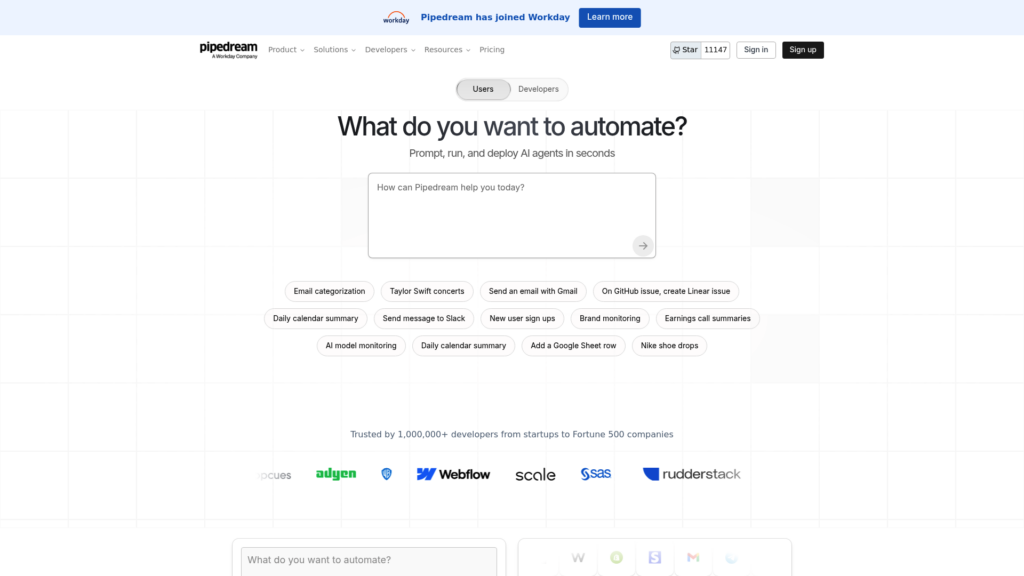
Pipedream sits at the intersection of no-code convenience and developer flexibility. Acquired by Workday in late 2025, it serves over 1 million developers.
What I like:
- Code-first when you want it: Write Node.js or Python directly in workflows. This is invaluable for GTM Engineers who need to hit APIs that don’t have pre-built integrations.
- 10,000+ pre-built components: Reusable code snippets for common operations save time on repetitive tasks.
- Serverless execution: Workflows run without managing infrastructure. Scale from 10 to 10,000 executions without configuration changes.
What to watch out for:
- Requires coding knowledge for anything beyond basic workflows
- Fewer non-technical users compared to Zapier
- Workday acquisition may shift product direction
Pricing: Free for 100 credits/month; Advanced at $49/month for 2,000 credits and unlimited workflows. Business plan adds HIPAA support.
Source: Pipedream pricing
Best GTM use case: Custom API integrations, data pipelines, workflows requiring complex data manipulation.
6. Lindy.ai
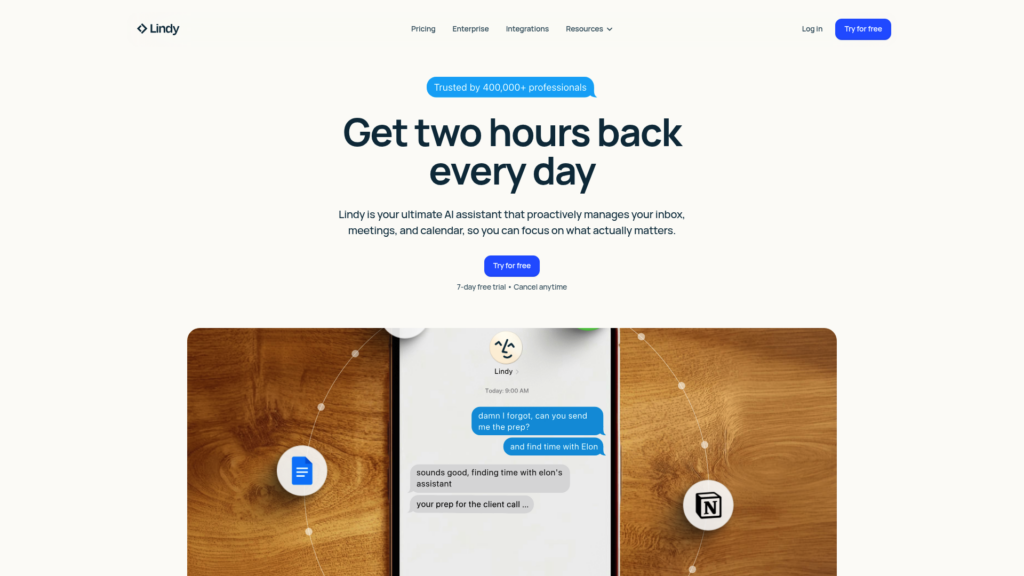
Lindy takes a different approach: instead of building workflows in a visual interface, you interact with an AI assistant via iMessage or SMS.
What I like:
- Natural language interaction: Just text Lindy what you need. “Find me the decision-makers at Acme Corp and draft an intro email” actually works.
- Learns your style: Over time, Lindy adapts to how you write emails and prioritize tasks.
- 24/7 availability: Unlike human assistants, Lindy doesn’t sleep or take vacation.
What to watch out for:
- Less precise control than visual workflow builders
- iMessage-centric interface may not suit all workflows
- Limited compared to full automation platforms
Pricing: Pro at $49.99/month for individuals; Enterprise with team features and SSO requires sales contact.
Source: Lindy.ai pricing
Best GTM use case: Executive inbox management, meeting scheduling and follow-up, quick research tasks.
7. Workato
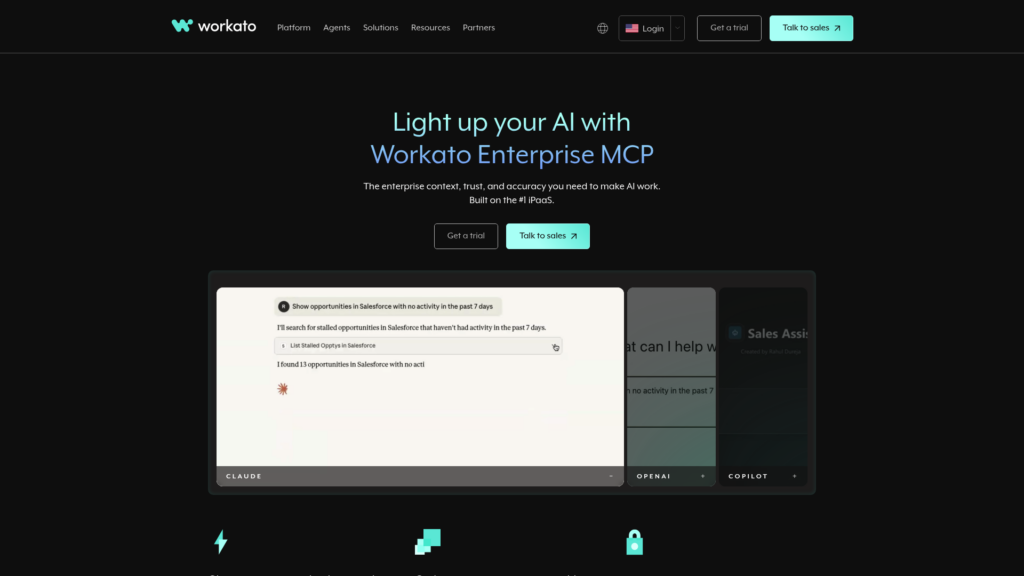
Workato is the enterprise choice. It’s not self-serve (you’ll talk to sales), but for large GTM organizations with governance requirements, it’s hard to beat.
What I like:
- Pre-built Genies: AI agents for specific functions (CX Genie, Sales Genie, IT Genie) that work out of the box with enterprise systems.
- Enterprise MCP: Secure Model Context Protocol servers that let AI agents access your systems without exposing raw APIs.
- Governance built-in: RBAC, audit logs, data residency controls, and compliance certifications that satisfy enterprise security teams.
What to watch out for:
- Enterprise-only pricing (expect five figures annually)
- Sales process required, no self-serve option
- Overkill for small teams or simple workflows
Pricing: Custom enterprise pricing only.
Source: Workato
Best GTM use case: Large revenue operations teams, companies with strict compliance requirements, organizations needing pre-built AI agents.
Choosing the right tool for your GTM stack
Here’s my decision framework based on what I found testing these tools:
Choose n8n if: You’re technical, want control, and don’t mind self-hosting. It’s the best value for high-volume workflows.
Choose Zapier if: You need the broadest integration ecosystem and want something that just works without technical setup.
Choose Make if: You prefer visual building and need affordable entry-level pricing with room to scale.
Choose Gumloop if: AI-native workflows are your priority and you want modern MCP support without managing API keys.
Choose Pipedream if: You’re comfortable writing code and need flexibility for custom integrations.
Choose Lindy if: You want an AI assistant for daily tasks rather than building complex workflows.
Choose Workato if: You’re enterprise-sized and need governance, compliance, and pre-built AI agents.
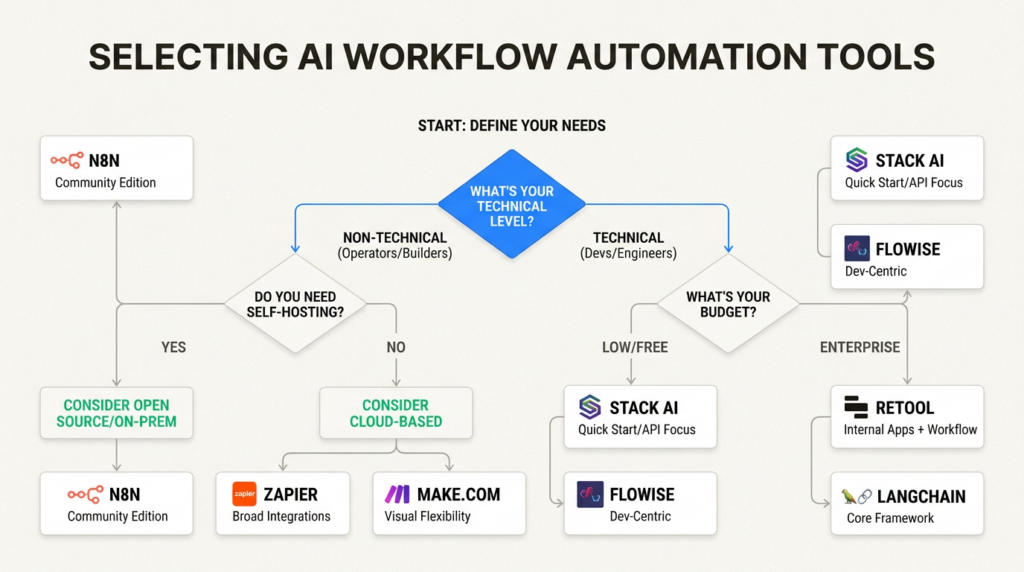
For most GTM teams I work with, the choice comes down to n8n versus Zapier. If you have technical resources, n8n’s execution-based pricing wins at scale. If you need something running today without engineering help, Zapier is the safer bet.
Start automating your GTM workflows
AI workflow automation has moved from nice-to-have to essential for competitive GTM teams. The tools covered here can handle lead enrichment, prospecting, CRM hygiene, and dozens of other revenue operations tasks that used to consume hours of manual work.
Start with one workflow that causes pain today. Maybe it’s the lead research that reps do before every call, or the data cleanup that happens at quarter-end. Pick a tool, build that first automation, and expand from there.
For more on building your GTM tech stack, check out our guides on GTM Engineer skills and tech stack and our reviews of Clay alternatives for data enrichment.
Frequently Asked Questions
What are the best AI workflow automation tools for small GTM teams?
For small teams, I recommend starting with Make ($9/month) or n8n (free self-hosted). Both offer serious automation capabilities without enterprise pricing. Make is easier for non-technical users; n8n offers more flexibility if you have technical resources.
How do I choose between AI workflow automation tools for revenue operations?
Focus on three factors: integration ecosystem (does it connect to your CRM and sales tools?), pricing model (per-task vs. per-execution makes a huge difference at scale), and technical flexibility (can you add custom logic when needed?). Test with your actual use case before committing.
Can AI workflow automation tools replace manual GTM processes entirely?
Not entirely, but they can handle 80% of repetitive tasks. Lead enrichment, data entry, and initial research are great candidates for full automation. Complex deal strategy and relationship building still need human judgment. Use automation for scale, humans for nuance.
What’s the difference between traditional automation and AI workflow automation tools?
Traditional automation follows fixed rules (if X happens, do Y). AI workflow automation can analyze context and make decisions (research X, determine the best Y based on what you find). For GTM, this means workflows that adapt to each lead rather than treating everyone the same.
Are free plans on AI workflow automation tools actually usable for GTM work?
n8n’s self-hosted free tier is genuinely usable for production workloads. Zapier and Make’s free plans are good for testing but hit limits quickly with real volume. Gumloop’s free tier is generous enough to run small workflows. Plan to upgrade once you validate the workflow works.
How much should I budget for AI workflow automation tools at scale?
For a team processing 10,000 leads monthly through multi-step workflows, expect $200-800/month depending on the tool. n8n’s execution-based pricing is most cost-effective for complex workflows. Zapier gets expensive fast with task-based pricing. Factor in the cost of any AI model usage (OpenAI tokens, etc.) if not included.
Leave a Reply